ProtosTV
Participant
December 16, 2022
Answered

Acrobat will not print the title on documents

  • December 16, 2022
  • 2 replies
  • 2026 views

Left is Microsoft Edge Print, Right is Acrobat. Happens on multiple printer brands. How do I fix this issue?


 

This topic has been closed for replies.
Correct answer Luke Jennings3

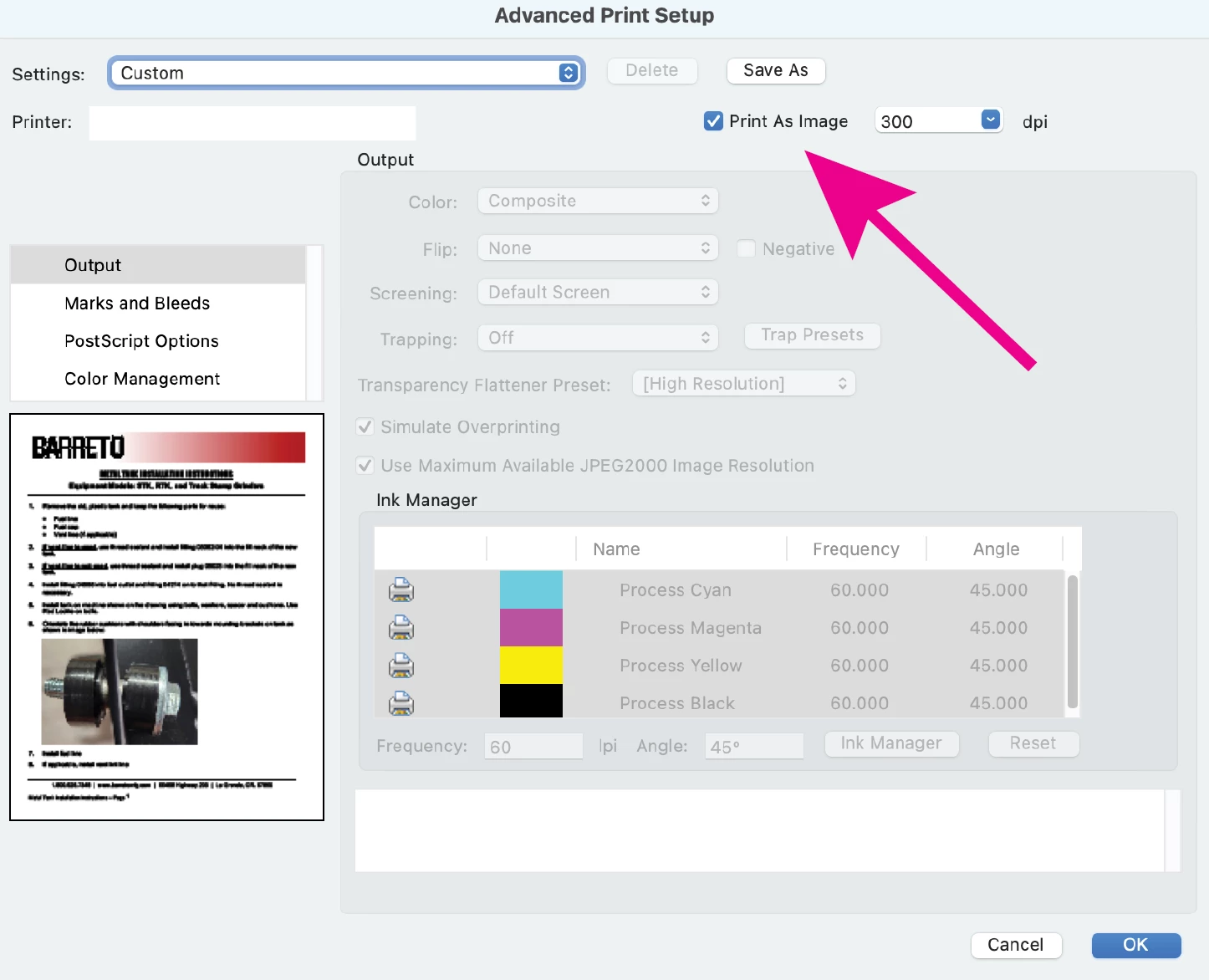
Your pdf was created from Word. I can print the pdf if I select the "Print as image" option under the Advanced print settings. It may be possible to re-create the pdf from Word using a PDF/X setting, (PDF/X-1a) which may fix the Acrobat print issue.
2 replies

Abambo
Community Expert
Community Expert
December 18, 2022

In addition, please share a screenshot of your print dialogue(s).

ABAMBO | Hard- and Software Engineer | Photographer
ProtosTV
ProtosTVAuthor
Participant
December 19, 2022

I don't get any dialog. not on the system anyway. I just hit print and it sends to the printer and prints out the document

try67
Community Expert
Community Expert
December 18, 2022

Can you share the file? Did you create it yourself? If so, how?

Also, what exact version of Acrobat are you using, and on what OS?

ProtosTV
ProtosTVAuthor
Participant
December 19, 2022

I myself do not create the files. they are created throughout the organization but this problem only seems to happen in acrobat but it happens on different computers running the newest version of acrobat on windows 10 or 11. File is attached to this post