Participant
October 8, 2026
Answered

Acrobat won't open since update

My long-running Adobe Acrobat will not open on my Mac desktop.  Just a Mac error message stating the application cannot be opened.

Re-starting the computer did not resolve the issue.

Mac software is up-to date: 26.7.1

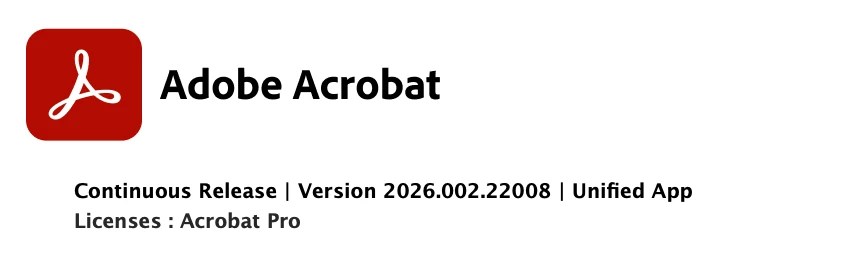
Is this caused by the recent Adobe update?  App info states it was modified yesterday on 10/7/2026 and is showing version 26.002.22008.

Anyone else having issues with Acrobat on their Mac?

    justlearnskills
    justlearnskillsCorrect answer
    Community Expert
    October 9, 2026

    ​@TB_Tucson I am not having any issues. I just tried and I am currently using a MacBook Pro M5 Max and I am using the same version as you. 


    My first thought is your Acrobat has corrupted files. I would uninstall Acrobat. Run Adobe Cleaner Tool to cleaning up corrupt files, https://helpx.adobe.com/ca/creative-cloud/apps/troubleshoot/diagnostics-repair-tools/run-creative-cloud-cleaner-tool.html. Once that is done, delete the previous download that had Acrobat and empty your trash can or recycle bin.

    Then go back to Adobe Creative Cloud Desktop app, and download a ‘fresh’ and ‘new’ Acrobat for your computer.. 

    I would also turn off ‘auto updates’ — not knowing the update has any bugs too. 

    m

    2 replies

    TB_TucsonAuthor
    Participant
    October 9, 2026

    Thank you!

    uninstall/reinstall /cleaner tool was successful !

    Translate
    justlearnskills
    Community Expert
    justlearnskillsCommunity ExpertCorrect answer
    Community Expert
    October 9, 2026

    ​@TB_Tucson I am not having any issues. I just tried and I am currently using a MacBook Pro M5 Max and I am using the same version as you. 


    My first thought is your Acrobat has corrupted files. I would uninstall Acrobat. Run Adobe Cleaner Tool to cleaning up corrupt files, https://helpx.adobe.com/ca/creative-cloud/apps/troubleshoot/diagnostics-repair-tools/run-creative-cloud-cleaner-tool.html. Once that is done, delete the previous download that had Acrobat and empty your trash can or recycle bin.

    Then go back to Adobe Creative Cloud Desktop app, and download a ‘fresh’ and ‘new’ Acrobat for your computer.. 

    I would also turn off ‘auto updates’ — not knowing the update has any bugs too. 

    Translate
    m