
amityunger
Participant
November 19, 2017
Question

Acrobat won't sign the PDF

  • November 19, 2017
  • 1 reply
  • 7632 views

Hello,

For some reason, Acrobat won’t sign the PDF.

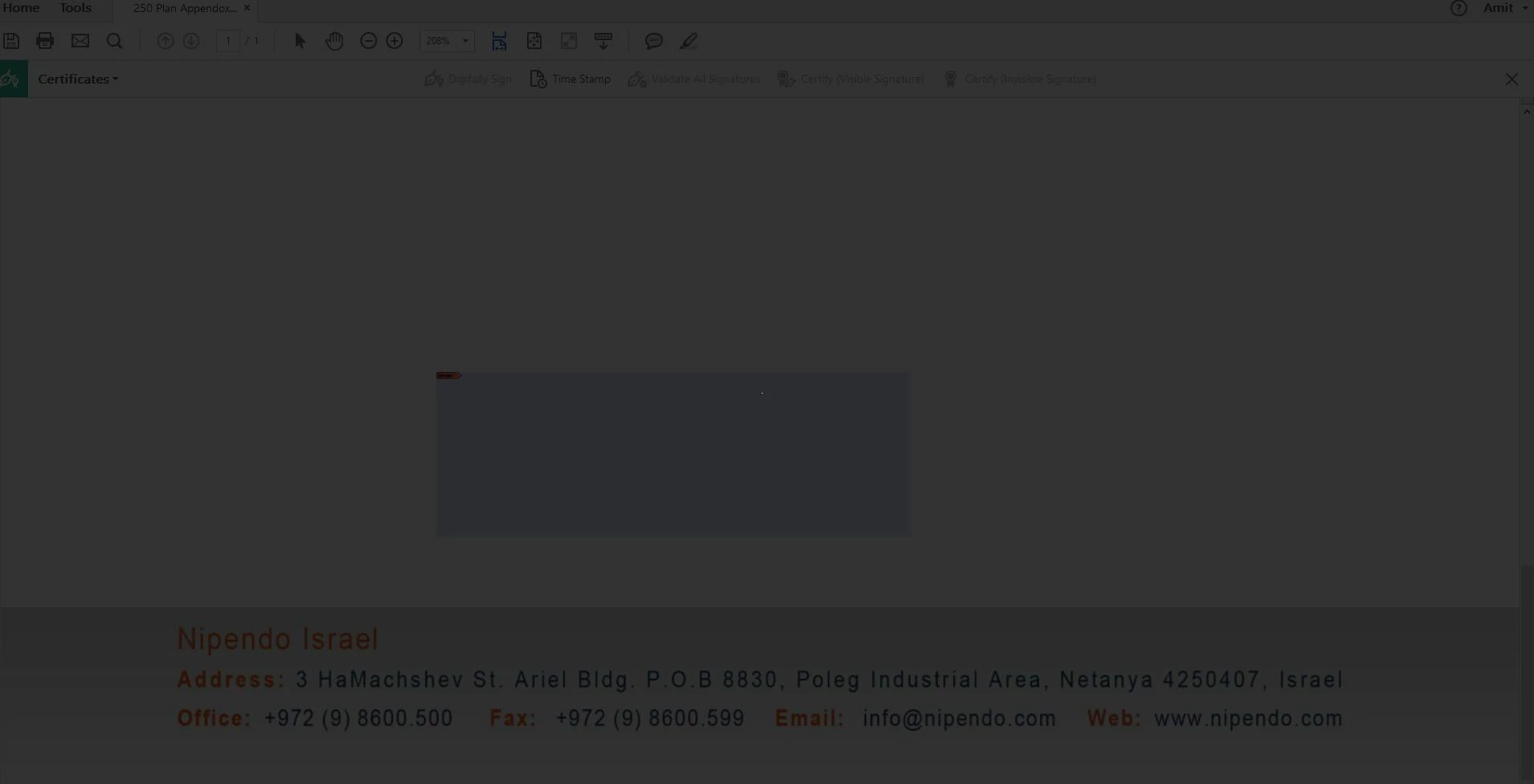
Once I draw a rectangle, I get this massage: “This signature field requires a digital signature identity. Would you like to configure one now?” and pressing “Configure Digital ID” fill the whole document with 50% transparent black with a white pixel in the middle.
Afterward, only Esc will make the document available again (without the signature).

I’m working on an up to date Acrobat CC and I tried “Save as other > Reader extended PDF”.
What should I do?

Many thanks,

Amit

This topic has been closed for replies.

1 reply

Adorobat
Participating Frequently
January 11, 2018

Hi Amit,

Sorry for the delay in response.

Are you still experiencing this issue? If yes, please try the steps given below:

1- Press Esc button to get back to the pdf.

2- Click Edit > Preferences > Signatures > Identities & Trusted Certificates > click More.

3- Click Add ID and follow the steps to create a digital ID. Once finished, relaunch Acrobat and try again. You may refer to the steps given in the following link on how to create a digital id in Acrobat: Digital IDs in Acrobat

Feel free to update this discussion if you need any help.

Shivam