
Acrobat XI Pro cannot find create 'CenturyGothic' font
Sorry about the long post, I want to give as much information as possible to whoever can help. I appreciate your help!
I got this fun little problem with Adobe Acrobat XI Pro and a Font, I got a number of employees that get the following error when they open a PDF document or when they start to scroll through the document.
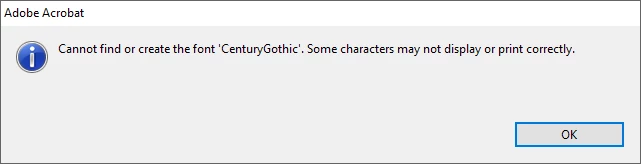
"Cannot find or create the font 'CenturyGothic'. Some characters may not display or print correctly."
So far no one has lost any data and all PDFs have displayed correctly.
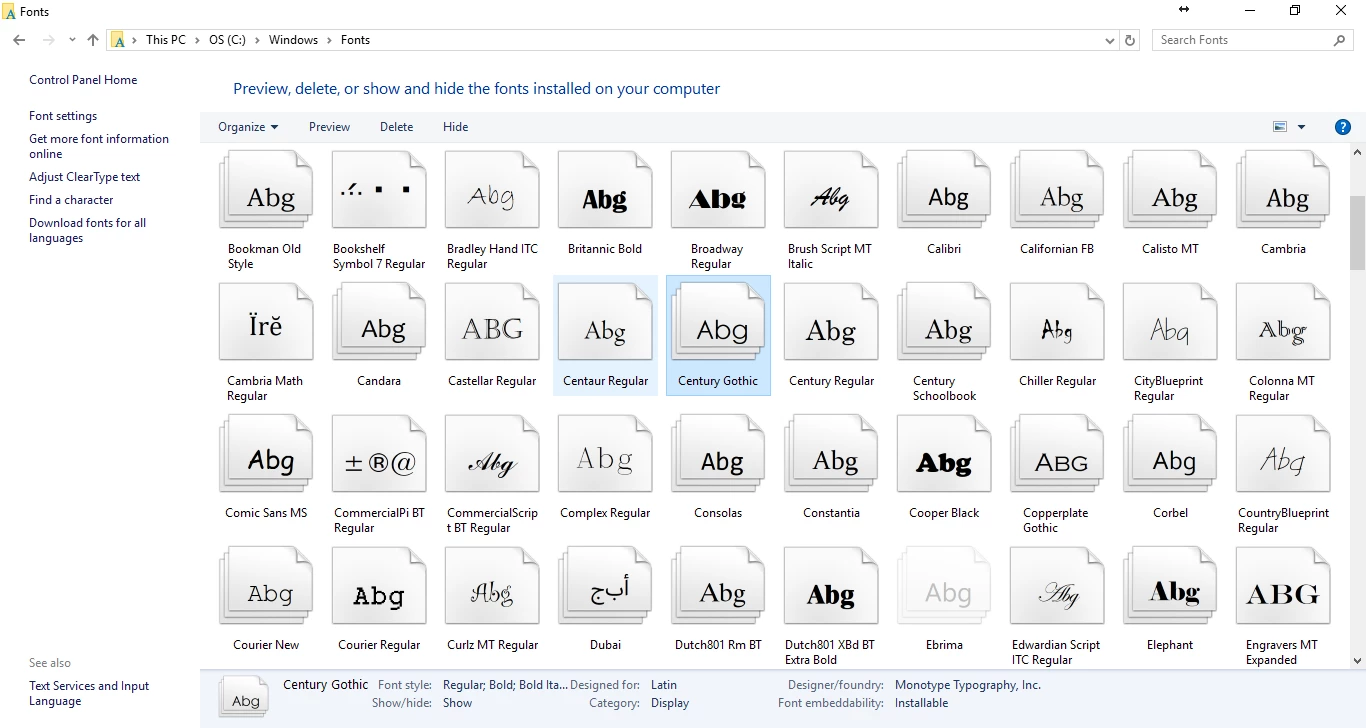
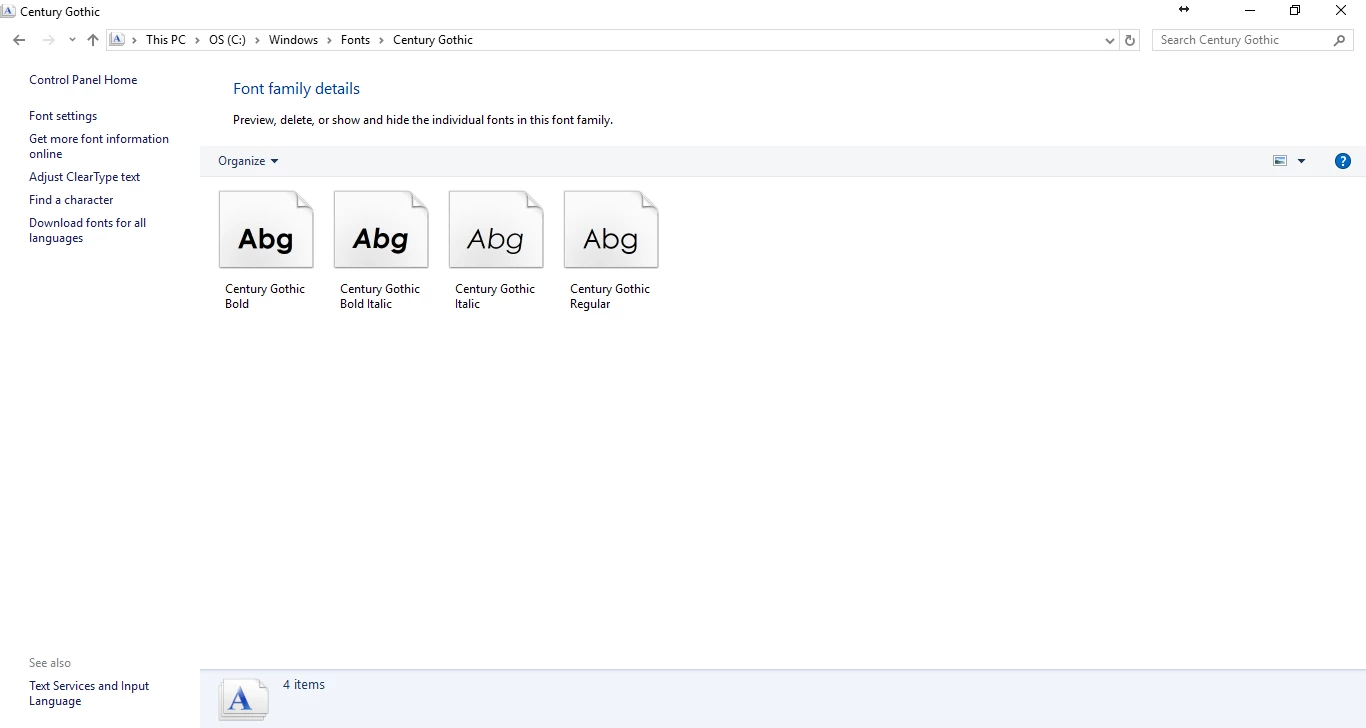
Here's the funny part of the problem, when I look at the Windows directory, Font folder, all of the Century Gothic fonts are installed. Also, when I go to the Adobe Acrobat XI Pro Document Properties and the Fonts Tab, the CenturyGothic shows up in the list with the type of TrueType.
To be honest, I wonder if this is related to another issue we had when we upgraded to the Windows 10 Creators Update. We did the Creators update all of the computers lost the Century Gothic font and I had to reinstall it. It caused a massive headache with AutoCAD.
Our workstations run Windows 10 Pro Creators Update. Latest drivers and updates are regularly applied. Adobe Acrobat Xi 11.20 is installed on all the workstations.
Thanks for your help in advance!
Travis
P.S. I am also hoping I can get in before support for XI has expired...
ATTACHMENTS:
- 1 Image showing the error message
- 3 images showing the Windows Font folder and Adobe document properties.


 AdChoices