AcrobatProで塗りつぶしの一部を白くしたい
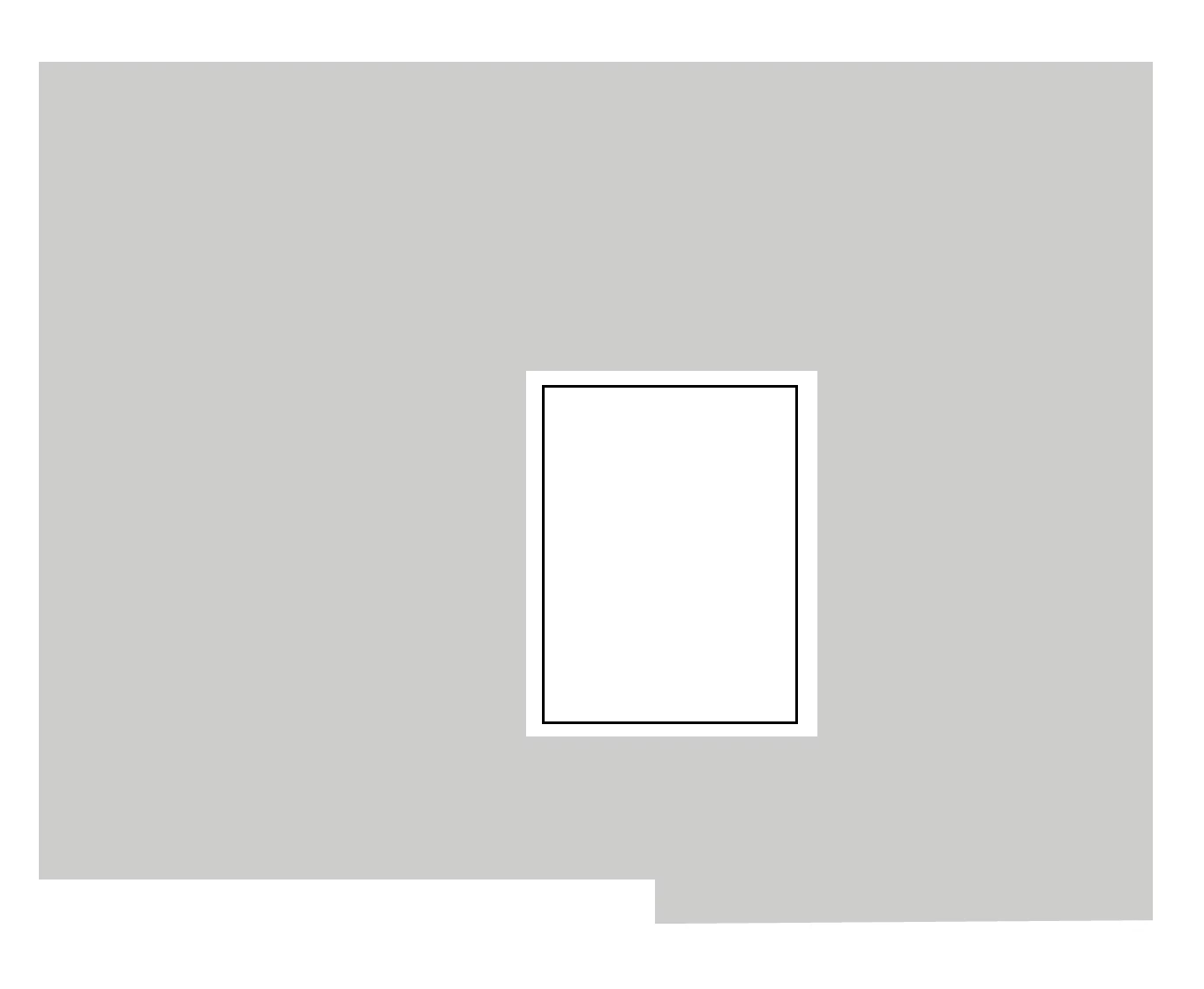
AcrobatProで図の面を塗りつぶしをしています。その塗りつぶしの一部を塗りつぶしを解除したいです。イメージとして図面の壁面を塗りつぶし、窓だけ塗りつぶしなしの状態にしたいです。私が使用しておらず関係会社からの問い合わせのためイメージのみのお伝えですが、知恵をお借り出来たら嬉しいです。よろしくお願い申し上げます。

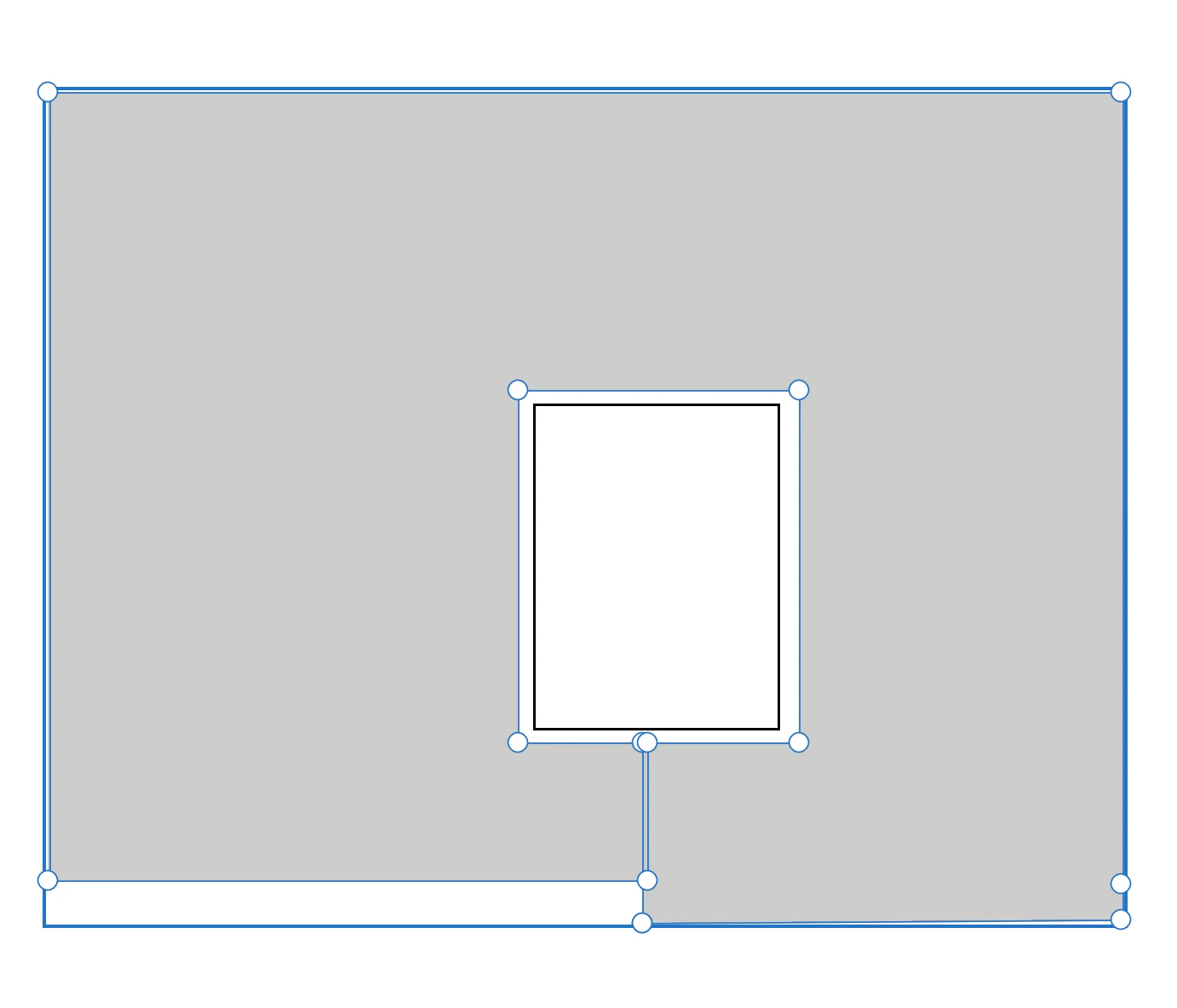
Adding color to the wall while excluding the window is a task better suited to Illustrator (the pathfinder tool). You could use the Acrobat comment tool to draw a closed polygon around the window, add a fill color and change the stroke style to "none" (right click on the comment and adjust the properties). the polygon can overlap itself to simulate the window being cut out of the shape. You can use a preflight fixup to convert the comments into regular page content, if desired.


Already have an account? Login
Enter your E-mail address. We'll send you an e-mail with instructions to reset your password.