
Question
Adding alt text to a whole-page image in Acrobat
I have a hand-illustrated infographic that was given to me as a JPEG and I have converted it to a PDF, and I need to tag this for accessibility (adding alt text for screen readers mostly)
My problem is, when I try to draw a box around each element the option in the Reading Order panel remains grayed out- meaning I can't assign them to anything.
Any suggestions would be appreciated. I will attach one of my documents for reference. 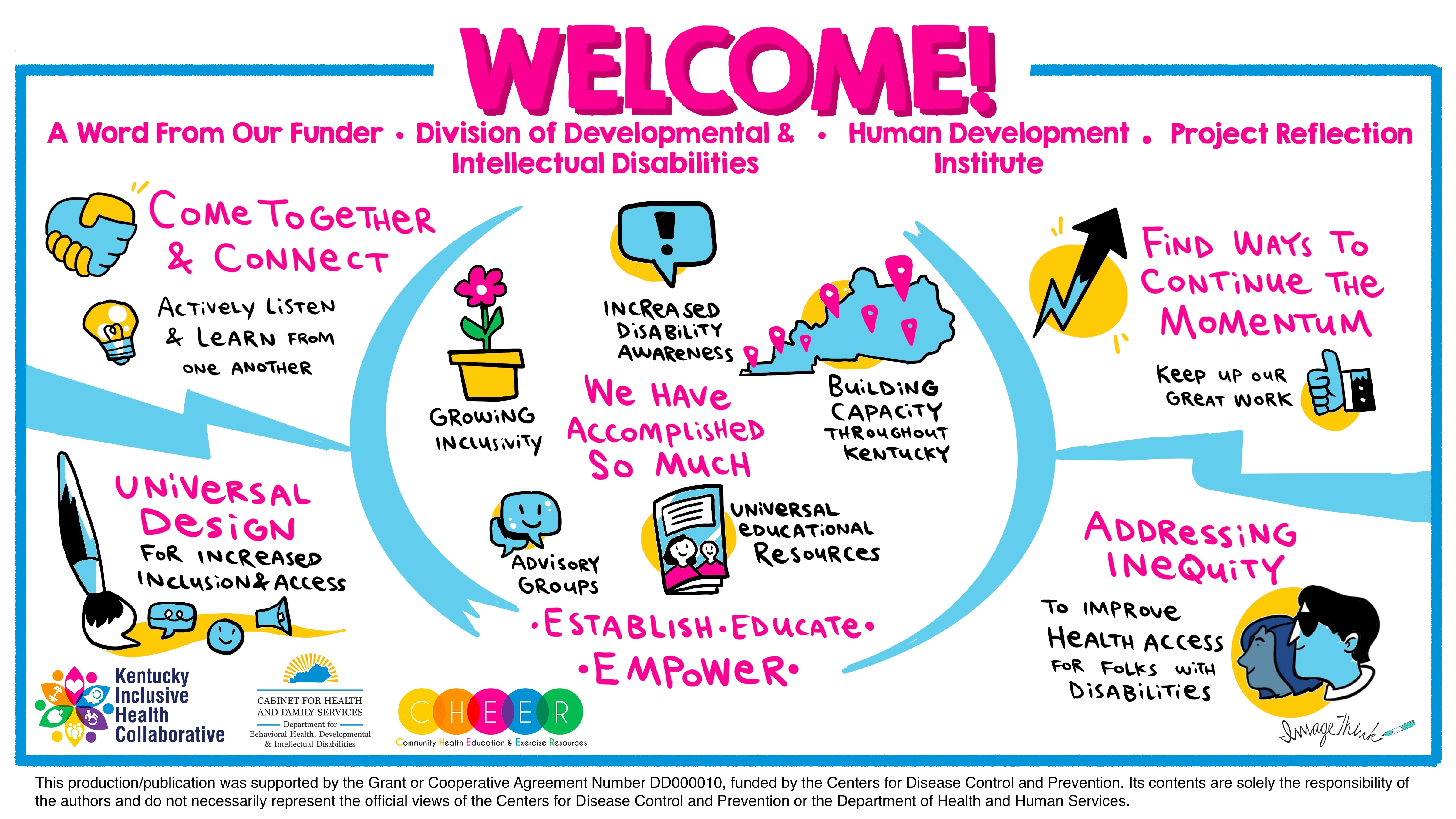
 AdChoices