
Adding photo links or images to a blueprint drawing
We received pdf floor plans from clients for large buildings (think fire escape plans like you see on the walls of your typical office). We go through buildings and perform site assessments. Typically, while in the field, we would hand write observations (damaged ceiling tile or crack in the wall, etc...) on a large print out of the building drawing. Ideally - we would like to access the drawing via Adobe on our laptop or Ipads - and, then add notations and text boxes with arrows directly on the drawing by zooming in on that room and adding a text box with the arrow pointing to that deficiency (the wall, floor, etc..) and - this is the bigger need! - it would be amazing if we could take a photo while standing in that particular room and be able to drop a "button" or clickable link or something - so when the client received this document, they would be able to zoom in and out of the floor plan's various rooms and click something to see an image of what we are referencing in our text box. Hope this makes sense!! We have Adobe Pro if this matters. Example of what I do now... also, it would be great to add shading polygons, lines, etc... to these drawings. But, the edit dropdown for our shared docs does not have all the annotation tools that we use??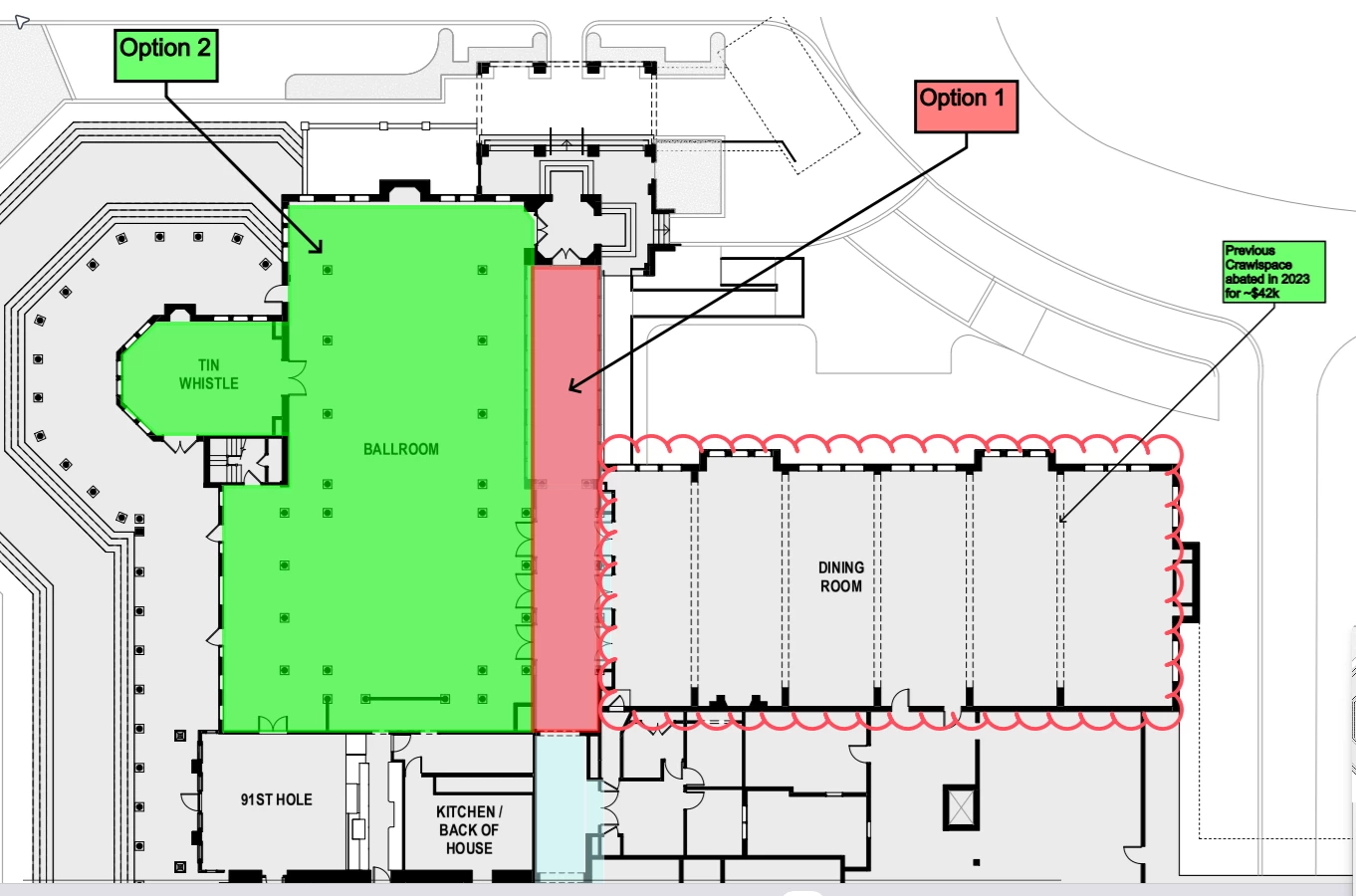


 AdChoices