
Participant
November 7, 2024
Question

Adjusting the Bookmark View to Display at the Top of the Screen

  • November 7, 2024
  • 1 reply
  • 320 views

Hello! I am trying to solve a view problem with bookmarks. I have set my bookmarks and sub-bookmarks within a document and they work well. However, when I select a bookmark, it shows that section in the middle of my viewable screen instead of the top of my viewable screen. Is there a way to change this so that whatever bookmark I click automatically displays at the very top of my viewable screen?


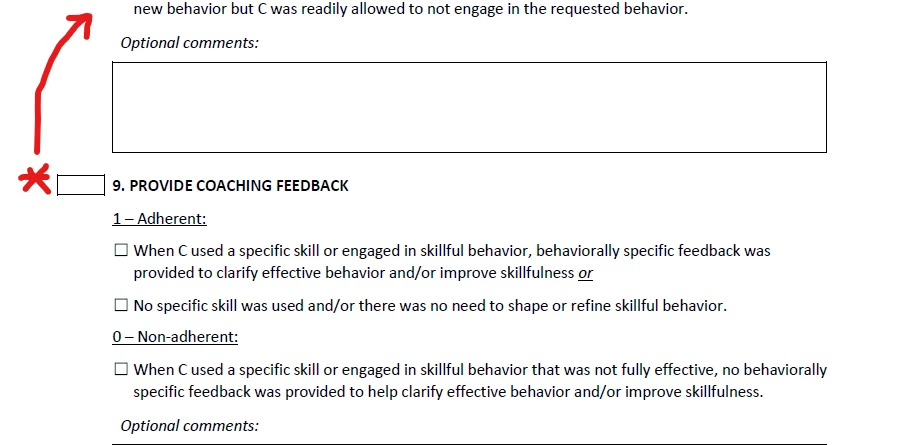
For example, in the image, how can I make the bookmark for section 9 show at the very top of my screen?


Thank you!
 

1 reply

Legend
January 9, 2025

Hi @Kristin_D

Sorry for the delayed response, and thanks for reaching out.
I'm following up to check if you already have found an answer to the question or not. 

You can visit this help page: https://adobe.ly/3DOa0ck and check the following sections on this page: 

  • Change the text appearance of a bookmark 
  • Set the default zoom level for bookmarks


Let us know if that works.


Thank you for your patience and support. 


~Tariq

Kristin_DAuthor
Participant
January 9, 2025
I did! Thank you for checking.

--
Kristin Dulaney (she/her)
Owner; Mercury Business Solutions <>
317.759.8961