Answered
Adobe Acrobat 2017 Won't Install on Windows 11
This is the second time I've tried today and both times, it gets stuck on this Installing Time Remaining: 0 Seconds screen. What can I do?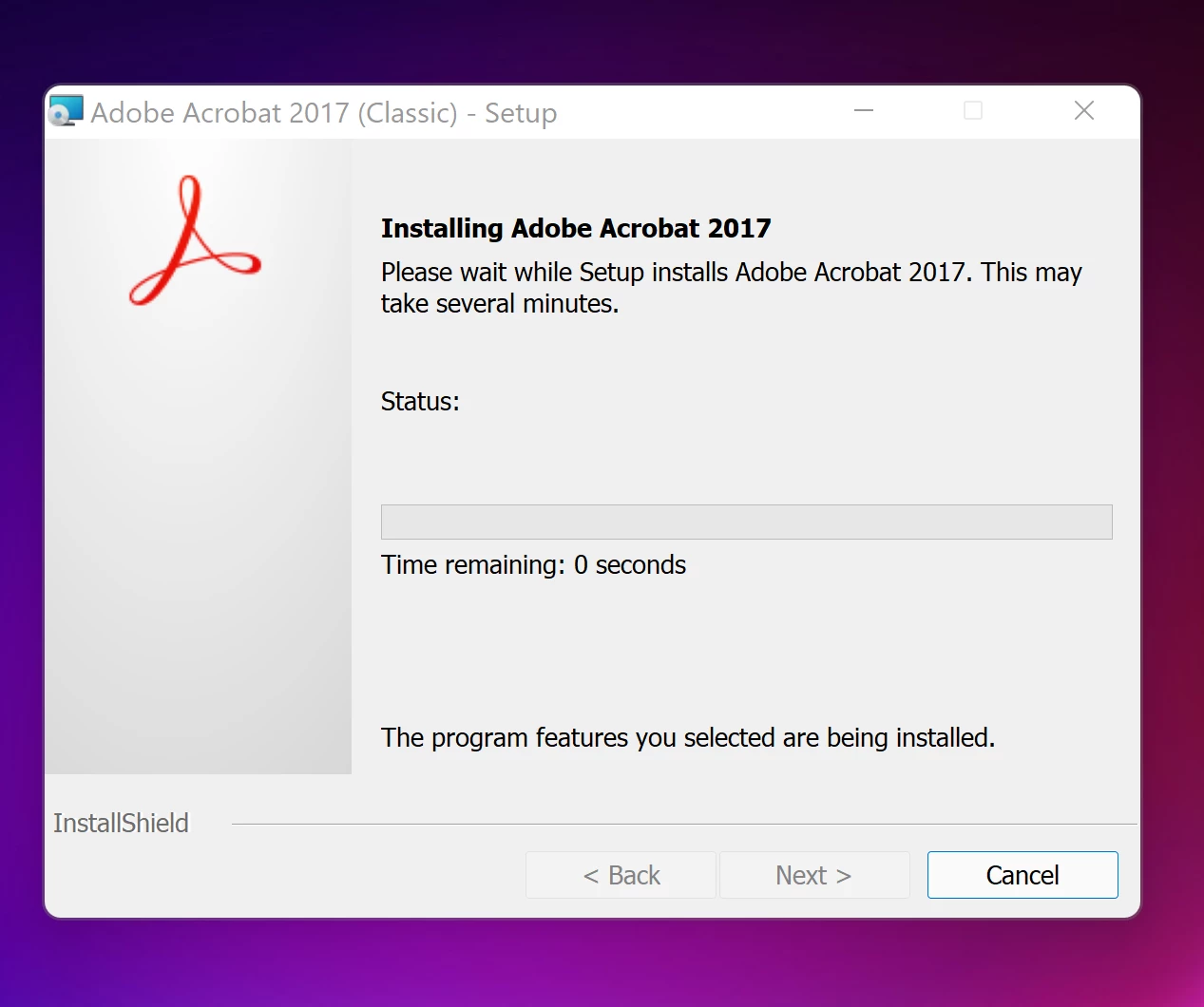

This is the second time I've tried today and both times, it gets stuck on this Installing Time Remaining: 0 Seconds screen. What can I do?
Windows (at least up to version 10) has been good about compatibility with old programs
Two ideas that MAY work to install and/or run old programs in Windows 10 (and MAYBE Windows 11 ?)
-RIGHT click the program icon or EXE and select a compatibility mode in the pop up option window
-and/or select Run as Administrator to assign FULL Windows permissions
-also https://helpx.adobe.com/x-productkb/global/create-local-administrator-account-windows.html
Already have an account? Login
Enter your E-mail address. We'll send you an e-mail with instructions to reset your password.
 AdChoices