


Adobe Acrobat (64 - bit) 25.001.20630 keeps crashing.
Hi,
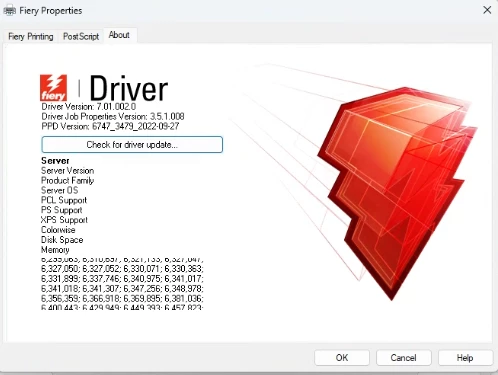
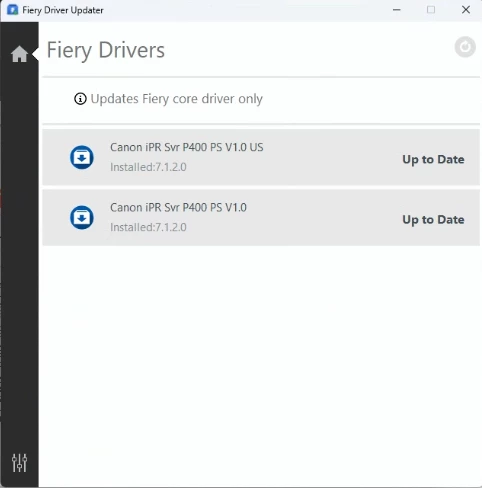
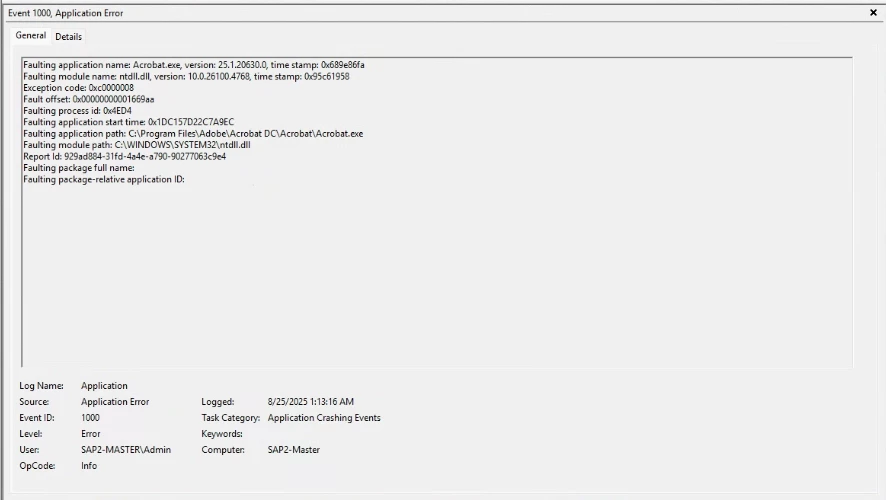
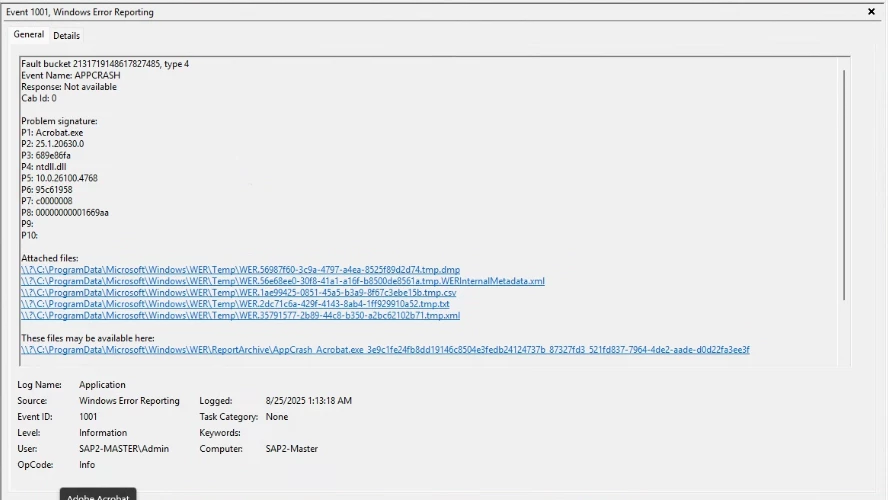
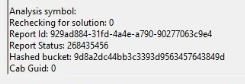
So this one has me a little stumped. Hopefully something simple I am over thinking and missing but not sure. Here are some of the facts I have if you need more just ask and I will add it. The problem comes when I open up acrobat and I select my Fiery printer server and then select propertis and change anything like 1 side to 2 or any settings and select OK it crashes. I check for all updates and uninstall and reinstalled everything 2 times. I have attached photos of both Fiery and Adobe update are done and checked just now again. I also attach photo of the event log showing the crash. Along with reinstall I also found online a simular error report and somone said remove the profiles as one can be bad. I removed them and it worked 1 time, then crash every time after again. Please let me know what else I can try as this is starting to get under my skin, the printer works fine and has if you just open and print it has no issues.
Computer was build by some one else
Computer is a Windows 11 Pro 64 bit
AMD Ryzen 5 2400G 3.60GHz
240GB SSD HD
48GB Ram
 AdChoices