


Adobe Acrobat Blank Sign-In Pop-up
TL;DR: Modifying the Registry HKCU\SOFTWARE\Adobe\Adobe Acrobat\DC\Privileged: bProtectedMode=0 allows user to bypass sign-in error. I can use Acrobat on the same workstation under my user and not have any errors.
Issue: An employee started having issues with their Adobe Acrobat software on their Windows 10 workstation. It is acting like it cannot find the license or sign into the Adobe Cloud for a license. If the user is signed into Creative Cloud and opens Adobe Acrobat, a blank pop-up appears like it wants the user to sign in. It does not allow the user to continue without signing in.
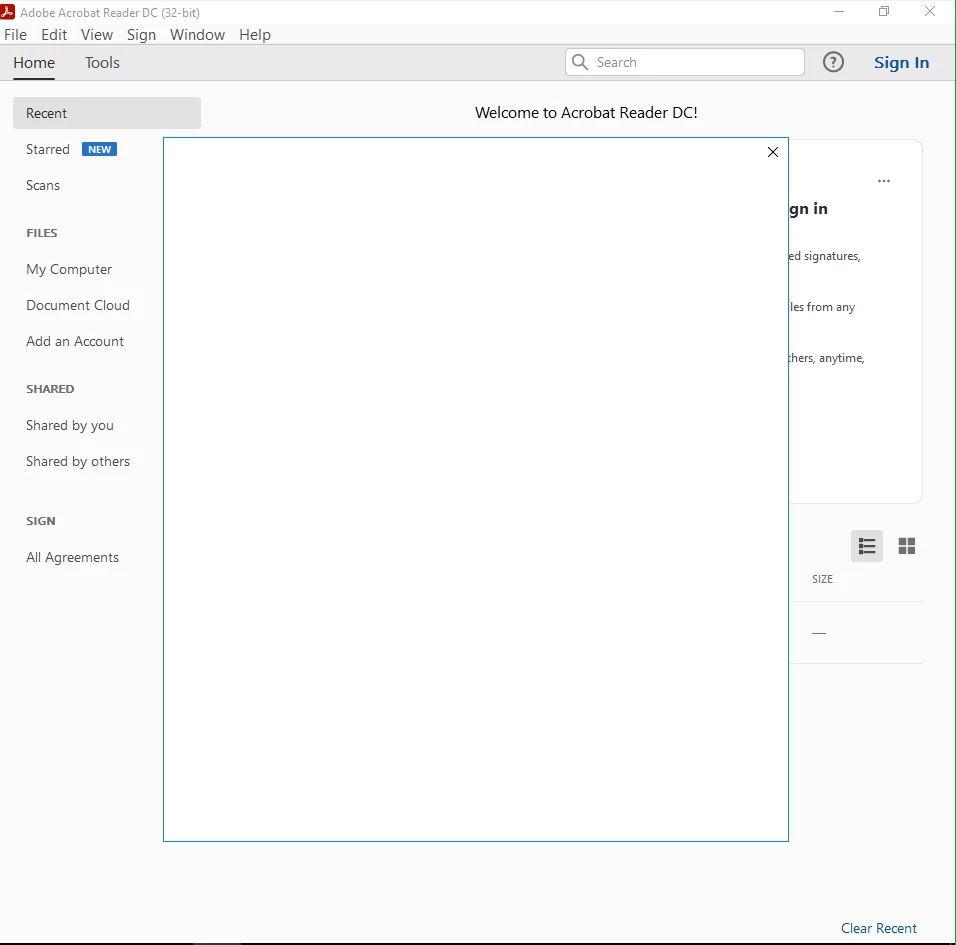
Clicking on the User Profile settings results in the program crashing.
Troubleshooting Steps:
- Uninstalled Acrobat from the workstation. Reinstalled Acrobat using Creative Cloud. No change
- Uninstalled Acrobat and ran repair on Creative Cloud. Reinstalled Acrobat using Creative Cloud. No change
- Removed AppData files for Acrobat (folders labeled Acrobat or Adobe DC) for the user. Had the user launch Acrobat. No change.
- Removed Acrobat from the workstation. Removed residual files and folders from Program Files and ProgramData. Reinstalled Acrobat from Creative Cloud. No change.
- Found some possible solutions online: https://helpx.adobe.com/acrobat/kb/troubleshoot-activation.html for activating Acrobat. All solutions failed.
- Closed Acrobat. Signed out of Creative Cloud. Removed all credentials from Credential Manager. Launched Acrobat. Now Acrobat says it cannot find an active subscription and it thinks it is offline (it is not offline. I was using a remote session).
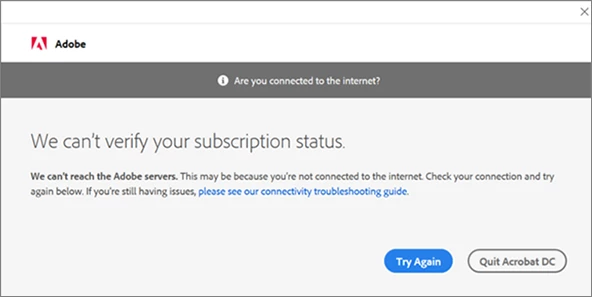
6. Rebooted the computer. Logged into workstation as my user. Logged into Acrobat as my user. No issues.
7. Searched online for additional solutions: https://helpx.adobe.com/creative-cloud/kb/blank-white-screen-ccp.html - sign user out of all sessions. No change. https://helpx.adobe.com/acrobat/kb/cant-verify-your-subscription-status.html - Not using Trend Micro but the Registry edit allowed user to bypass the login issue. (HKCU\SOFTWARE\Adobe\Adobe Acrobat\DC\Privileged: bProtectedMode=0)
This is only a workaround. I need to know what I need to modify/delete from the user's profile or registry because the application is working under other profiles. Removing the user's profile is not a viable option at this time.
 AdChoices