


Participating Frequently
March 15, 2025
Answered

Adobe Acrobat DC For MacOs won't display text

  • March 15, 2025
  • 5 replies
  • 2403 views

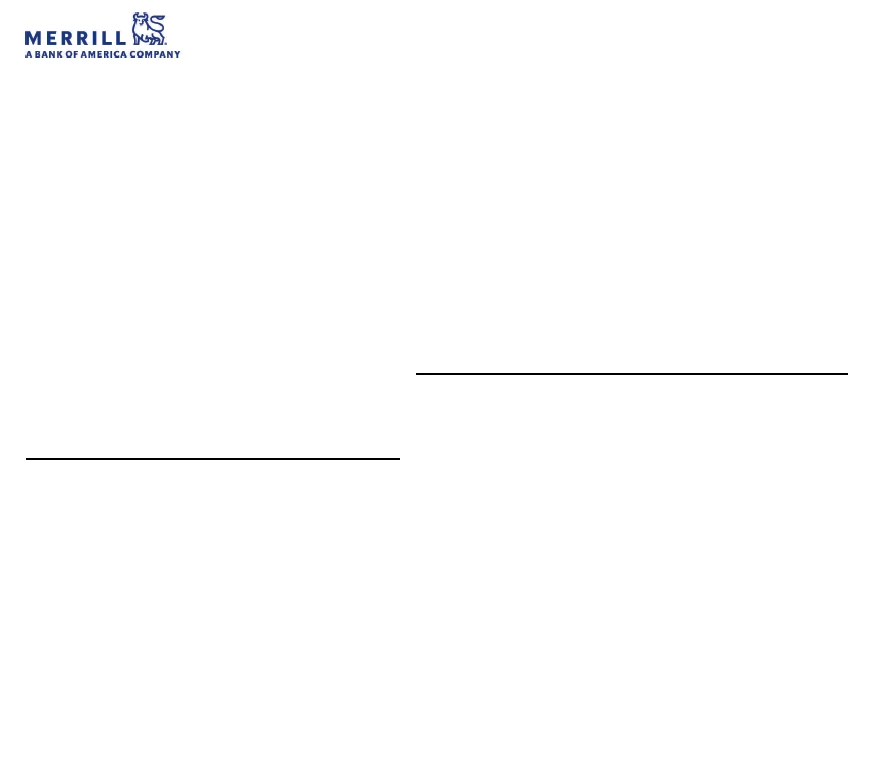
I'm using Adobe Acrobat Reader Version 2025.001.20432 on MacOs Sequoia 15.3.2. Some of my pdf documents look fine but other will not display text, unless it's part of an embedded logo. Has anyone encountered this and how do I resolve it? The started sometime after the most recent adobe update. I've attached a screenshot of an example document. This is supposed from a credit card statement. 
Correct answer Peddlewoods-DLG

Thanks @ravinderg62643219 !

I've updated my Acrobat to 25.001.20438 and this appears to have fixed my problem! Appreciate the quick fix and deploy! 

Cheers

5 replies

Adobe Employee
March 21, 2025

Hi,


We have rolled out a fix for this in latest version 25.001.20438. Please update  your app and try

Peddlewoods-DLGCorrect answer
Participant
March 21, 2025

Thanks @ravinderg62643219 !

I've updated my Acrobat to 25.001.20438 and this appears to have fixed my problem! Appreciate the quick fix and deploy! 

Cheers

AnandSri
Community Manager
Community Manager
May 30, 2025

Hello @Peddlewoods-DLG!


We are glad to know that the issue got fixed with the build. Feel free to reach out if you need any assistance. 


Thanks,

Anand Sri.

Participant
March 19, 2025

@AnandSri 


Not sure if this helps...


My PDF's are broken in the latest version of Adobe Acrobat in the same was discussed on this board. They are being generated using a headless chromium browser and saved automatically; if I also generate them using the Chrome (or other chromium based) browser they are also broken. However, what is really odd is if I generated the same PDF using Firefox it works prefectly fine. Chrome does seem to generate fonts in a very different kind of way compared to Firefox so perhaps something related to this!?!


The Firefox one that works in Adobe Acrobat Pro


The Chrome one that DOES NOT work in Adobe Acrobat Pro


Participant
March 19, 2025

I am also having this exact issue - started last week. Currently, I'm able to open PDFs fine in Chrome & Preview, but having issues viewing in Acrobat on Mac. Logos, images, watermarks and some text ok, but some documents i'm opening do not show the text at all - see screenshot.

Seems too coincidental that a few people have had this exact issue occur in the last week...?

Participating Frequently
March 19, 2025

I can open in preview, and my spouse already had purchased PDF Signer (one time cost $10) which is working fine for me. Not ideal but it works.

AnandSri
Community Manager
Community Manager
March 19, 2025

Hello All!


I hope you are doing well, and we apologize for the trouble you had.


The engineering team has been informed of the issue, and they are working on a fix that will be available soon. Thanks for your patience and cooperation.

Could you share a PDF file in which the text/fonts are missing when opening with Acrobat for further investigation?


Thanks,

Anand Sri.

Participating Frequently
March 15, 2025

A bit of added detail: I can open teh document in Preview, and export it as PDF/A or print to a PDF but then the resolution is poor.  The screenshot below a redacted image of the same statement I attached above, but opened in Preview.

46022312250614
Participating Frequently
March 15, 2025
Participating Frequently
March 15, 2025

Thanks for the link above. I just added my two cents worth to that thread.