radar12344442
Participant
September 17, 2020
Question

Adobe Acrobat DC Launch Issues

  • September 17, 2020
  • 2 replies
  • 327 views

On launch of Adobe Acrobat DC it gets stuck at the launch screen. 
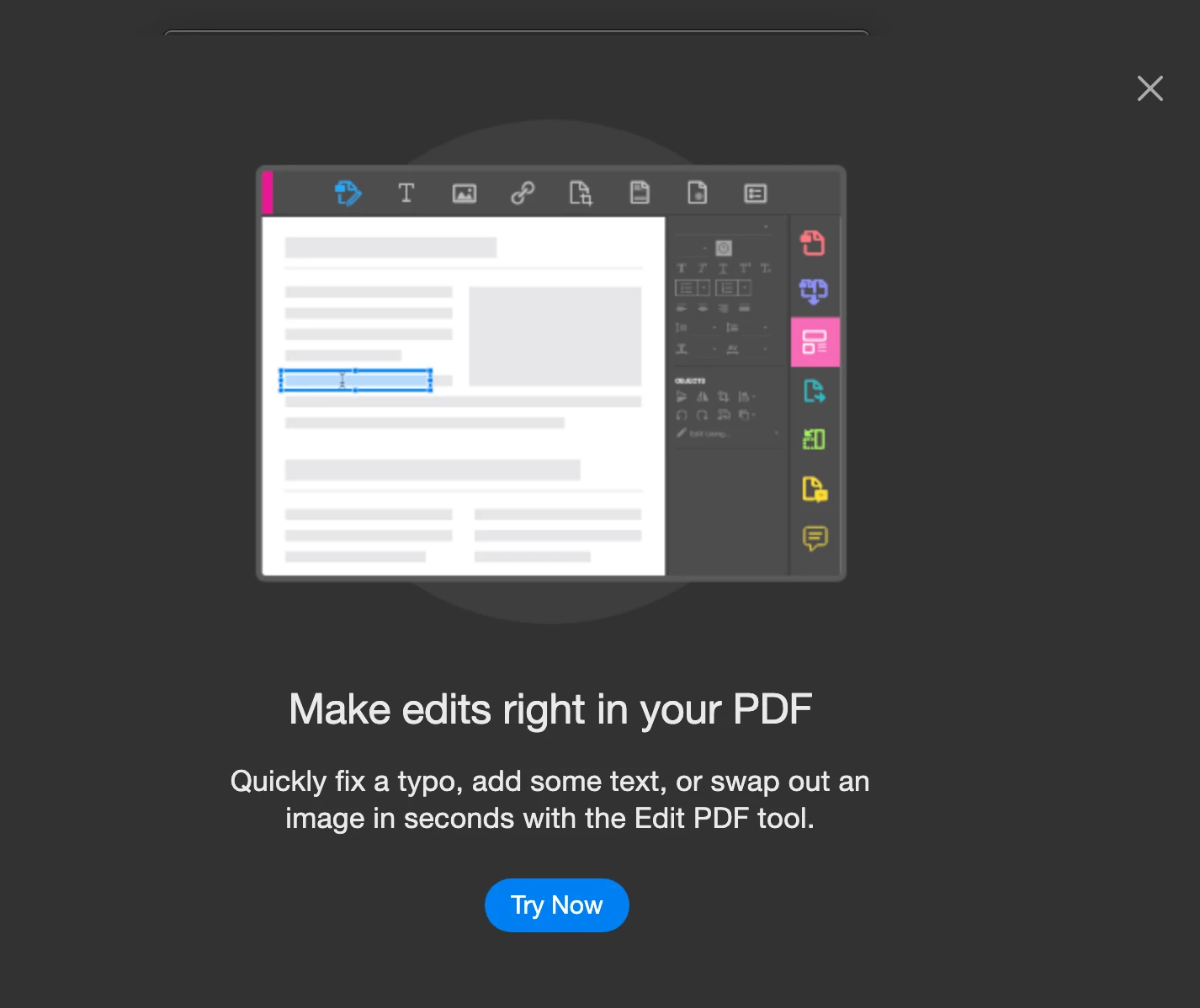
 

I can't get this screen to go away to finish launch Adobe. I have to end the task to get out of Adobe. I am running MAC OS Catalina 10.15.6

This topic has been closed for replies.

2 replies

Amal.
Legend
September 18, 2020

Hi there


We are sorry to hear that. As described, you are stuck on Acrobat DC launch screen.


I see a cross button at the top right corner of the screenshot you have shared, what happens when you click on that cross button? Does that close the pop up and allow you to use the application?


If it doesn't, please try to create a new test user profile with full admin rights or enable the root account in Mac and try using the application there and check if that works.


You may also try to reset the prefrences to default as described here https://app.engagor.com/profiles/18147/mention/58457/36451009484142960#58457_36451009484142960 and see if that helps.


If it still doesn't work, please remove the application using the Acrobat Cleaner Tool https://labs.adobe.com/downloads/acrobatcleaner.html , Reboot the computer once and reinstall the application using the link https://helpx.adobe.com/acrobat/kb/acrobat-dc-downloads.html


Let us know how it goes


Regards

Amal


ls_rbls
Community Expert
Community Expert
September 17, 2020

Have you tried to uninstall and resintall Acrobat?

radar12344442
Participant
September 18, 2020

Yes, I have tried it multiple times and restarted my laptop.