
Answered
Adobe Acrobat DC sign in blocked by GPO
Hi,
We have Adobe Acrobat 21 for some of our users.
No issues with install but when launched, sign in fails and reports 'Update Required - your browser or operating system is no longer supported'.
As seen here:
Update your operating system to work with Adobe apps
None of the fixes there worked.
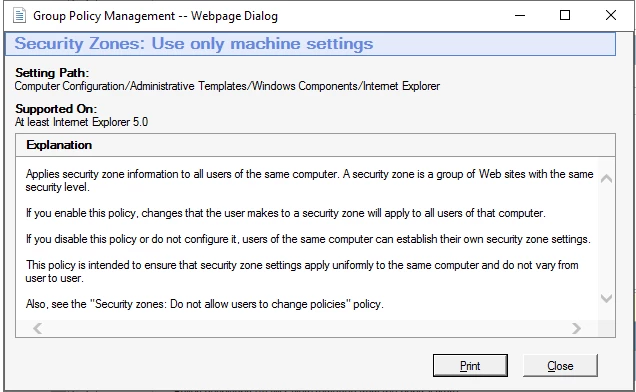
After some investigation, we worked out that Microsofts secuirty baseline 'MSFT Internet Explorer 11 - Computer' is causing the issue as when we turn the gpo off in a test OU, Acrobat sign in works fine.
With a lot of settings to go through, can anyone narrow down what setting/settings will be affecting the sign in process?
Thanks.
 AdChoices