
Participant
August 11, 2017
Question

Adobe Acrobat extension for Chrome - not working

  • August 11, 2017
  • 2 replies
  • 7498 views

Good morning,

I installed the Acrobat extension for Chrome (version 60). I tried to change view from Chrome to Acrobat with the extension function but it doesn't work (it shows me the store extension page). The icon is grey and not red: please see two images below details. The app is activated.

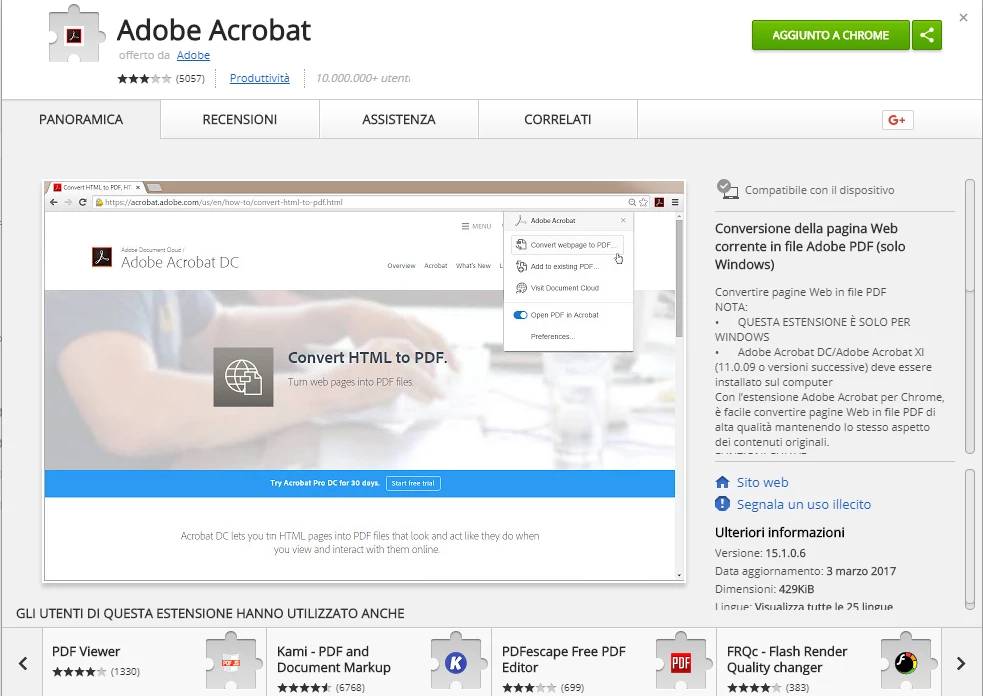
  

Thank you very much,

best regards

Davide

This topic has been closed for replies.

2 replies

Adobe Employee
May 10, 2019

Hi Emilyn/David,

Thank you for reporting the issue. Please provide the following information for us to reproduce the issue:

1. Is the extension not working for all web-pages or just a few?

2. What is the behavior of the extension after chrome restart?

3. Which product (Acrobat/Reader) and version is installed on your system?

4. What is the behavior after extension reset?

     4.1 Right-click on extension icon

     4.2 Click on Manage Extensions

     4.2 Disable and re-enable toggle next to On label

5. Please provide your OS version.

Regards,

Ritesh

Participant
February 23, 2020

I think I have a similar issue, if not the same :

1. The extension only works for .pdf pages, which does so just like it should.

2. It is grayed out like on this page : https://helpx.adobe.com/acrobat/using/enable-createpdf-extension-chrome.html at "Initially, it's grayed out, as shown in the screenshot below.", and when I clic on it it is like I right clic it. I have enabled and disabled everything on there, but nothing hapens.

3. latest Adobe Acrobat DC 20.6.20034.366983 that I re downloaded to be sure.

4. nothing hapens, I have done it multiple times already.

5. OS version : Windows 10.0.18362 up to date.

Regards,

Benjamin

Bernd Alheit
Community Expert
Community Expert
August 11, 2017
Participant
August 11, 2017

No, sorry it doesn't work.

Once loaded, clicking on icon, it doesn't show options but it becomes grey.

thanks

Bernd Alheit
Community Expert
Community Expert
August 11, 2017

Did you read the following?

"Open a web page in a new Chrome tab or refresh any other existing tab which has a web page loaded. The extension is enabled once the web page is completely downloaded."