Participant
October 7, 2025
質問

Adobe acrobat failed to install

  • October 7, 2025
  • 返信数 1.
  • 1710 ビュー

Hi

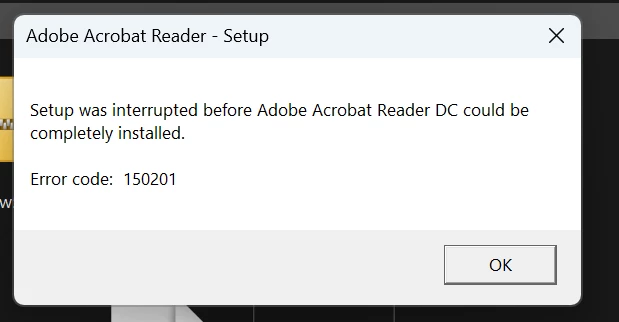
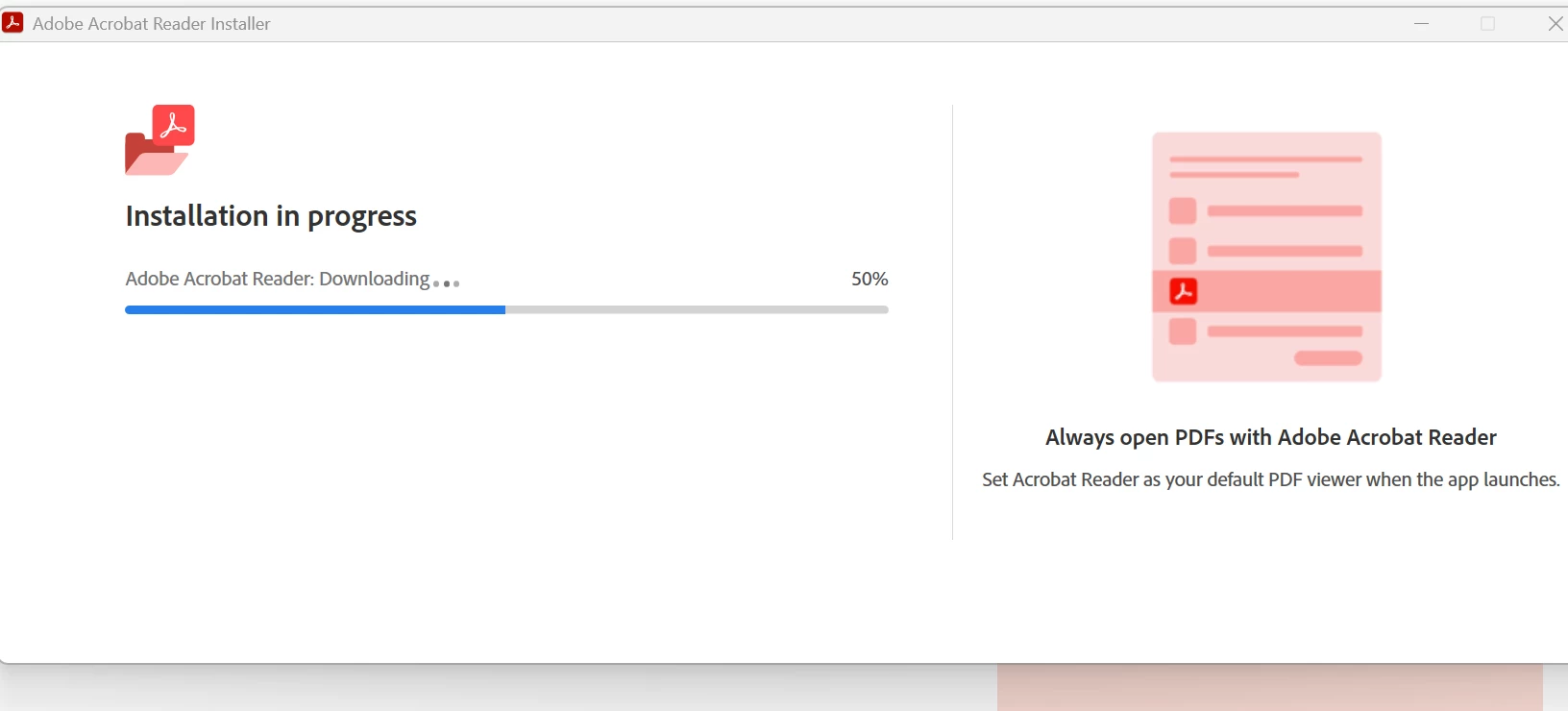
I am trying to install Adobe and everytime it gets failed when reached at 50% so I tried installing from direct download link and it gave me error 150201.

I have deleted the folders from 
Program Files
User - Local and Roaming
Uninstalled from the laptop


Please let me know what other options I can perform?


Thank you
 

返信数 1

creative explorer
Community Expert
Community Expert
October 7, 2025

@gagan_6904 I would stop, and delete that installer file first. Use Adobe Cleaner to remove any left over installer file only from Adobe website, this tool is to fix common problems, such as removing old Adobe software, cleaning corrupt installation files, and fixing your host files to connect with Adobe servers. https://helpx.adobe.com/ca/download-install/apps/troubleshoot/download-failure/prepare-cc-cleaner-tool-installation-problems.html

Once the cleaner cleans your computer, go back and log back into adob.com, and install a fresh installer from Adobe.com or the Creative Cloud. DO NOT USE THE ONE THAT YOU DOWNLOADED AT FIRST—ITS LIKELY CORRUPTED!


m
nikster13
Participant
February 12, 2026

Im getting the same error on Initial install on a new Win 11 machine.  No prior installation of anything adobe


Amal.
Community Manager
Community Manager
February 13, 2026

Hi ​@nikster13 


Hope you are doing well.


++ Adding to the discussion

Adobe Acrobat Error 150201usually signals a corrupted installer, leftover files from old versions, or permission conflicts, preventing a clean setup.

Please remove the application using the Acrobat cleaner tool https://www.adobe.com/devnet-docs/acrobatetk/tools/Labs/cleaner.html , reboot the computer and reinstall the application using the direct link https://helpx.adobe.com/acrobat/kb/acrobat-dc-downloads.html and see if that works.


Let us know how it goes.


~Amal