
Participant
May 29, 2024
Question

Adobe Acrobat freezes every time I request e-signatures

  • May 29, 2024
  • 3 replies
  • 715 views

Hi there,


Everytime I request e-signatures for a pdf the application freezes prohibiting me from sending business critical information to my customers to easily e-sign. 

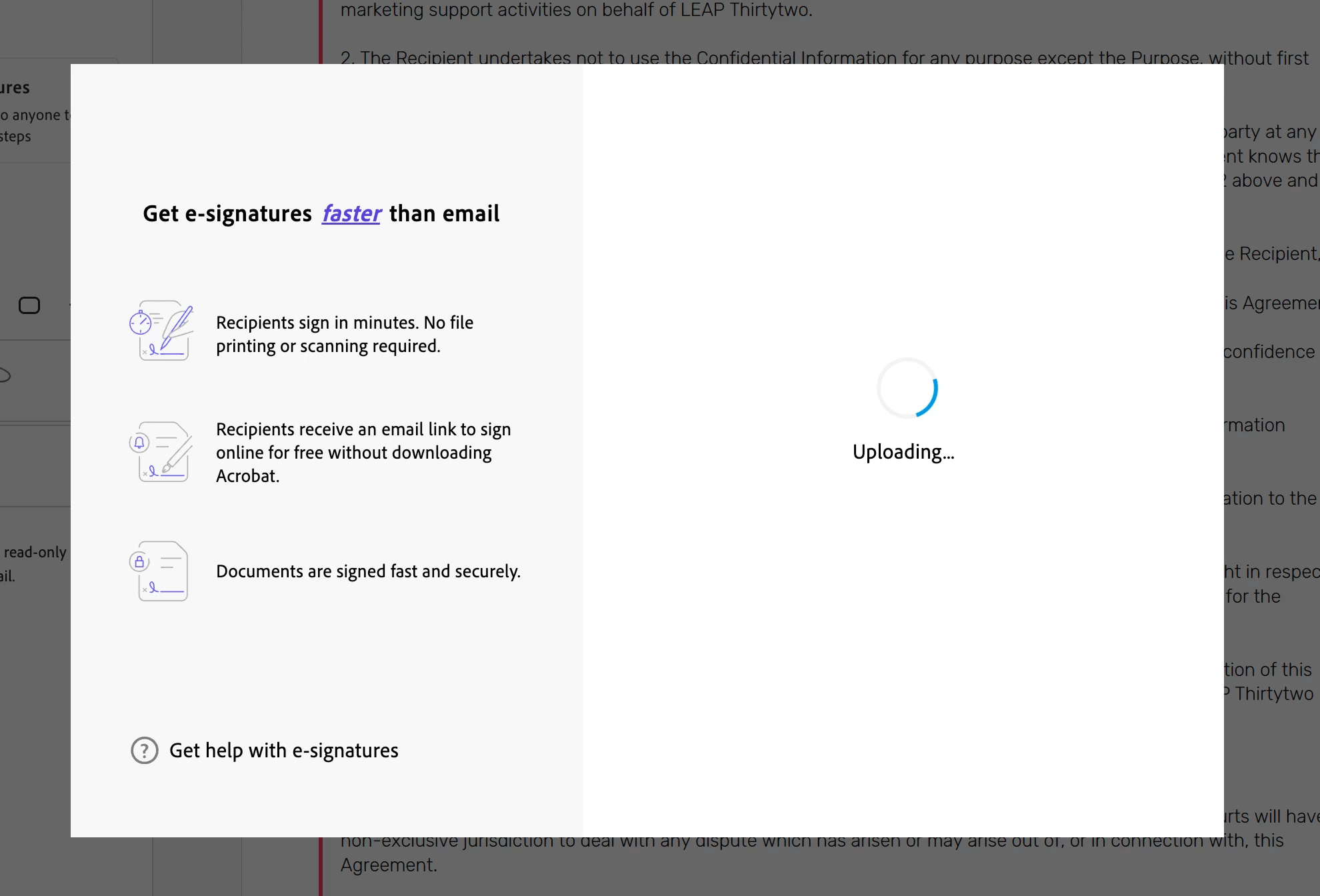
Once I've entered the recipient's email address and click 'specify where to sign', the gets stuck on the 'uploading' screen and the whole programme crashes, I have to force quit the application in order to navigate away from the uploading screen. Attached below for reference. 


  1.  I'm using version 2024.002.20759
  2.  I've tried this on web as well and get the error message 'something went wrong'
  3.  I've tried with multiple documents, email addresses

    Please could you assist?
 

This topic has been closed for replies.

3 replies

Community Manager
October 16, 2024

Hi @LTT32 


Apologies for the problem. can you please share us the logs so that we can look into the issue

Steps

  1. Close Acrobat
  2. Download and run Diagnostics utility https://helpx.adobe.com/acrobat/kb/acrobat-diagnostics.html
  3. Select Start Diagnostics.
  4. Now Open Acrobat and reproduce the issue.
  5. Select Stop Monitoring, and share the log ID with us.


Thanks

Chetan

Participant
October 17, 2024

did u find a fix, we have tried everything

Participant
October 16, 2024

We are experiencing the same error on some newly added Pro licenses. After adding the users' emails, when we click on "choose where to sign," the application hangs, similar to the picture provided. We have tried killing Adobe and restarting, as well as uninstalling and reinstalling the software. We have also run Windows updates, but the issue persists.

jane-e
Community Expert
Community Expert
May 29, 2024

@LTT32 


I've moved your post from Using the Community to Adobe Acrobat for you.


Jane