Brand new Windows 11 laptop and downloaded Adobe Acrobat which I purchased with my HP laptop. When I open Adobe it flashes quick and then closes immediately. If I need to re-install how do I do that? I assume if I try to enter the keycode I got in an email it will tell me that code has already been used. The ICON on my desktop says Adobe Acrobat Classic but my email says I purchased Adobe Acrobat 2024 Pro.
This topic is closed to new replies. Start a new post to keep the conversation going.
Congratulations @zman69! Welcome to the Adobe Family!
So you bought the 3-year license to Adobe Acrobat 2024 Pro? Nice! Did you buy this from an authorized reseller? Or just off someone else?
That is definitely a licensing issue if your desktop says "Classic" but you bought "Pro," the app is likely trying to validate a version that doesn't match your credentials, causing it to give up and shut down immediately. In this case, go to your Windows Settings and uninstall that version first.
I would also use Adobe Cleaner Tool as well. Run it and select Acrobat to wipe away those leftover "Classic" files. Download it from the official Adobe page! Restart your laptop:This is the most skipped step, but it’s vital to clear the memory.
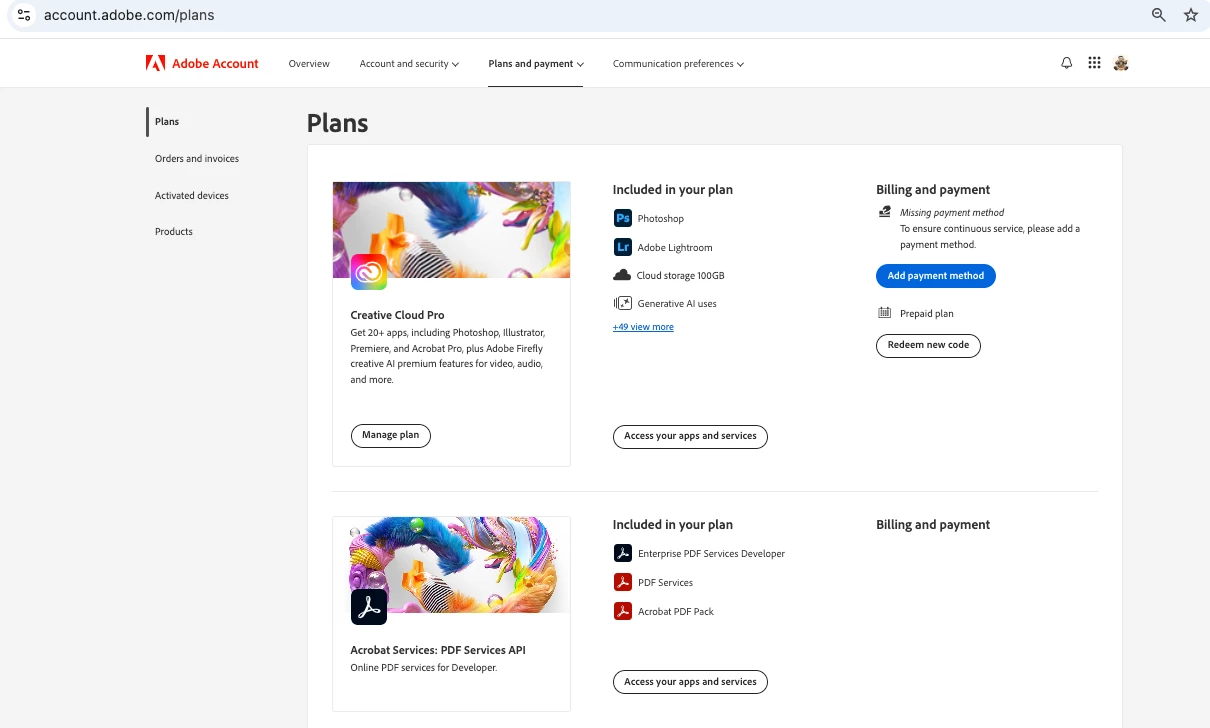
Once you restart your computer, I would go to your account online, account.adobe.com and make sure you sign in with the exact same email you used for the purchase. Adobe 2024 Pro usually recognizes you the email login rather than a physical keycode.
Don't use the previous random link or an old file.
Not sure if there were instructions with the Adobe Acrobat 2024 Pro? Did you register the app? If so, download the Acrobat 2024 Pro installer directly from your Plans
++ In addition to what our community product has already shared, please ensure you have the latest available version of Acrobat 2024 Classic: 24.001.3030x. Planned update, Dec 09, 2025.
Classic is the perpetual license, and if you have purchased a serial number for Acrobat 2024 Pro, i.e. Classic, you can use the link shared earlier to download the app.
Congratulations @zman69! Welcome to the Adobe Family!
So you bought the 3-year license to Adobe Acrobat 2024 Pro? Nice! Did you buy this from an authorized reseller? Or just off someone else?
That is definitely a licensing issue if your desktop says "Classic" but you bought "Pro," the app is likely trying to validate a version that doesn't match your credentials, causing it to give up and shut down immediately. In this case, go to your Windows Settings and uninstall that version first.
I would also use Adobe Cleaner Tool as well. Run it and select Acrobat to wipe away those leftover "Classic" files. Download it from the official Adobe page! Restart your laptop:This is the most skipped step, but it’s vital to clear the memory.
Once you restart your computer, I would go to your account online, account.adobe.com and make sure you sign in with the exact same email you used for the purchase. Adobe 2024 Pro usually recognizes you the email login rather than a physical keycode.
Don't use the previous random link or an old file.
Not sure if there were instructions with the Adobe Acrobat 2024 Pro? Did you register the app? If so, download the Acrobat 2024 Pro installer directly from your Plans
I bought Adobe from HP and received an email with the activation code. It was an add on when I configured my new laptop which I just received a few days ago. So this also means that I shouldn’t have had any old versions on my brand new laptop. Installed apps shows Adobe Acrobat 2024 and Adobe Genuine Service.
I am concerned about my licensing code I received in my email won’t work again if I wipe Adobe off and start over. How do I start over, using my original email link again? I assume Adobe keeps track of what activation codes have been used and won’t let you use it again.
BTW, I also got Adobe Photoshop Elements 2026 and Premiere Elements 2026 the same way and they seem to be ok.





 AdChoices