



Adobe Acrobat Pro: Access to Preflight Feature
I recently got a new PC and the IT department installed all the latest Adobe products, including Adobe Acrobat Pro (Version: 2026.002.21931 | 64-bit). However, now I don’t have access to the Preflight feature. Here are the steps I normally take to access Preflight and the results:
Open my PDF in Adobe Acrobat Pro.
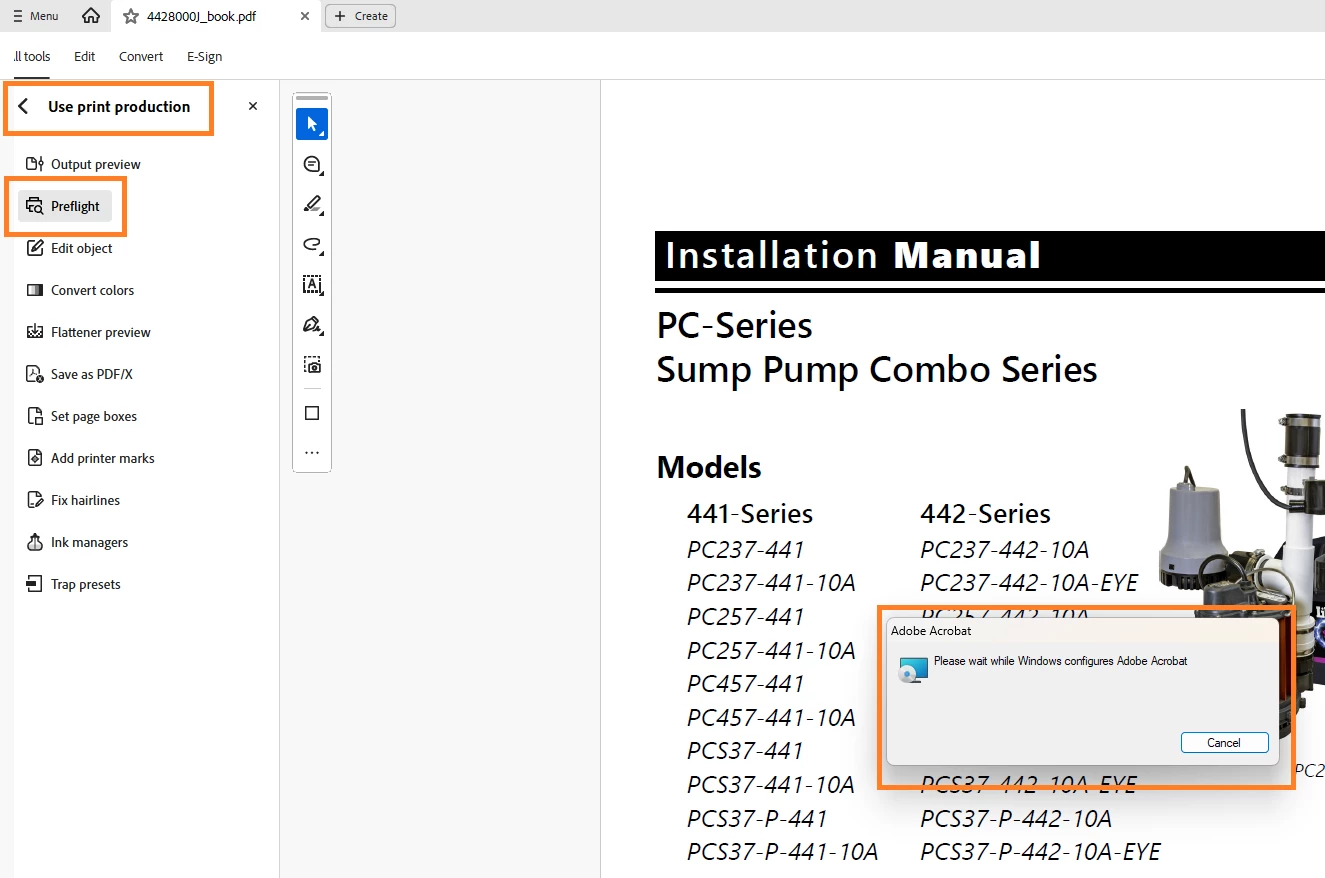
In the Search bar, type Print Production. From the left pane, I click Preflight. I get a message that WIndows is configuring Adobe.
A dialog box, Do you want to allow this app to make changes to your device, opens. Since I don’t have admin rights to make these types of changes to my PC, I click No.
I get the following error message:
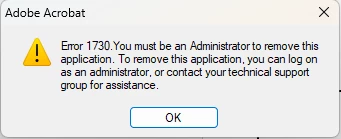
I click OK and get another message prompting me to install manually.
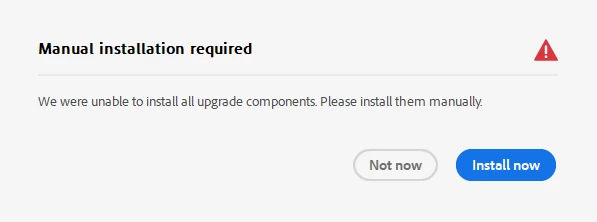
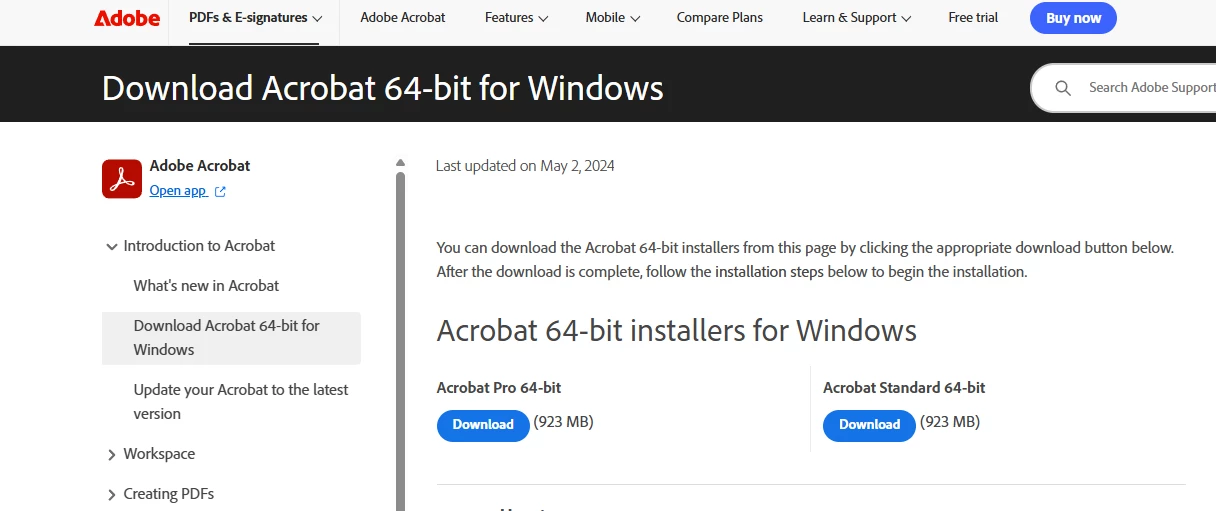
I click Install Now and the Download Acrobat 64-bit for Windows page opens. But, I already have Adobe Acrobat Pro 64-bit installed.
I opened an IT ticket but our admin says that this is not a matter of having admin rights; it looks like the Preflight option may not be working.
Any help would be appreciated.
Thank you.
 AdChoices