Participant
July 26, 2022
Question

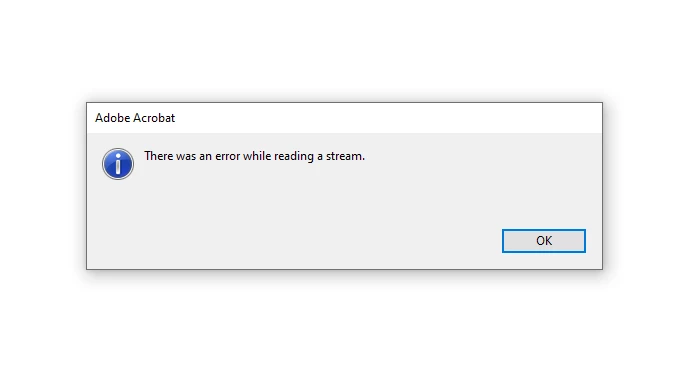
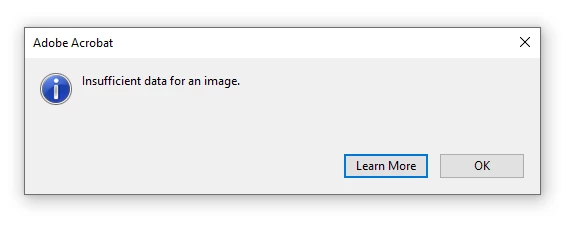
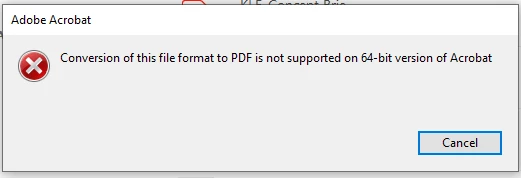
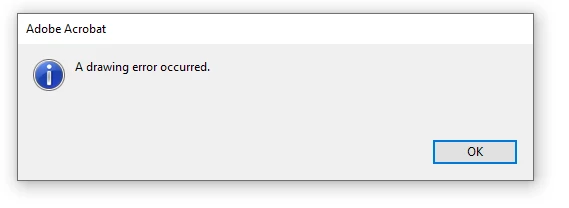
Adobe Acrobat Pro DC multiple errors when opening up drawings

  • July 26, 2022
  • 1 reply
  • 235 views

Hi there, I have a client that is having multiple errors that come up when opening her drawings on Adobe Acrobat Pro DC.


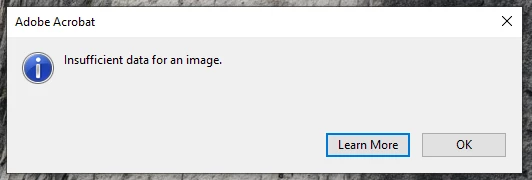
Here are the images attached. Note, the file is stored on a network drive if this makes a difference. I have tried to reinstall, change security permissions and disabled hardware acceleration to no avail. Changed from 32 bit to 64 bit versions and vice versa.
 

This topic has been closed for replies.

1 reply

AkanchhaS8194121
Legend
July 27, 2022

Hi lorenk,


Thanks for sharing the screenshot. 

Would you mind sharing the exact version of Acrobat DC you are working with? Update the application to version 22.001.20169, which is the most recent patch. Open Acrobat>help>check for update.

Have you started experiencing this issue after installing the update? 

We have an official help article that suggests a couple of troubleshooting steps to fix this error. Kindly refer to this and perform the following steps: Error: Insufficient data for an image in Acrobat or Acrobat Reader.


Let us know if that helps!


Thanks,

Akanchha.