


Adobe Acrobat Pro not showing text
I have created some simple graphics in Adobe XD:
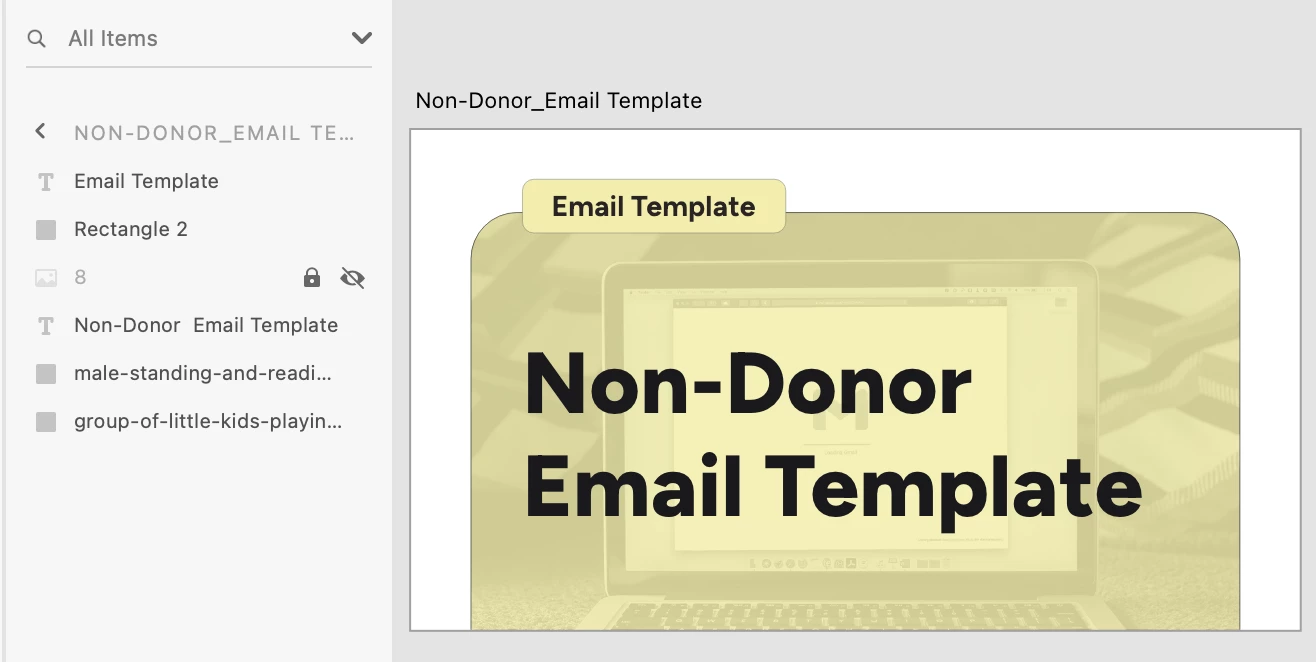
However, when I export as PDF and open in Adobe Acrobat, the label text in the upper lefthand corner is not showing:
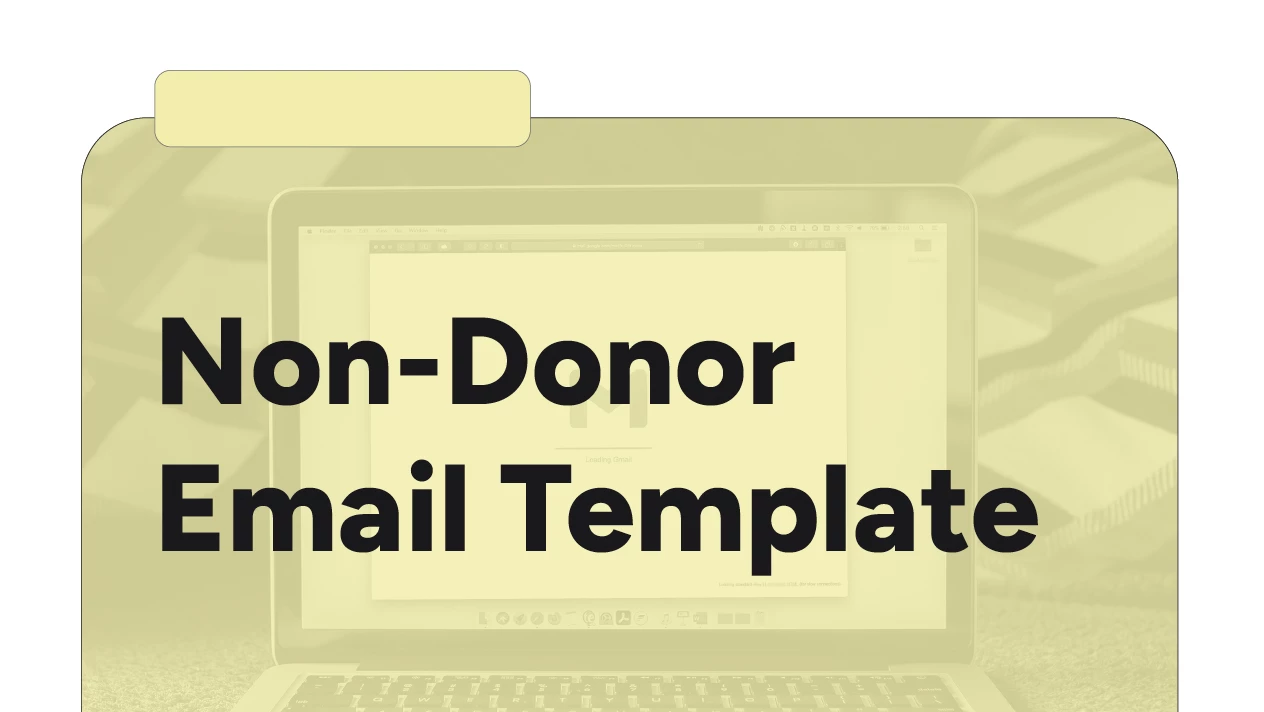
When I open the graphic in an online PDF viewer, everything shows up fine, so the problem is definitely with Acrobat. I have uninstalled and reinstalled Adobe Acrobat Pro (continuous release | version 2025.001.20432) and restarted my computer (Macbook Pro 2020, running Sequoia 15.3.1), but the problem persists.
The font used for the label is the same as the main/larger text and I have checked to be sure this font is installed properly. Also, you can see in the Adobe XD screenshot above that the layers are not hidden.
Of note, I have previously exported other graphics from this same document (exact same layout, fonts, etc.) without issue.
What's going on here?????

 AdChoices