



Adobe Acrobat Reader disappears after installation
I have tried several times now to install Adobe Acrobat Reader in order to sign an electronic document.
When I install the program, I don’t receive any error message, and the installation page appears with 100% progress with “Finish” button, as though installation was successful.
But when I go to find the app, it is nowhere to be found. It does not show up on my list of installed applications. It does not appear when I try to “Open with...” on a PDF file. It disappears to the point that the .exe installation file has also disappeared out of my Downloads folder.
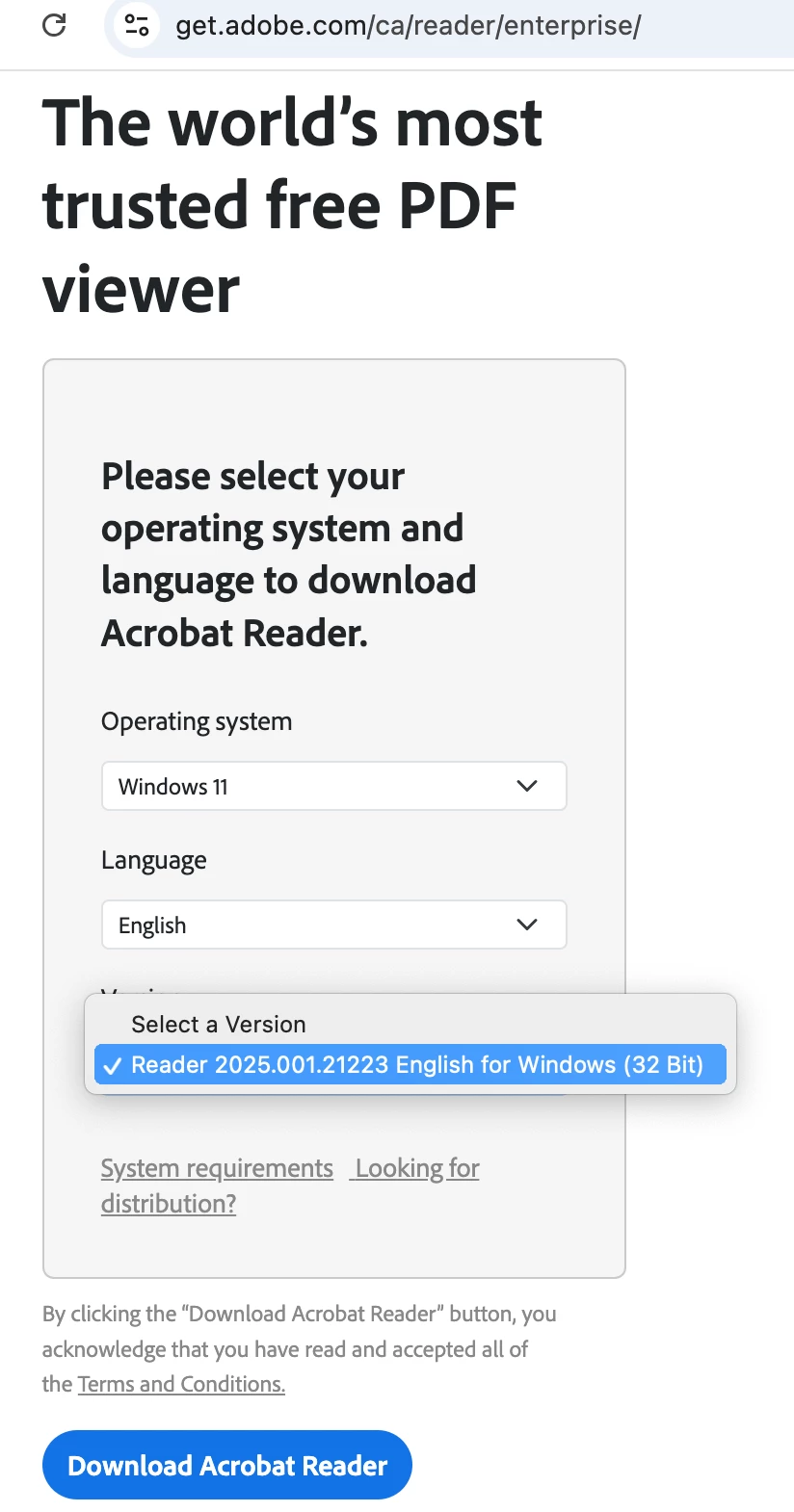
This same thing happens whether I try installing from the Microsoft app store or whether I download the program from the official Adobe website.
I had already tried running the Adobe Acrobat Cleaner program that was recommended on some other pages several times. It says that it doesn’t detect an installation of Adobe Acrobat. I have restarted my computer every time afterwards, before trying to install Acrobat Reader, but it still disappears. I even tried installing Acrobat Reader with my firewall turned off for one of these, which did not work.
I would appreciate any help. The document I’m trying to sign is necessary to receive a payment, so this problem is very frustrating.
Device specs:
Processor Snapdragon(R) X 12-core X1E80100 @ 3.40 GHz (3.42 GHz)
Installed RAM 16.0 GB (15.6 GB usable)
Product ID 00356-06315-19198-AAOEM
System type 64-bit operating system, ARM-based processor
Pen and touch Touch support with 10 touch points
Windows specs:
Edition Windows 11 Home
Version 25H2
Installed on 8/29/2024
OS build 26200.7840
Experience Windows Feature Experience Pack 1000.26100.291.0
Adobe Acrobat Reader specs:
None, because it won’t install. Attempting the current version available for download, Version 25.001.21223

 AdChoices