Participant
June 1, 2023
Answered

Adobe Acrobat UI will not display correctly

  • June 1, 2023
  • 2 replies
  • 942 views

Hello,


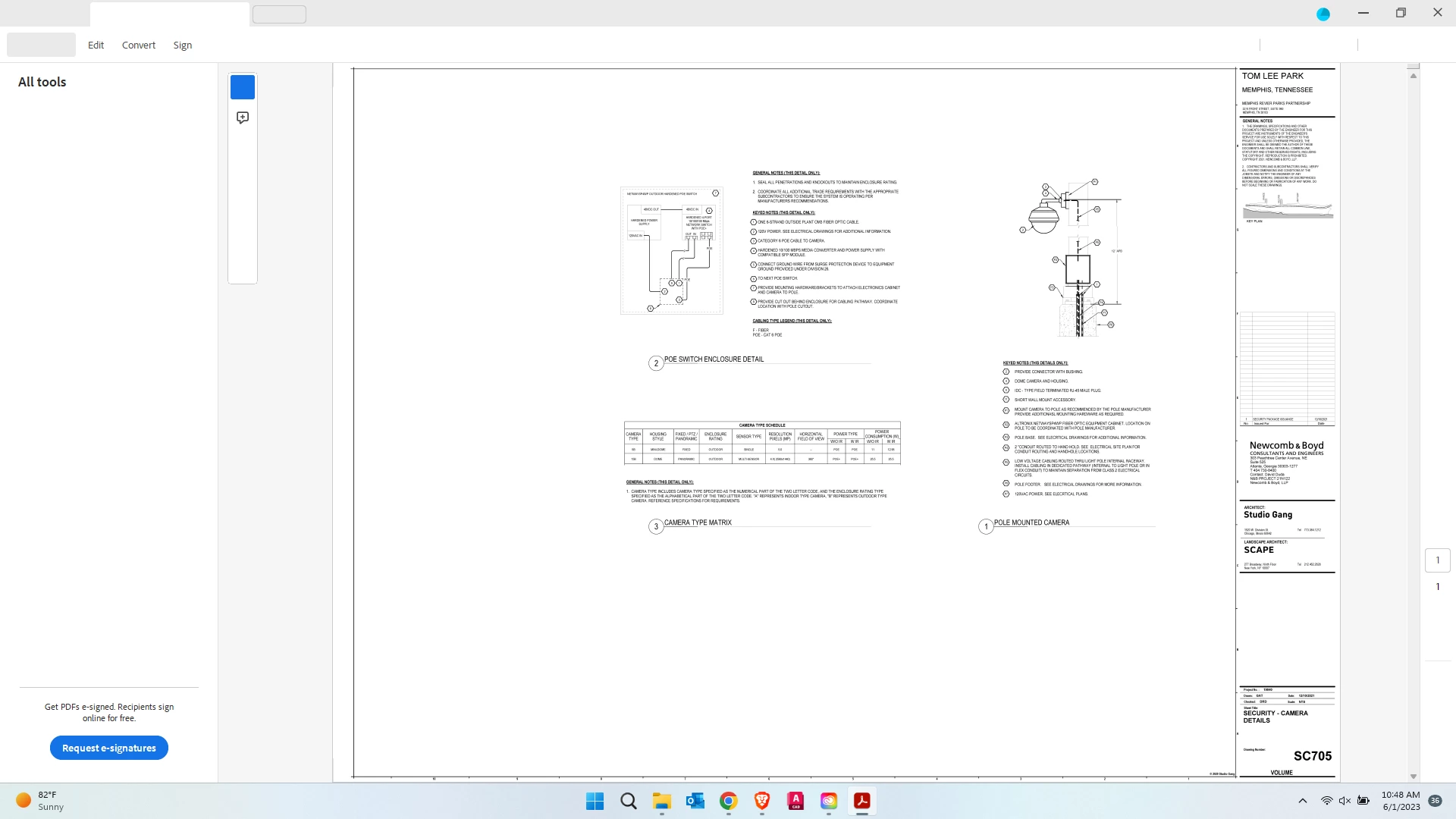
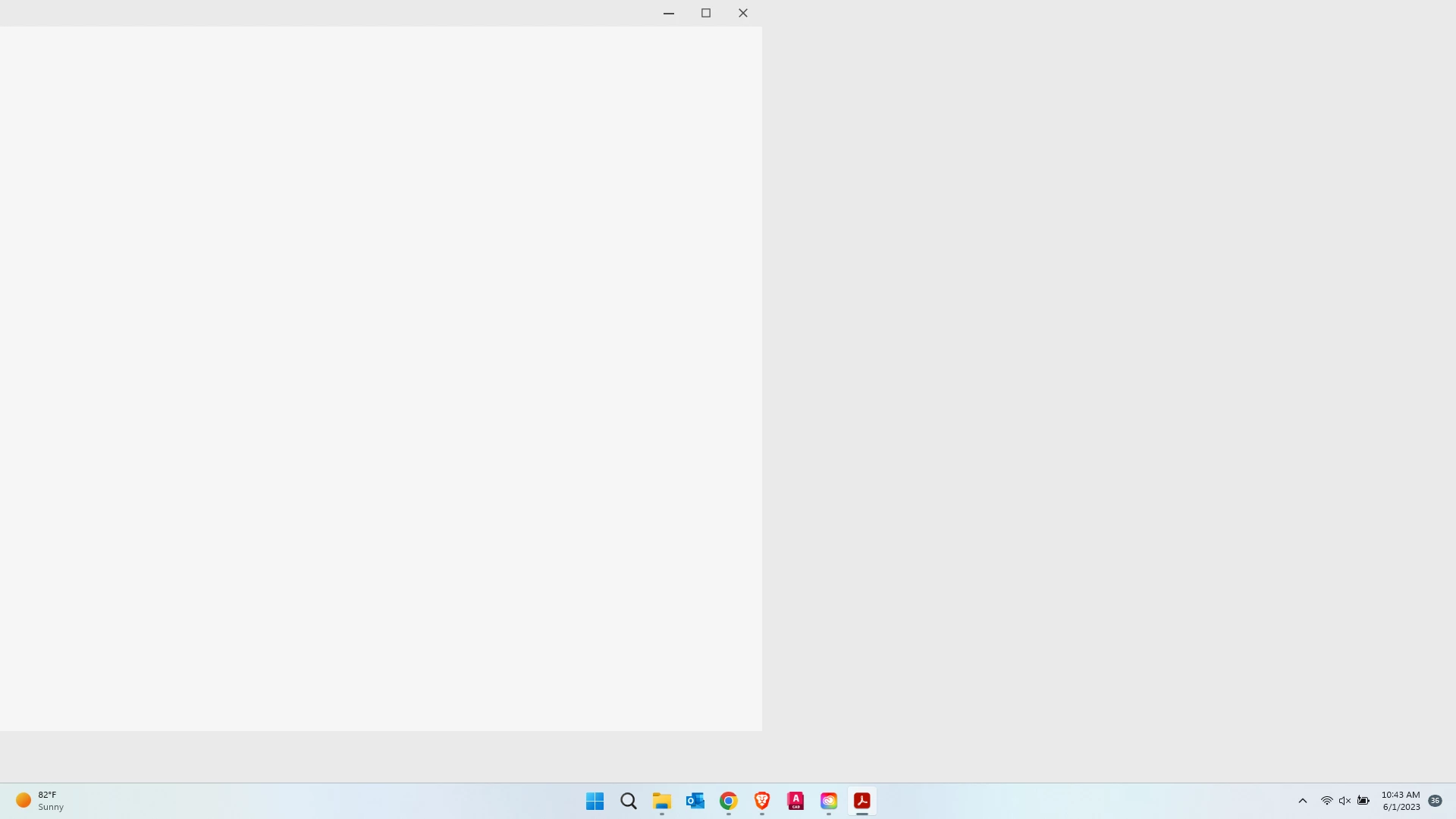
I can't seem to find any info through a internet search.  I can't get adobe acrobat to open correctly.  I have tried uninstalling/repairing and changing GPU drivers.  See attached screenshots of openning just the app and opening a pdf.
Correct answer Mike1234

I finally found a fix for this.  I unistalled again and then went to user/appdata/local and delete adobe folder and user/appdata/roaming and delete the adobe folder in there. it will fix it.

2 replies

Mike1234AuthorCorrect answer
Participant
June 1, 2023

I finally found a fix for this.  I unistalled again and then went to user/appdata/local and delete adobe folder and user/appdata/roaming and delete the adobe folder in there. it will fix it.

Participant
June 5, 2023

Wow...That's great

Do you mean resetting Acrobat's preferences has helped in resolving the issue? I appreciate you have shared your findings with us.

That would help the other users.


~Akanchha  

AkanchhaS8194121
Legend
June 1, 2023

Hi @Mike1234 


Sorry to hear about the trouble caused, and thanks for sharing the screenshots for better understanding.

This looks like Acrobat's New UI. Have you started getting such a display after installing the update?

You may once try these steps:

https://helpx.adobe.com/acrobat/kb/acrobat-dc-downloads.html


If nothing works, we'd require logs to escalate this issue further.


Thanks,

Akanchha