
Participant
November 8, 2024
Question

Adobe crashing because of loading font / how to disable recognising text

  • November 8, 2024
  • 1 reply
  • 495 views

How to disable the auto conversion of text to editable text?

Or how to set such that once converted and recognise, the app does not redo this?


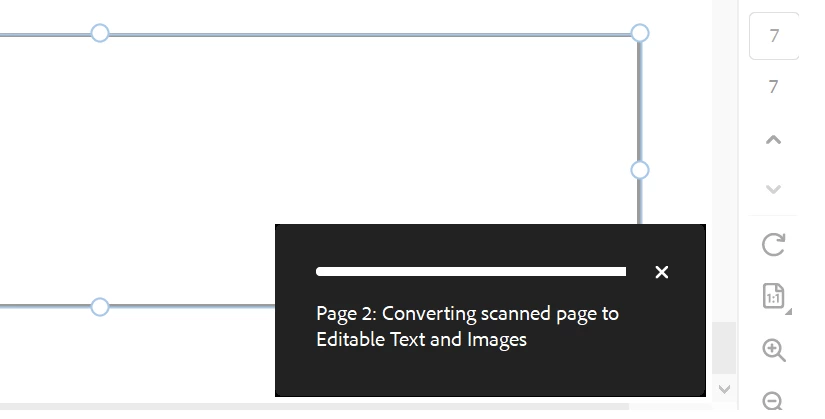
Whenever I click Edit and either of its sub-functions, this auto page conversion / font recognition pops up and it takes forever. When I exit and reuse the Edit function, this auto page conversion / font recognition happens again. and again. and again for each page.


It becomes super slow and tedious to use Adobe Pro because of this. And unsurprisingly, sometimes the app crashes! (My laptop is new and I am running on Windows 10 Pro).
 

1 reply

Participant
January 29, 2025

Did you ever find a solution for this? I am experiencing the same issue. 


Community Manager
March 3, 2025

Hi @Nat34974405jp0k


Sorry for the delayed response and thank you for reaching out.


The OCR process is turned on by default. When you open a scanned document for editing, the current page is converted to editable text. As you scroll, the page in focus becomes editable. You can disable the automatic OCR option if you don't want to convert your scanned documents to editable text.

  1. To turn off Auto OCR, Click on the 'Edit' Pane, then click the 'Edit settings' gear button, then uncheck 'Recognize scanned text'

  2. For more information, please go through the help page https://adobe.ly/41qlZFf


~Tariq