kathyb70193623
Participant
December 15, 2015
Answered

Adobe Create PDF 15 plugin is disabled in Firefox 43.0 stable version

  • December 15, 2015
  • 6 replies
  • 34384 views

I have Acrobat DC latest version and I cannot use Adobe Create PDF plugin any more.  The message I get from Firefox 43.0 in the Add-on Manager is:


----------


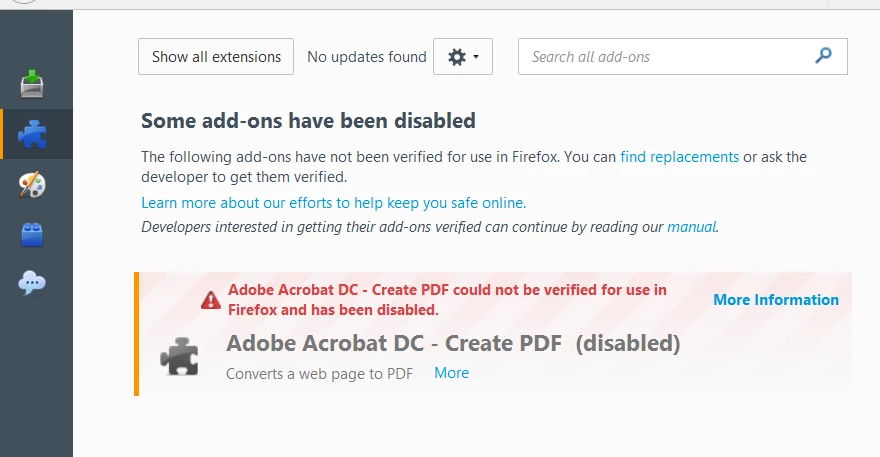
Some add-ons have been disabled.


The following add-ons have not been verified for use in Firefox.  You can find replacements or ask the developer to get them verified.  Learn more about our efforts to keep you save online.


Developers interested in getting their add-ons verified can continue by reading our manual.

Adobe Acrobat DC - Create PDF could not be verified for use in Firefox and has been disabled.

----------

There is no option to enable this plugin.  This is not a beta, this is the most recent stable version of Firefox. When will there be an Adobe Create PDF extension available that works in Firefox?  I need this extension, please advise.s

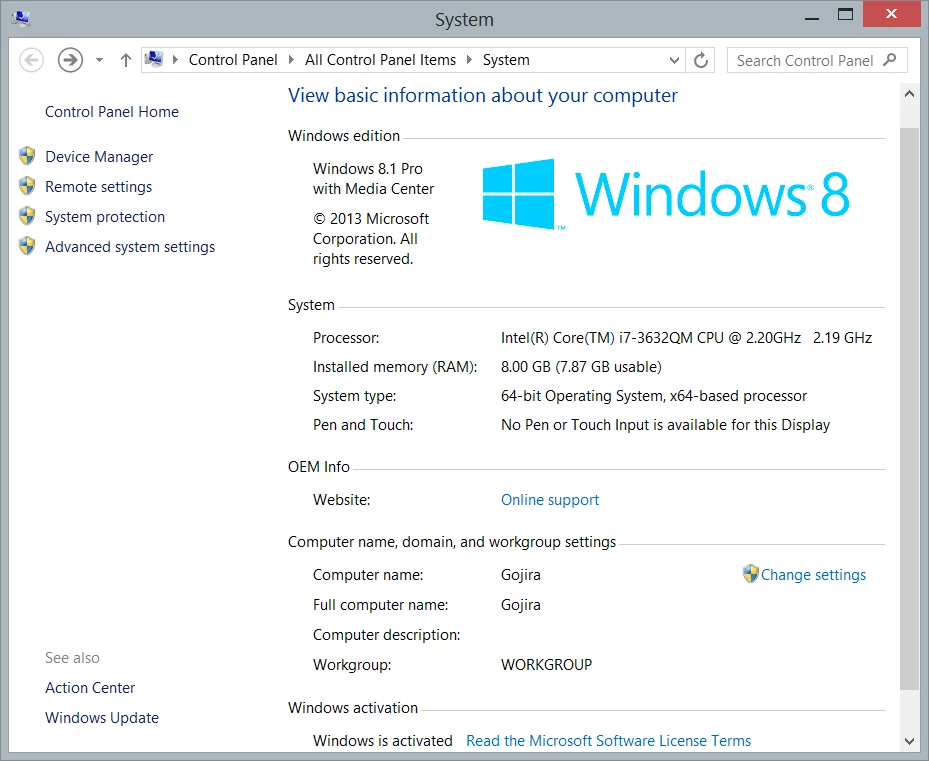
Using Windows 8.1 Pro
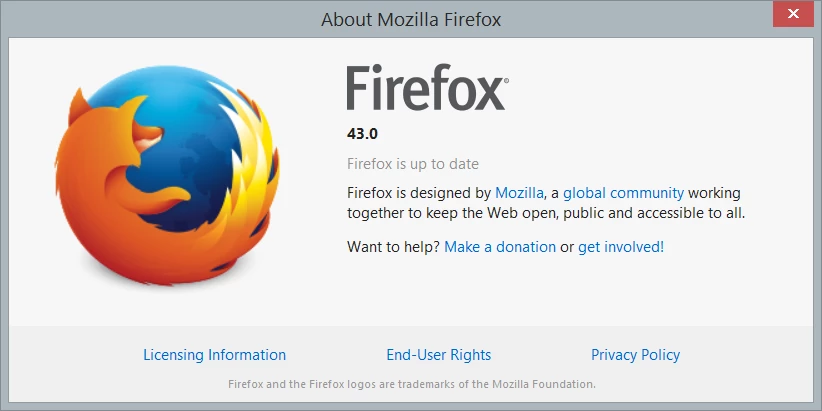
Firefox 43.0
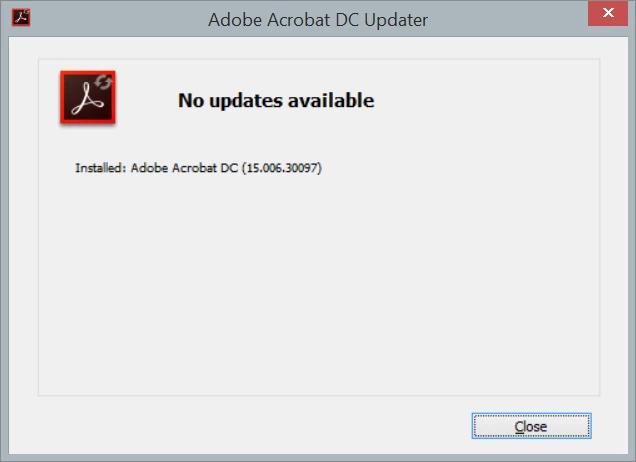
Adobe 15.006.30097

------
Message was edited by: Kathy Bell Added images

This topic has been closed for replies.
Correct answer TanviRastogi

Hi Tanvi, as I noted above I have the three files but they are located here: C:\Program Files (x86)\Mozilla Firefox\plugins\WCFirefoxExtn\META-INF.  My C:\Program Files (x86)\Adobe\Acrobat 11.0\Acrobat\Browser\WCFirefoxExtn folder only contains the folders chrome, components and defaults; and also two files chrome.manifest and install.rdf.   I have run a repair on Acrobat XI and the situation remains the same.  David


Hi David

Can you please try copy and pasting these files from C:\Program Files (x86)\Mozilla Firefox\plugins\WCFirefoxExtn\META-INF to C:\Program Files (x86)\Adobe\Acrobat 11.0\Acrobat\Browser\WCFirefoxExtn\META-INF ?

After that follow the steps as mentioned in the KB article.

Let us know if this resolves your problem.

Thanks

Tanvi

6 replies

Participant
January 16, 2016

It's working in Chrome, guess I'll have to use that for a while when I need this function, still a pain in the arse, I've tried most of the fixes on this thread to no avail. Very useful function when purcha$ing stuff to save receipt or other things I want a more long-term copy of.

Thanks all, I'll follow the thread and ...

Participating Frequently
January 16, 2016

Anyone still having problems; make sure the extension is enabled.  For details go here.

Participating Frequently
January 12, 2016

This is FINALLY FIXED in the latest Adobe Acrobat update released today: v15.010.20056 here. http://www.adobe.com/devnet-docs/acrobatetk/tools/ReleaseNotes/DC/dccontinuousjanuary2016.html.

Thanks for finally getting this done. 

Participating Frequently
January 13, 2016

In case someone else gets caught by this, after reading the (incomprehensible and low-information) release notes, installing the latest updates to Acrobat XI Pro (now at 11.0.14 and "check updates" says it is current), rebooting the machine, and verifying that Firefox is current, "check for updates" from the add-ons page shows nothing (and the Create PDF plug-in as still disabled).   Going to Extensions, finding the disabled entry, and clicking on "More" will find an "Enable" entry (possibly not until after right-clicking the link that appears to point to www.adobe.com).  Selecting it and then restarting Firefox seem to be necessary steps in getting to a usable function again, at least for Win 7 Pro and Acrobat XI.

Thanks to Adobe for getting this done, although much later than I would have liked.

Participant
January 13, 2016

Yes, it is indeed finally fixed.  After installing the latest Adobe Acrobat DC update and starting Firefox to verify that the add-on was properly verified, I found that I needed a Windows re-boot before the add-on would successfully create a PDF from a web page from within Firefox.

Participant
December 24, 2015

Yep, me too. I love Firefox but they also disabled my Passwords Plus password manager without warning that I saw so now I have to switch over to a whole new one. When and how did Firefox get the word out that these changes were coming? I pay attention to things but haven't seen any of this coming. Dataviz said they were discontinuing their efforts to meet Firefox requirements and Adobe didn't get this fixed in time so either Firefox is being too crazy about security or these companies don't give a damn about functionality for their customers.

Participating Frequently
December 24, 2015

Fwiw, I've written extensive feedback to Mozilla on the Firefox site more or less suggesting that, if they don't want people to face a choice between continuing to run important applications software (for which Firefox plug-ins are just an interface) and Firefox (which might lose), it is important that they provide, and support, "I trust this one, signature or not" capability on a per-plug-in basis (not just an option to disable all signature checking and a promise to remove that in the future.  Others who feel the same way should consider going to "Help/Feedback" in Firefox and making similar comments and requests.

As to Adobe and what are apparently "we may fix this in a future version" and what appears to be "in spite of the fact that your version is still officially supported, we don't promise to raise a finger to keep it working" policies, the market for PDF creation software is actually competitive.  I am periodically called upon to advise companies with hundreds of seats worth of licenses and, while Acrobat has continued to be my preference among the lot, "this company has policies that allow them to force you, by reducing functionality, to migrate any time they feel like it" is, to me, a fairly good reason for reviewing and changing software package selection decisions.

Participant
December 22, 2015

Same here. Looking forward to a solution.

Participating Frequently
December 20, 2015

Firefox has been warning about this for months now, and Adobe still hasn't fixed it?  Jeez

Known Participant
December 16, 2015

I also have this issue. Firefox 43.0, stable version.

TanviRastogi
Adobe Employee
Adobe Employee
December 16, 2015

Hi

Thanks for reporting the issue.

Engineering team is aware of the issue and is working on resolving it.

Thanks

Tanvi

Participating Frequently
December 20, 2015

FWIW, Same problem with Acrobat XI Pro (11.0.13), Windows 7, and Firefox 43.    Mozilla claims that all you folks need to do is sign the thing with a cert acceptable to them.   Shouldn't be rocket science.  As others point out, they have been warming about this for months.