

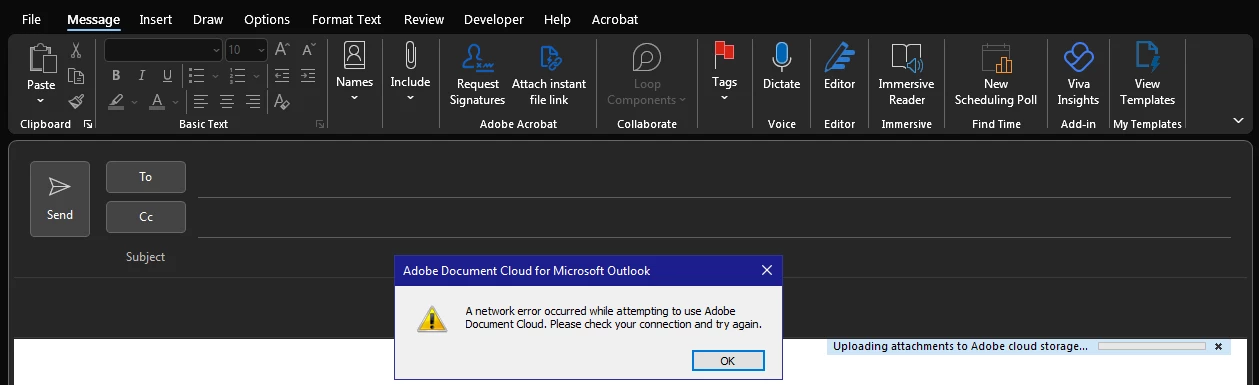
Adobe Document Cloud for Microsoft Outlook - Network Error
Hi there,
Often when using Outlook, I run into this issue where the Document Cloud plug-in gives me a "Network Error" when attempting to attach a file, screenshot attached. I'm connected to the network elsewhere, can send other emails perfectly fine, and signed in to CC of course, but randomly the plugin just stops allowing me to attach a file (where it is then uploaded and a link is automatically placed in the email). I know we can now directly share a link through PS/AI, but this is quicker as I can share basically any file type through the plug-in and have it directly in my email.
I searched on the forums but any post I saw was a few years old and people were still commenting in 2023 saying they have the same issue.
If someone from Adobe could please shed some light on whether this is an Adobe issue or my PC/Windows issue, or offer a solution to try, that would be greatly appreciated!


 AdChoices