Adobe fonts loading as squares
I am having some issues with Adobe Acrobat Pro (64-bit), I know that it is something to do with the font as half of the text is legible and then the rest is just a series of squares. I have tried to restore previous versions of the PDF but there are no previous versions stored on my computer. I have looked up the problem and it mentions embedding fonts and half of my fonts are embedded and the others aren't. I have tried exporting to word and then back to PDF but it still isn't working. I have been into properties and attempted to get the software to embed all fonts but it still isn't helping. Also when I manually try to change the font the following error appears: "Some of the characters are not available in the font you selected. Try choosing a different font". The font causing an issue is Arial but the thing is, I don't know why only sections are behaving this way.
I have spent around 2 days trying to sort this out and even if I convert the PDF into a plain text file, those squares are presenting as a series of dots. 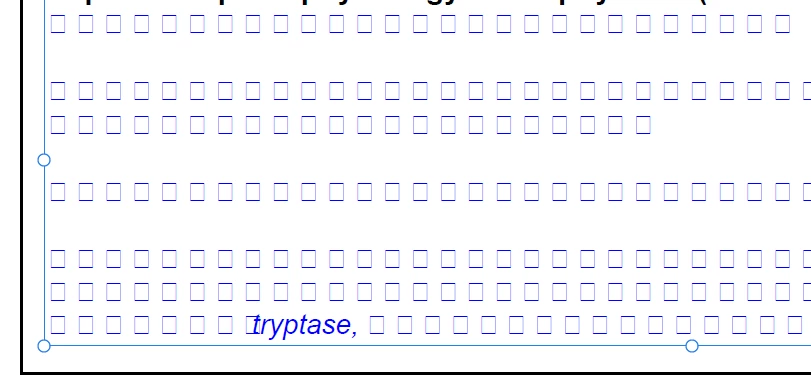
 AdChoices