
Answered
Adobe Form with Dropdown Menu / Hide and Show Rows based on Input
Hi everyone,
I am working on another quick form—this time with dropdowns.
I am hoping you can help me with the proper script to hide and show each new row when needed.
Row 1: Employee Name () | Item () | Size () | Qty () | Color ()
Based on the user selecting a Color from the dropdown (commit selected value immediately is checked), Row 2 should automatically populate with the 'Add Employee' dropdown, Item dropdown, etc. and repeat this process for as many rows as needed.
I'll include the dropdown Field Names (E1, N1 etc.)
note: Qty is the only Field that is not a dropdown.
I would greatly appreciate the help!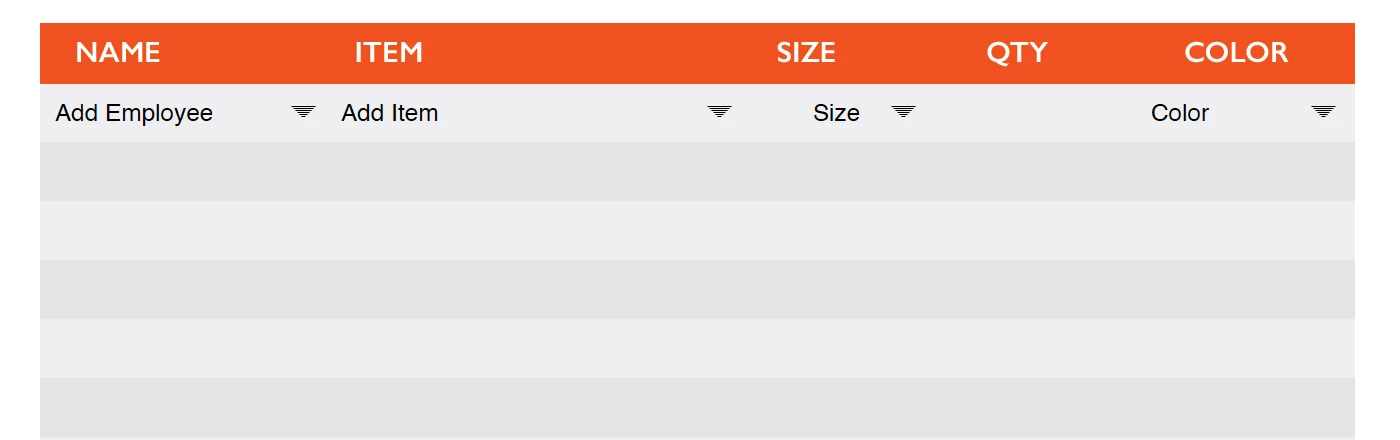
Based on User Selections, once Color (C1) is selected, a new row should auto-populate:
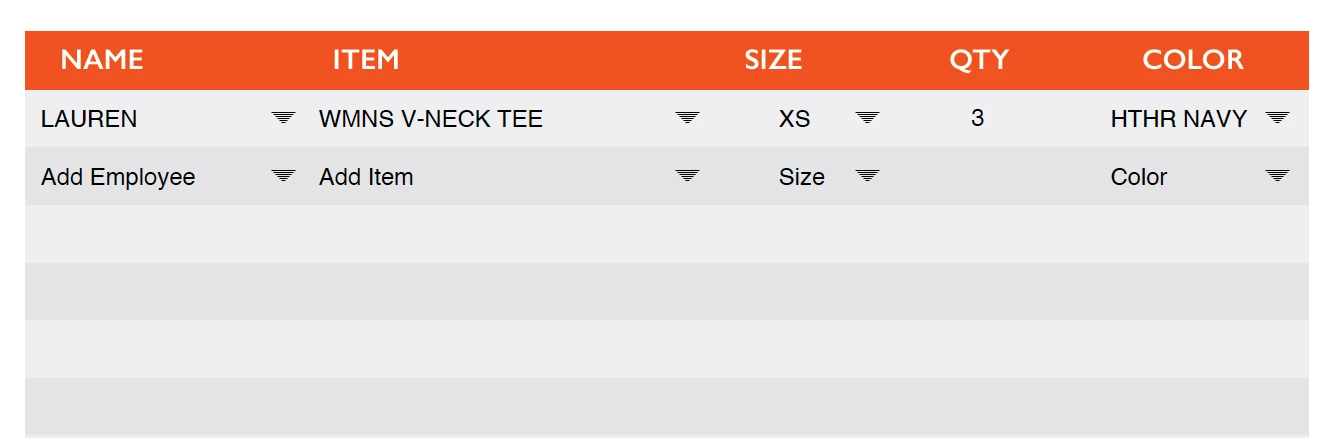
Field Names are below:

 AdChoices