


Answered
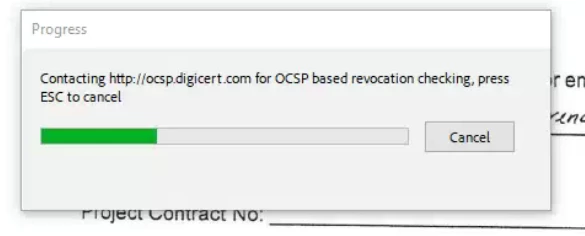
Adobe Freezing: Contacting http://ocsp.digicert.com for OCSP based revocation checking
Running into an issue with all of our users having this pop up and freezing their Adobe Pro, they have to exit out of Adobe via Task Manager to allow processes to continue.
I did find a workaround for this by disabling protected mode (Edit>Preferences>Security (Enhanced)) but was wondering if there was a better way to handle this as we have quite a bit of users running into the same issue?
Any suggestions greatly appreciated.
 AdChoices