Participant
March 14, 2025
Question

Adobe Not displaying properly anymore since IOS update to 15.3.2

  • March 14, 2025
  • 1 reply
  • 216 views

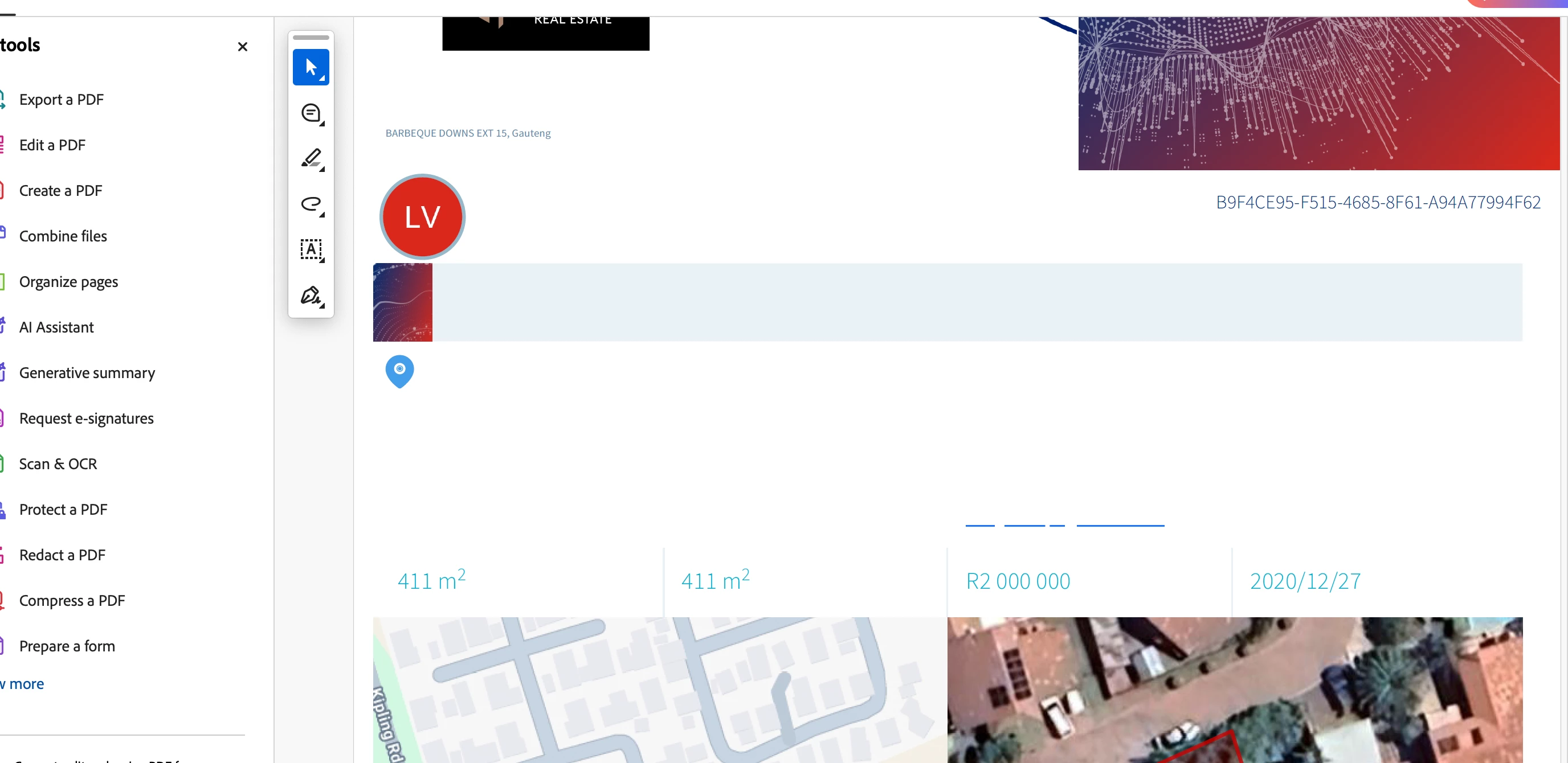
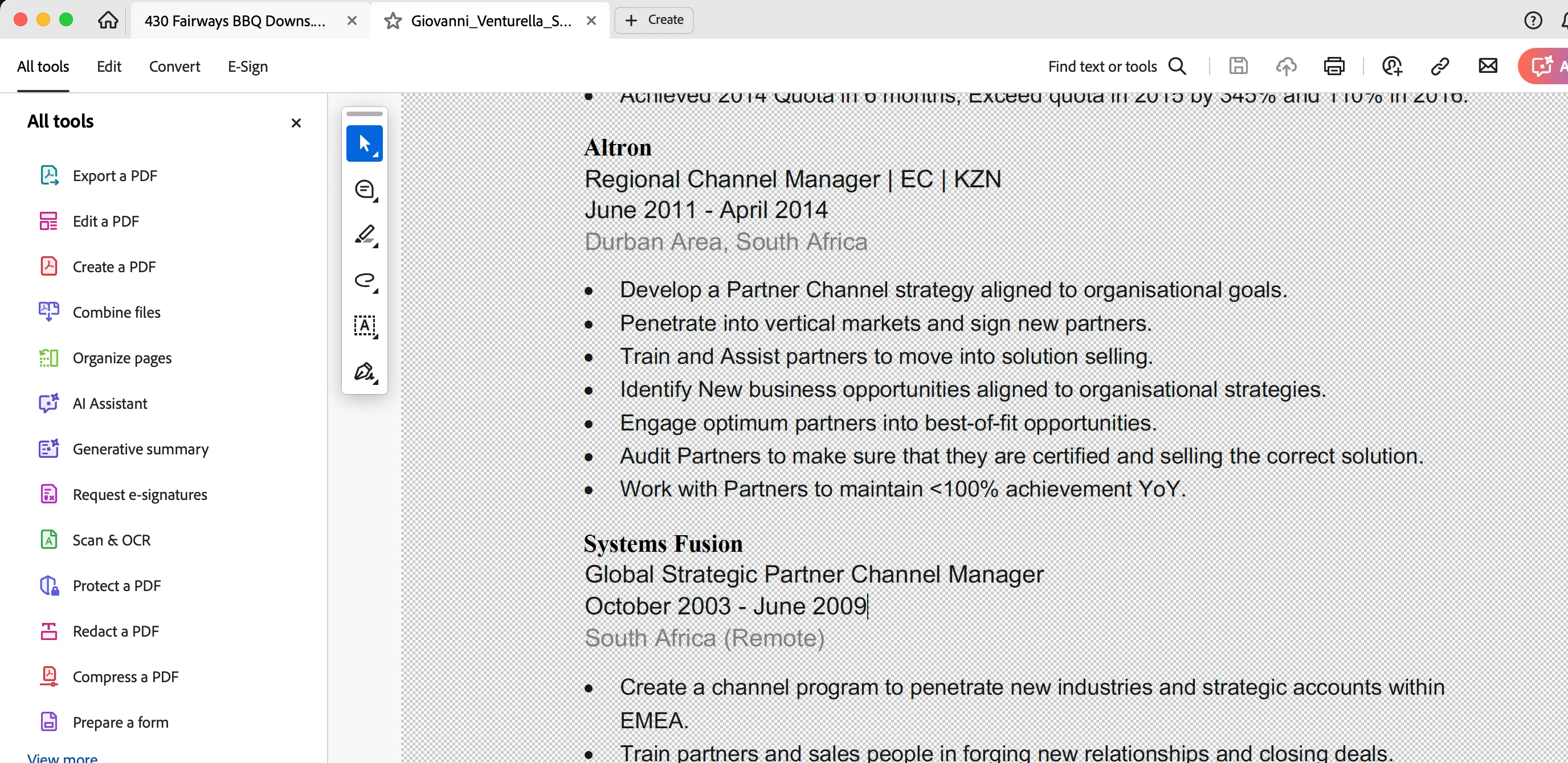
Testerday we did the Apple IOS Sequia Update to version 15.3.2 Suddenly all the pdf files are not showing fonts or text and the background is gone bad. 


Can anyone help? I have re-installed the app, cheched the settings and cannot find any visible errors. 


Please if you can help, email me [Private info removed] this is an urgent request as it is affecting my collegues. 


Anyone else with the problem? I have attached the 2 files examples. 
1 reply

Legend
March 14, 2025

Hi @Giovanni_Venturella2344


Sorry for the troubled experience, and thank you for reaching out.

 Try the following and let us know if that helps: 


- Ensure your copy of Acrobat is updated. To check for updates, launch Acrobat > Help > Check For Updates.

- Launch Google Chrome, press Cmd + O, locate a PDF file, Open it, and see if it renders the same. 

- If you have Adobe Reader installed https://adobe.ly/3DI6IHS , try opening a PDF file in that, and let us know how it works. 


If possible, please share a PDF file with us. Also, let us know the version of Acrobat installed: https://adobe.ly/3XSY8wJ


Also, help us with diagnostic logs:


We need specific logs via the Troubleshoot Acrobat Option. Launch Acrobat > Help > Troubleshoot Acrobat.


In case, you don't view the Troubleshoot Acrobat option, select the Acrobat menu / Edit > Preferences... and then select the Enable troubleshooting option from the General tab. Once the option is checked, you need to navigate to Acrobat > Help > Troubleshoot Acrobat. This tool helps you upload logs to our servers from your machine and share the log ID with us, so we can track them


~Tariq