
Adobe Pro 2020 Sign in loop
Hi, It seems like multiple people are having issues regarding new installation for adobe 2020 std/pro (syntax error), which is getting resolved with modification of a regedit key.
However i am encountering another error as followed:
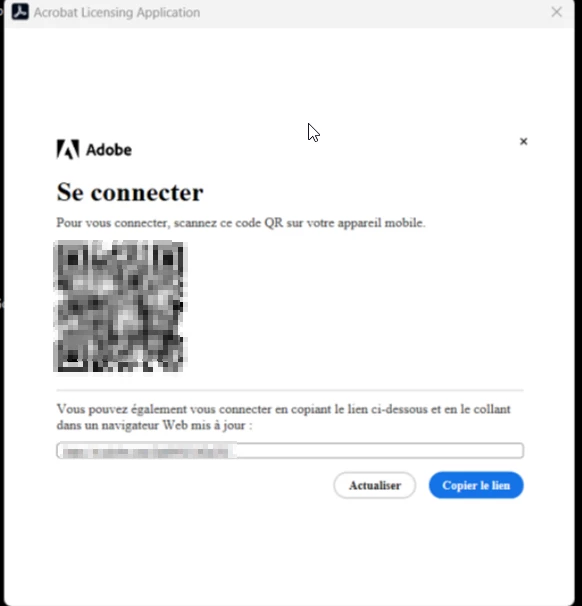
Once I activate and launch Adobe 2020, I am asked to sign in. Rather than directly opening my default browser, I have to copy the link and sign in. Once signed in, it asks me to close the window (on Chrome). I wait a few seconds, and the window closes, bringing me back to the “Connect to Adobe Account” screen on the application itself, and it just keeps looping.
Has anyone encountered this and does anyone know if there is a fix for this ?
//
Unrelated to my issue :
If you are having the synthax issue here is the fix that i saw on the forum :
Setting registry
1. Open Registry Editor from Windows Start menu
2. Navigate to path Computer\HKEY_LOCAL_MACHINE\SOFTWARE\WOW6432Node\Adobe\Adobe Acrobat\2020\Activation
3. On the right side panel, right click and select New->DWORD
4. Type the name of the key, IsAcroLicCEFDisabled
5. Keep the value as 0


 AdChoices