


Question
Adobe Pro 2025, Forms, Accessibility - Difference between Tool Tips and Tagging Titles
We are still struggling to make screen reader fillable forms using in Adobe Pro 2025. Can someone confirm the following information:
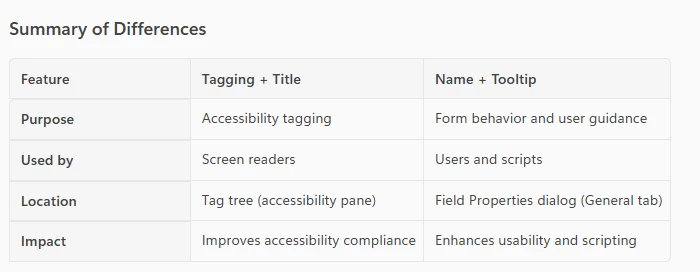
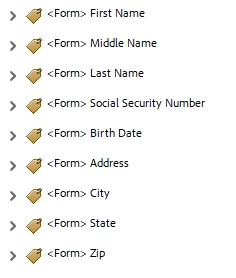
If I understand this correctly, tool tips aren't really needed for screen reader accessibility. So for obvious fields such as Name, Address, Phone Number, we could leave the tool tip off. What IS needed is tagging that looks like this:
Also, does anyone know the specific keyboard combinations NVDA uses to read the content of the form vs the fields of the form? For example, suppose there is a lot of text a signer needs to read before filling out the signature, date signed and printed name fields (indicating agreement to what was just read).
Thanks!
Rachael - IT Department Olmsted County, MN

 AdChoices