
Question
Adobe send email formats content as plaintext
Hello,
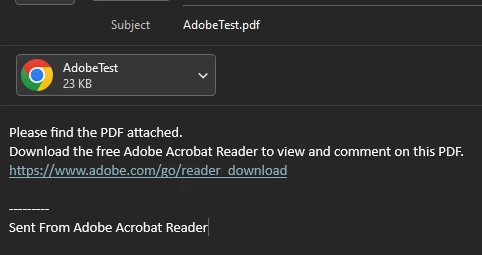
I have several users experiencing an issue when using the 'Send a Link or Attach This File to an Email' option in Adobe.
While the file is attached the message is formatted as plaintext, and Adobe inserts:
Please find the PDF attached.
Download the free Adobe Acrobat Reader to view and comment on this PDF.
https://www.adobe.com/go/reader_download

I've found a workaround in Outlook:
Using the "Format as HTML" option. However, this is not a sustainable solution.
I've found this thread:
https://community.adobe.com/t5/acrobat-discussions/adobe-acrobat-send-file-by-email/m-p/14308791
It did have some useful information, but it was not what i was looking for.
Anyone have a solution to this?
 AdChoices