Hi @UKRobster,
Thanks for reaching out, and for sharing the additional details and logs.
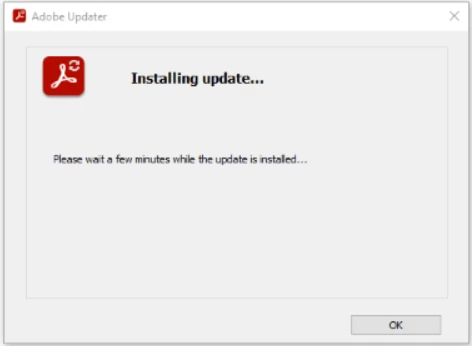
Based on the logs provided, Reader itself appears to be correctly updated to version 26.001.21529, and the update checks are generally completing successfully. The recurring notifications are therefore more likely related to the Adobe updater continuing to run in user sessions within the Remote Desktop Services environment rather than an actual failed update.
For locked-down RDS or multi-user environments, Adobe generally recommends managing updates centrally through administrative deployment methods rather than allowing automatic updates to run interactively in the user context.
If you prefer to avoid user-session update prompts entirely, the recommended approach is to disable automatic user-facing updates and manage Reader updates administratively using scheduled deployment or enterprise management tools.
Adobe’s Enterprise Toolkit documentation provides guidance for managed deployments:https://www.adobe.com/devnet-docs/acrobatetk/tools/DesktopDeployment/index.html
In these environments, administrators commonly:
- Disable automatic update UI for end users
- Deploy updates centrally using management tools or scheduled maintenance windows
- Prevent the updater from running interactively within RDS user sessions
You may want to review the following policy setting:
HKLM\SOFTWARE\Policies\Adobe\Acrobat Reader\DC\FeatureLockDown
DWORD: bUpdater = 0
This disables automatic update checks and suppresses update prompts for users.
After applying the policy, we recommend:
- Restarting the Adobe Acrobat Update Service
- Logging users off existing RDS sessions
- Verifying that the Reader no longer displays update notifications
This approach is generally better suited for shared-session/server environments such as RDS farms.
For more information on deployments, please check Adobe ETK Guide: https://www.adobe.com/devnet-docs/acrobatetk/tools/DesktopDeployment/index.html
~Tariq

 AdChoices