
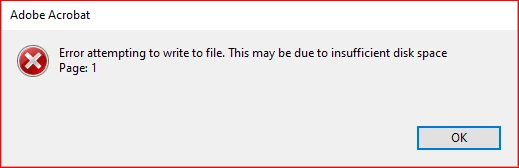
After an unrequested update I get an error attempting to write to a file error
Hi
Hope you are well
I was wondering if you can help me.
I have a Javascript, that provides a button, that when clicked, converts the open file to a jpg file and stores it in a folder
This was working perfectly but there seems to have been an update/change and it no longer works
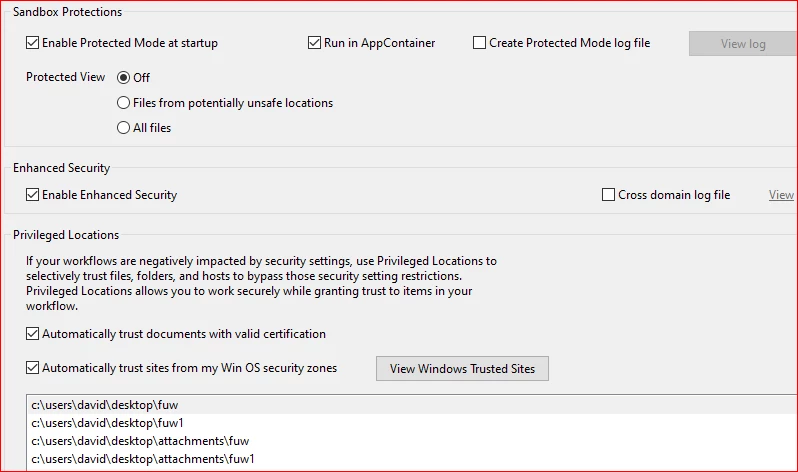
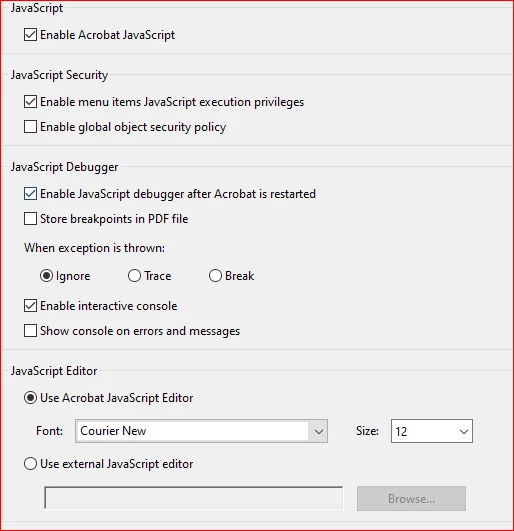
I have checked all security settings and added the path for the storage
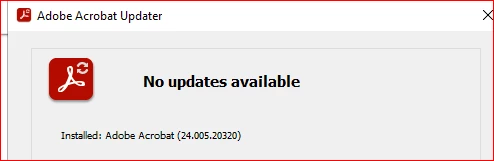
I am on a windows 10 machine, my adobe is set to not update, I discovered the layout was different and then was an option saying about not using this version which I clicked but it still doesn’t work
Can you advise
// Define the trusted function
var myTrustedFunctions = app.trustedFunction(function() {
app.beginPriv();
try {
var savePath = "C:\\Users\\david\\Desktop\\Attachments\\FUW\\renewal.jpg";
this.saveAs({
cPath: savePath,
bPromptToOverwrite: false,
cConvID: "com.adobe.acrobat.jpeg"
});
app.alert("Document exported successfully to " + savePath);
} catch (e) {
app.alert("Error exporting document: " + e.message);
}
app.endPriv();
});
// Add a tool button to execute the trusted function
app.addToolButton({
cName: "Renewal",
cLabel: "Renewal",
cTooltext: "Renewal",
cExec: "myTrustedFunctions()",
cEnable: "event.rc = (event.target != null);"
});
Best wishes
David


 AdChoices