Participant
January 10, 2021
Answered

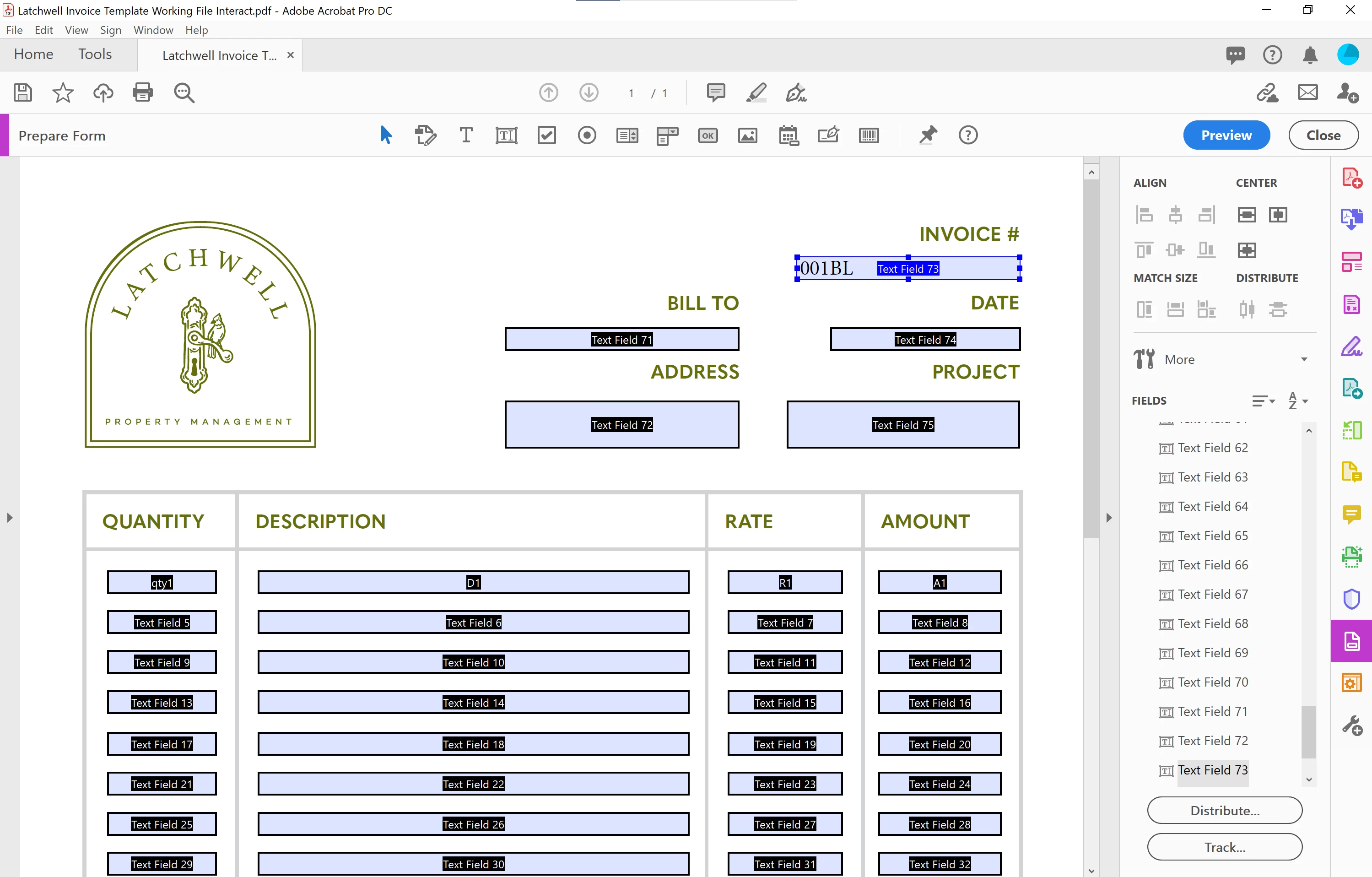
Align greyed out for text, and in prepare form

  • January 10, 2021
  • 1 reply
  • 9222 views

Hello-

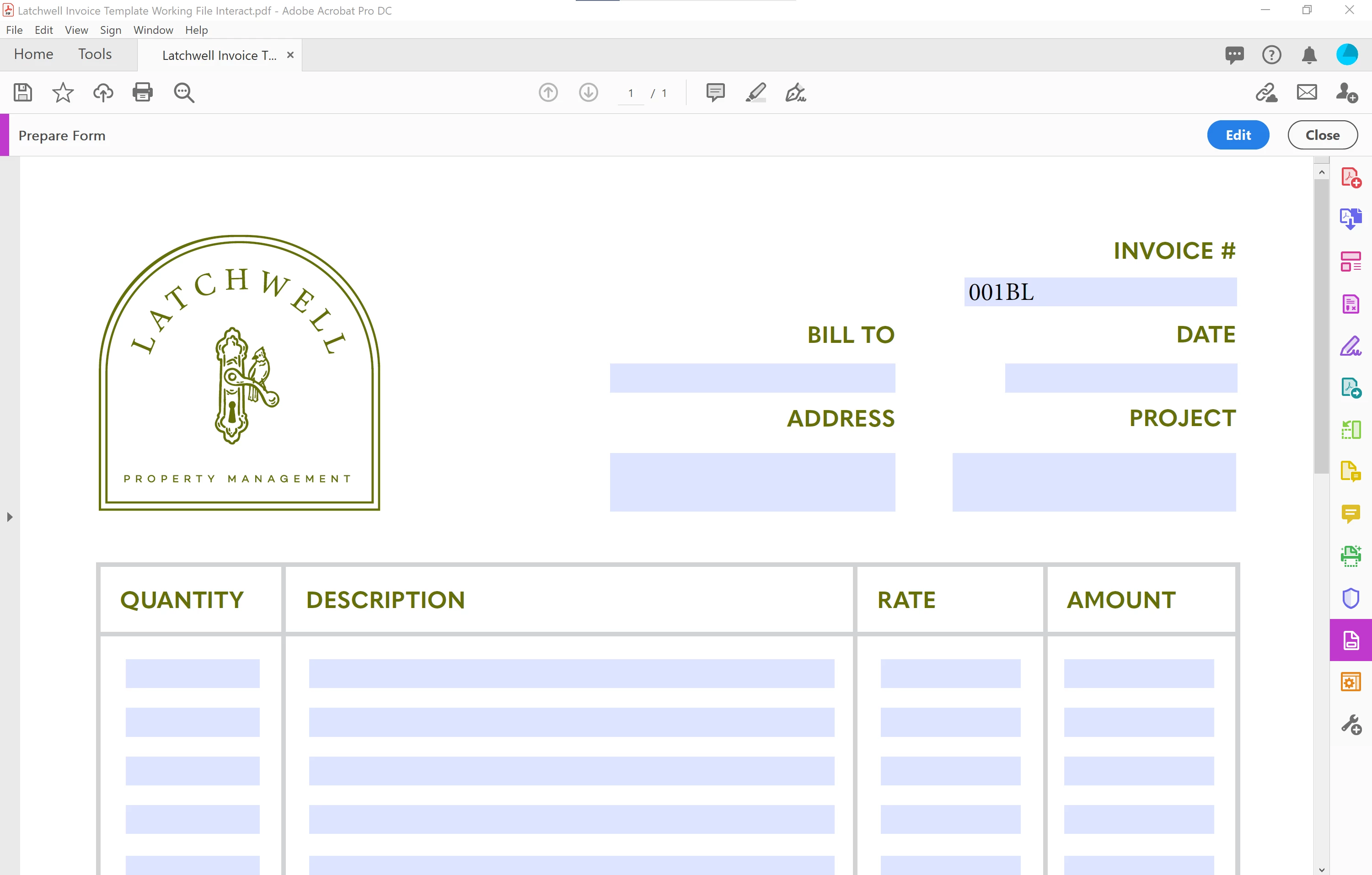
I designed an invoice in InDesign, and made several interactive text fields. Exported as interactive pdf. Most sections need to be right aligned text. When opened in acrobat, all text fields are left aligned, and the align option is greyed out. Not seeing any options for alignment in prepare form text field properties, and in prepare form the align tool is greyed out. No updates needed, 20.013.20074. 

Thank you
 

Correct answer Bernd Alheit

Look at Options at the field properties.

1 reply

Bernd Alheit
Community Expert
Bernd AlheitCommunity ExpertCorrect answer
Community Expert
January 10, 2021

Look at Options at the field properties.

Participant
January 10, 2021

Wow, not sure how I missed that after looking so many times...Thank you!

try67
Community Expert
Community Expert
January 10, 2021

Just to clarify, those "Align" options you thought were for the text alignment are actually to align the position of multiple fields with each other. It becomes enabled when you select more than one field.