Participant
April 14, 2024
Question

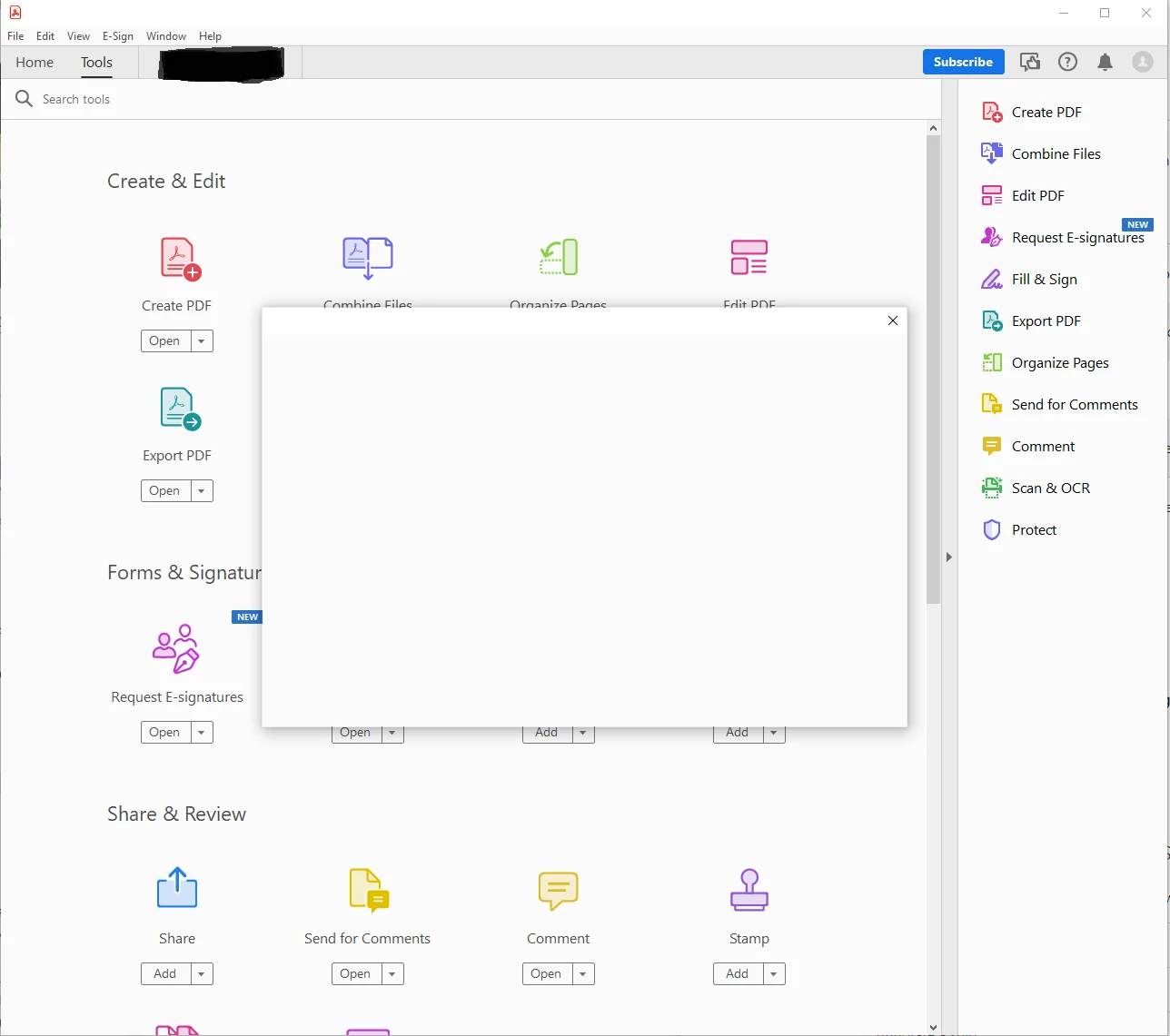
All Dialog Boxes Showing Blank Window - Bug

  • April 14, 2024
  • 1 reply
  • 1436 views

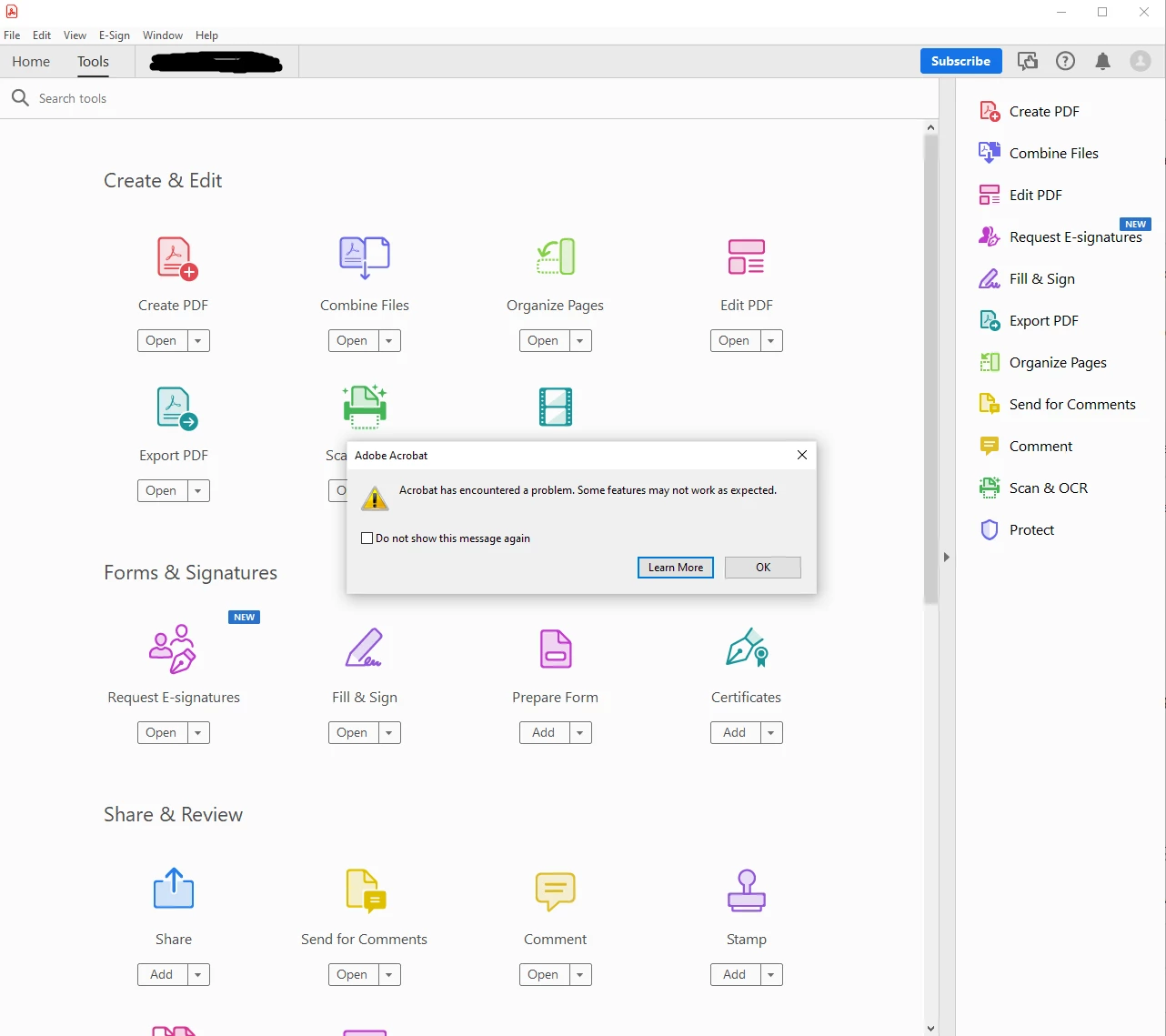
I cannot use any feature of Adobe Acrobat Pro that has a Dialog Box. Clicking on almost every feature or option in acrobat brings up this blank window. They always show up blank immediately, though sometimes I will get an error first, which seems to happen at random.

I am using currently using Adobe Acrobat Pro on Windows 10.

Version 2024.002.20687

File Version 24.002.20687

AGM 7.001.00004

CoolType 8.003.00005

Core Version 24.512

JP2K 4.000.00002.54248


Some of the things I have tried.

-Uninstalling and reinstalling

-Ending Task in tank manager, for just Acrobat as well as all adobe related software

-Restarting my computer

-Editing settings in preferences suggested in similar posts

I have tried all these options multiple times in various orders and combinations to see if I could get anything to work.

I have tried every suggestion I have been able to find in the forums as well as elsewhere online. This issue has been going on for a very long time and I usually just give up trying to troubleshoot and end up using a non-adobe program instead. 
 

This topic has been closed for replies.

1 reply

try67
Community Expert
Community Expert
April 14, 2024

Try running a Repair Installation from the Help menu.

Participant
April 15, 2024

I have tried this a few times before. But, I did try again as I hadn't since my last attempt to edit. Still no fix. Thank you for the reply though.

Meenakshi Negi
Legend
April 15, 2024

Hi ImSoylentGreen,


Thank you for reaching out, and sorry about the trouble.


Please try signing out of the application and reboot the machine. Then, try to sign in in Acrobat. Check if that helps.

You may also try reinstalling the application using the following steps:
-Remove the application and run the cleaner tool (https://www.adobe.com/devnet-docs/acrobatetk/tools/Labs/cleaner.html).
-Reboot the machine
-Install Adobe Acrobat from the following page: https://helpx.adobe.com/acrobat/kb/acrobat-dc-downloads.html. 


If the issue still occurs, please share the process dumps using the steps suggested here: https://helpx.adobe.com/acrobat/kb/acrobat-diagnostics.html. We will get this behavior checked.


Thanks,

Meenakshi