

Known Participant
September 30, 2025
Question

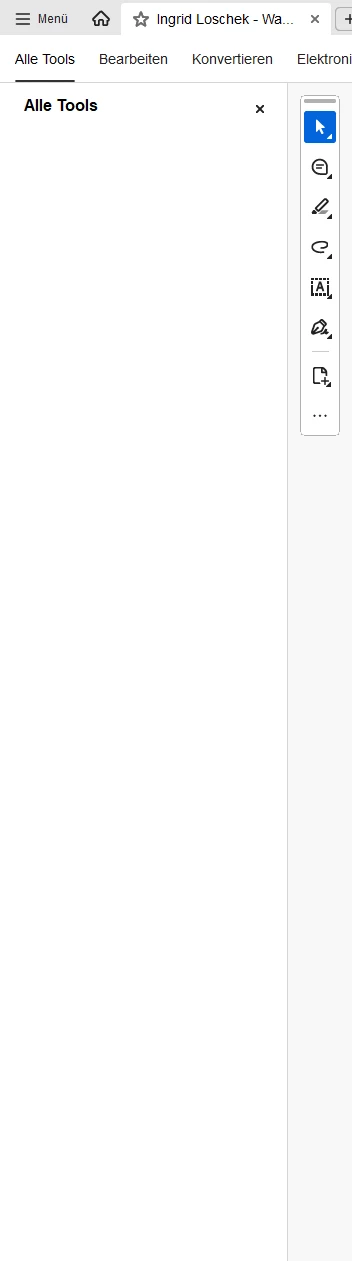
"All tools" area empty since recent

  • September 30, 2025
  • 1 reply
  • 153 views

Anyone else got this, that the tool area is empty?
Reinstall didnt fix it 😞

 

1 reply

Meenakshi_Negi
Legend
September 30, 2025

Hi Jan373823687ed1,


Thank you for reaching out, and sorry about the trouble caused.


Please ensure that you are using the latest version. If you still do not see the tools, please try a clean application install.

You may use the steps sugested below:

-Remove the application and run the cleaner tool (https://adobe.ly/470vGxU).
-Reboot the machine
-Install Adobe Acrobat from the following page: https://adobe.ly/482MxkK.


If the issue still occurs, share the Acrobat and OS version numbers. Please collect logs using the diagnostic tool and share the log ID. 


Thanks,

Meenakshi

EUFjanAuthor
Known Participant
October 1, 2025

Ok, i did so. But I used the Creative Cloud Desktop Windows App to reinstall. 
To no avail. I mean, its the official Adobe App - why should this be the problem. 
Please tell me, why 

-Install Adobe Acrobat from the following page: https://adobe.ly/482MxkK.

is needed.