



NursingNnenna
Participant
June 17, 2026
Answered

All Tools Pane Disappears/Empty When I Select Edit PDF?

  • June 17, 2026
  • 107 replies
  • 27191 views

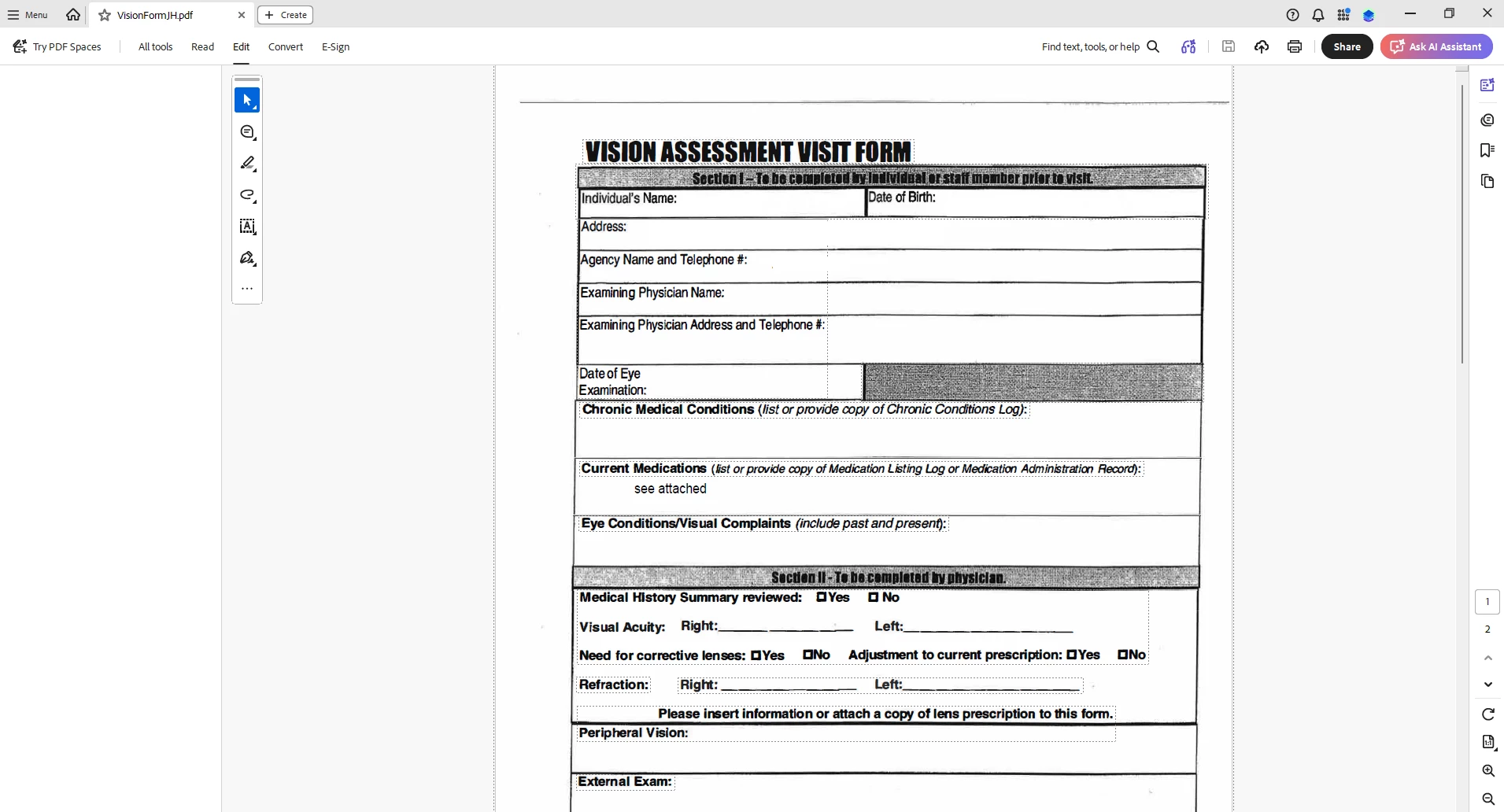
When I select “Edit PDF” option, the “All Tools” pane disappears.

This issue seems persistent.

I’ve tried looking at the view/show settings.

Running a repair on the installation.

Uninstalling and Reinstalling Adobe Acrobat.


Can someone please help or provide some suggestions?


Thank you,
 

    Correct answer Anand Sri Bhattacharya

    Hi All,


    Thanks for your patience and cooperation on this.

    The patch is available with the fix 26.001.21691, Planned update, Jun 25, 2026. Please install the latest build of Acrobat from Menu > Help> Check for updates. Restart the machine after installing the updates, and check the performance of the app.


    Let us know if you experience any issues after installing the latest build


    Regards,

    Anand Sri.

    107 replies

    Gerardo.Ramirez
    Participant
    June 17, 2026

    I’m having the exact same problem along with the rest of my team. The only solution is to disable the new adobe from the menu. A few of us have tried uninstalling/installing/repairing but nothing fixes the issue.

    Participant
    June 17, 2026

    Patch my PC just pushed out an update to Acrobat Pro, now many users in my organization cannot use the toolbar. 

    Version 21662

    Meenakshi0101
    Community Manager
    Community Manager
    June 17, 2026

    Hi All,


    This issue has been reported to the team, and they are currently working on a fix. We will keep you updated with any information regarding this.

    Thank you for your patience.


    Thanks,

    Meenakshi

    Participant
    June 17, 2026

    Several users in our org have reported this starting today. Updated to latest version available (26.001.21677) doesn’t recover the panel. We’re currently using the workaround of disabling “new adobe”. I haven’t tried uninstalling/reinstalling though.


    sibleyc
    Participant
    June 17, 2026

    anyone find a solution yet?

    Participant
    June 17, 2026

    Disabling New Adobe under Menu seems to allow me to use the tools in the meantime. Unsure when this bug will be fixed. 

    Meenakshi0101
    Community Manager
    Community Manager
    June 17, 2026

    Hi NursingNnenna, and KGoodwin2,


    Thank you for reaching out, and sorry for the trouble caused.


    Please confirm if the issue started recently. If yes, could you please share the current Acrobat and OS version numbers installed on the machine.


    In the meantime, please try reinstalling once again using the steps suggested below:

    • Remove the application and run the cleaner tool (https://www.adobe.com/devnet-docs/acrobatetk/tools/Labs/cleaner.html).
    • Reboot the machine 
    • Now install Adobe Acrobat from the following page: Download Acrobat.


    Let us know how it goes.


    Thanks,

    Meenakshi

    edward_8377
    Participant
    June 17, 2026

    I am having the same issue!!!~!!!!!!!


    Meenakshi0101
    Community Manager
    Community Manager
    June 17, 2026

    Hi edward_8377,


    Thank you for reaching out and reporting this.


    Please try reinstalling the application using the steps suggested above. If the issue still occurs, please share the following information:

    • Since when has the issue started?
    • Did you make any recent changes, like updating the application?
    • Share the Acrobat version number
    • OS version on the machine.

    Let us know how it goes.


    Thanks,

    Meenakshi

    KGoodwin2
    Participant
    June 17, 2026

    I am having the same issue.  

    K.
