
annoying info bubbles
I am using Acrobat Pro 2024 on a Mac laptop (OS: Sanoma 14.5). When I pause the cursor (same for select or pan cursors) in the text while reading pdf's of published scientific journal articles, a little gray box pops up that says, for example, "Image of Fig. 6" (see below):
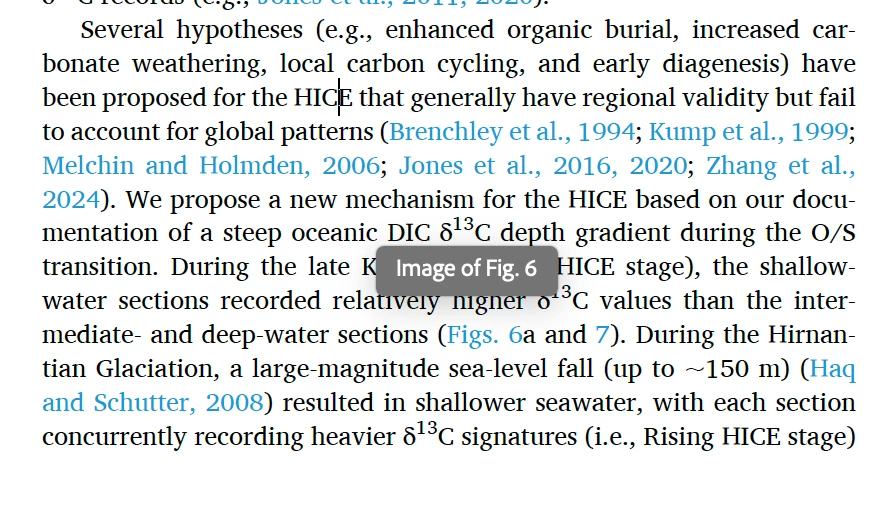
It refers to a figure on that (or a near by) page, although it's not always the closest figure. It's a constant presence that reappears every time I pause on a page that includes a figure and stays until I move the mouse to a new spot where it then reappears. Goes away if I move the cursor off the page but then cannot scroll without pointing at the page again and back it comes. It is not there if the page has no figure, so I guess this is something that Adobe or the journals thinks is helpful. Not. Super annoying, actually.
I have tried everything I can think of to turn it off (having read various threads about blocking popups and tool tips, etc.) but without any success. Turned off all the accessibility helpers both on Acrobat and Mac OS, disabled reading PDF/A, and a couple other suggestions from these threads. No difference. Does anyone have a suggestion about how to make this stop?


 AdChoices