This topic has been closed for replies.

2 replies

ls_rbls
Community Expert
Community Expert
March 1, 2023

Hi @T41293 ,


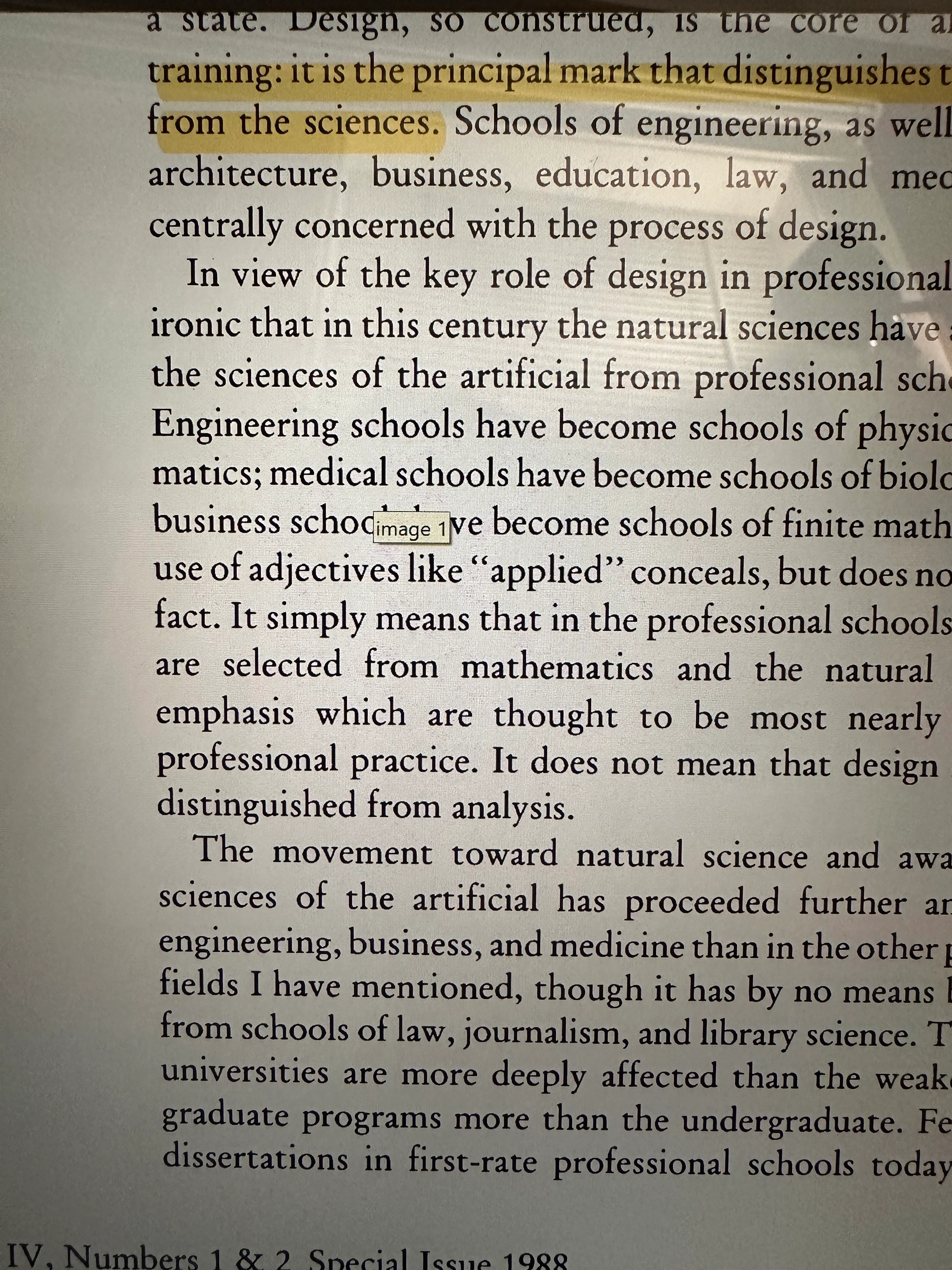
Seems like an image field object; maybe a picture place holder.


The little yellow banner is a tooltip.


If you don't want this tooltip feature to appear when the mouse pointer is hovered over that image field, do this:


  • Open the Prepare Form tool
  • right-click on the image field and select "Properties" from the context menu
  • select the "General" tab (first tab (from left to right) in th4 "Button Properties" dialog window)
  • See the blank "Tooltip"
  • Remove or delete the text in there and click Close to commit the changes
  • Save the file


try67
Community Expert
Community Expert
March 1, 2023

This is alt-text for an image, not the tooltip of a button field.

ls_rbls
Community Expert
Community Expert
March 1, 2023

Thank you! (as usual).


Just curious... How were you able to tell the difference without looking at the file?


Is it because the image was produced from a scanned image like @Bernd Alheit suggested?

Bernd Alheit
Community Expert
Community Expert
March 1, 2023

Is this a scanned document?