
Participant
September 18, 2024
Question

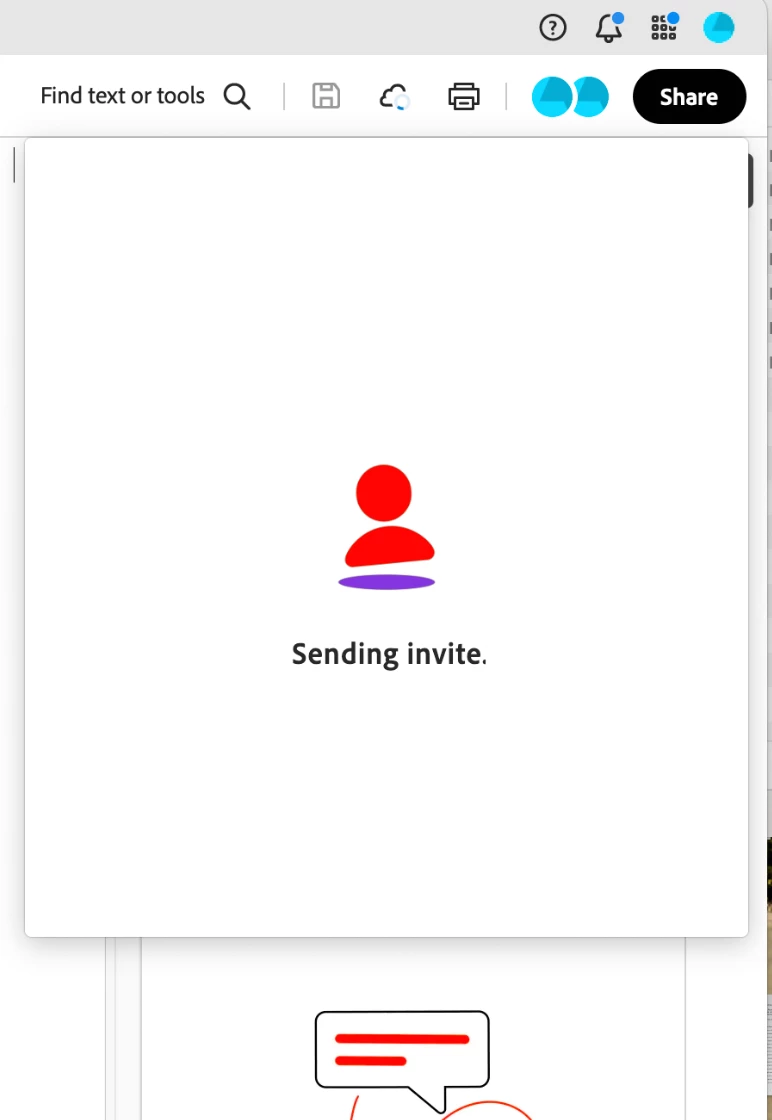
Any Way to Turn Off Acrobat Share/ Invite Animation?

  • September 18, 2024
  • 1 reply
  • 227 views

When I hit the the invite button when sharing a file (via the Share button) a LARGE Clippy style animation pops up in the upper right, that is wildly intrusive and distracting. It seems maybe approriate for a surpise party invitation, but not for the dozens of work files I need to share daily. I've searched for ways to turn it off, but haven't been able to find the setting, please someone tell me it can be turned off, and how to do that.
This topic has been closed for replies.

1 reply

Souvik Sadhu
Legend
November 17, 2024

Hi @Kerry Maxwell,


Hope you are doing well. Thanks for writing in!


I tried the workflow, and it seems this animation is shown on the first instance of sharing a file.

While I couldn't find a concrete solution to disable the animation, would you mind sharing this here: https://acrobat.uservoice.com/ to ensure that it reaches the dev team for review and future implementation?


Thanks,

Souvik