
Any way to universally change margins/gutters in Acrobat?
I have been tasked to do an updated version of a book with a new preface. The core of the book (700-some pages!!) is to remain the same. The original publisher is defunct so all I have is a PDF copy of the formatted manuscript. Now that I am adding 50 additional pages, the spine of the book is a bit wider and therefore the layout for each page has shifted very slightly.
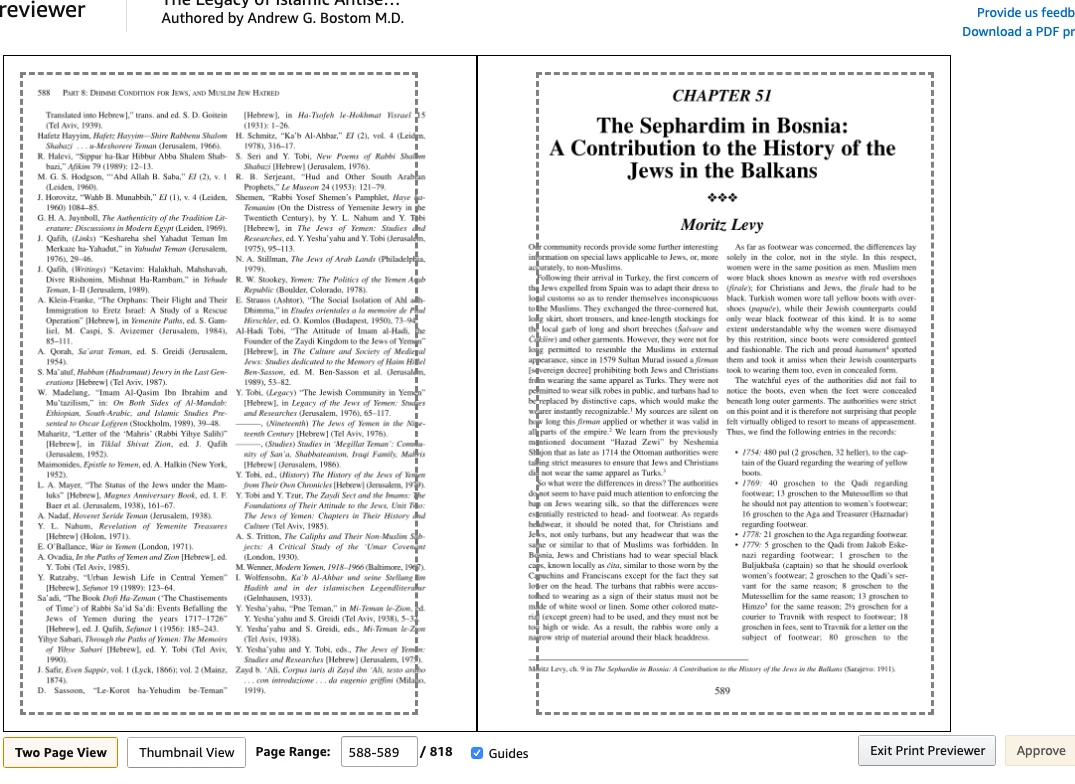
I've read several threads here saying you cannot change margins and have the words wrap etc as you would in a word processor. That's NOT what I need to do. I just need to simply shift the WHOLE text section of the page over very slightly to adapt it to the new page shape created by the slightly larger spine. See below.
The only way I can think to do this off the top of my head is to manually move each text box to either side. Considering this part of the book is 733 pages, that would be an incredibly labor-intensive task, so obviously I'm trying to avoid that. Any ideas?
Thanks!


 AdChoices