


Question
Auto sizing malfunction in multi-line text fields
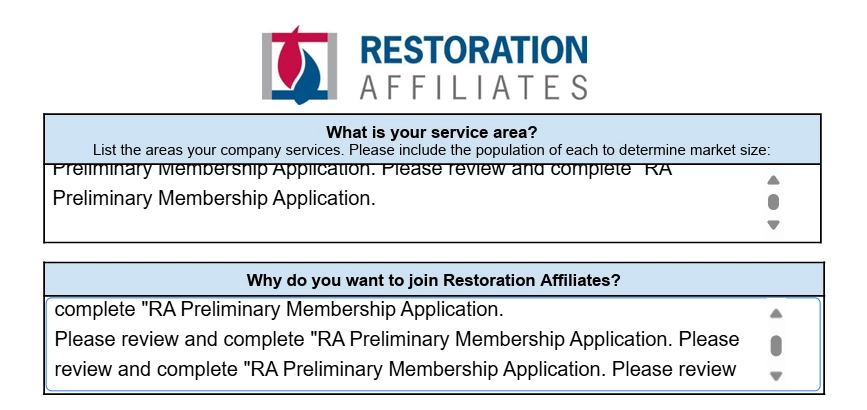
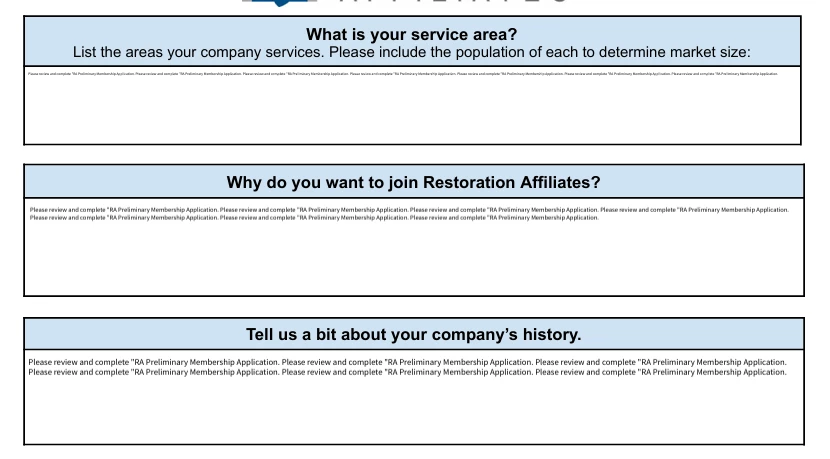
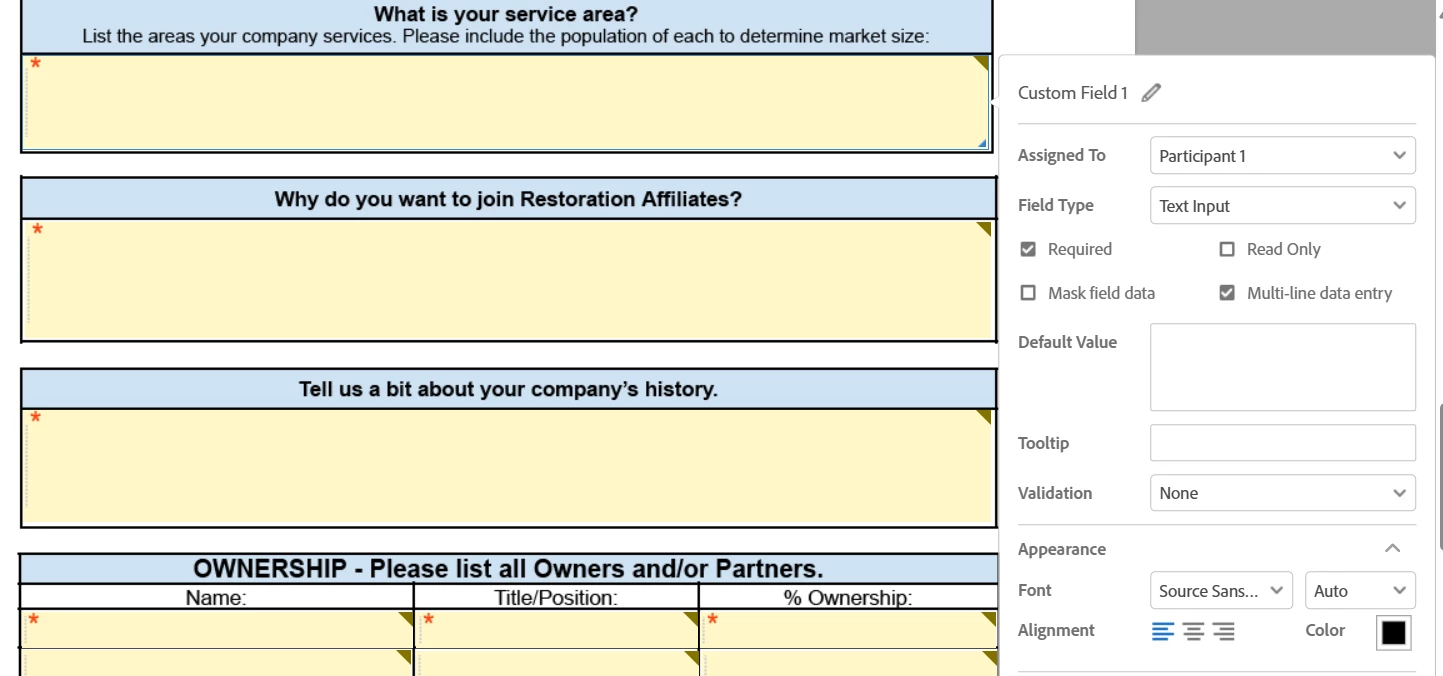
There are text fields in a fill and sign document that are multi-line data entry with the text size set to auto. Instead of autosizing the text over multiple lines to fill the space reasonably, the text gets squished and shrunk to fit on a single line that is far too small to read. I've tried toggling various features off and back on. I even tried creating a new template in case it was simply a glitch with using old templates. Still getting the same issue. Is there a way to fix this?
It happens when a recipient submits the completed form. It looks normal when typing but small when final PDF received. I attached screenshots of settings, fields when complete and while filling out the form.
 AdChoices