



Answered
Best practice for validating date and time inputs in Acrobat forms?
Hello everyone,
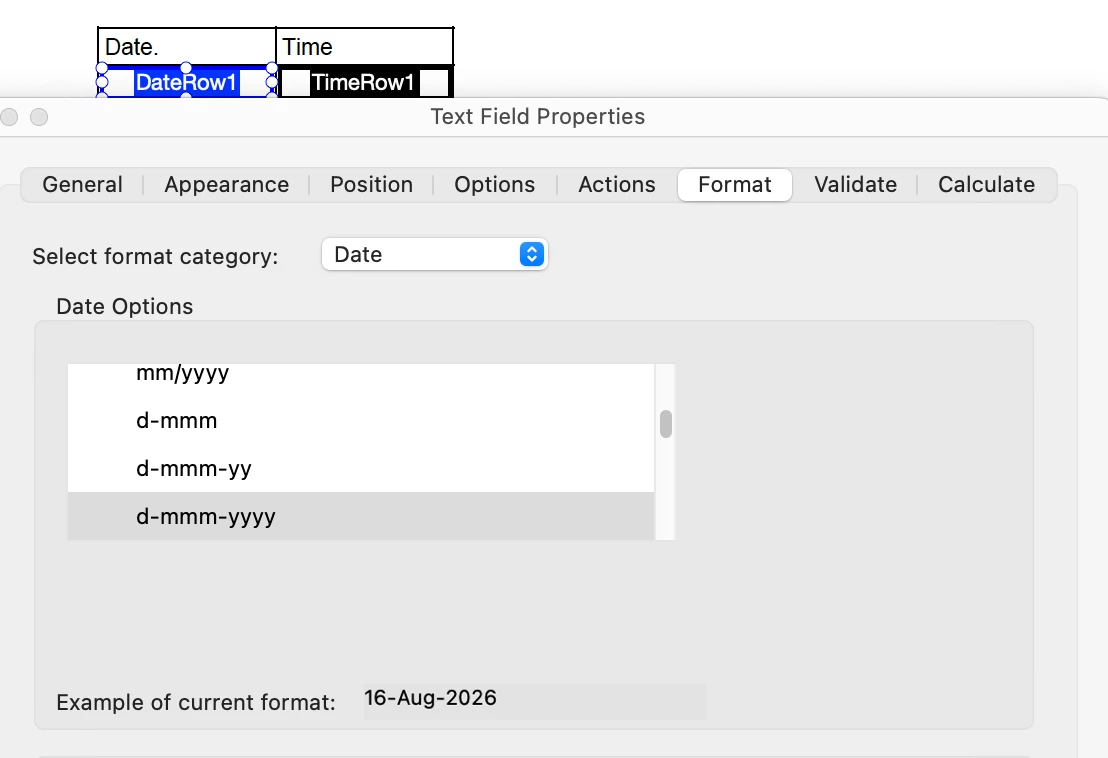
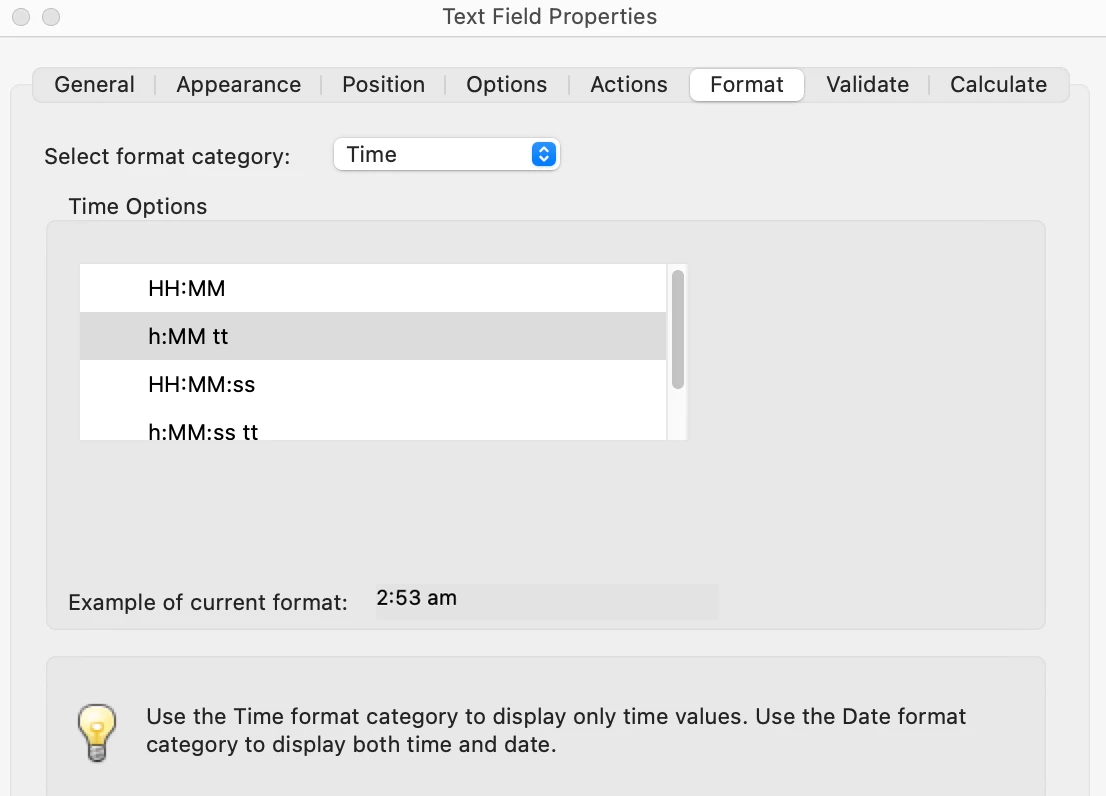
I'm designing an interactive PDF form in Adobe Acrobat that relies on multiple user-entered values, including date and time fields.
The goal is to ensure users enter complete and valid information before calculations are performed. Similar input workflows can be found in online tools such as:
I'm evaluating different approaches inside Acrobat forms and would appreciate advice from those with more experience.
Specifically:
- Is it better to validate fields using Acrobat JavaScript or built-in field validation?
- How do you handle incomplete date/time combinations without confusing users?
- Are there recommended techniques for preventing calculation errors when required fields are missing?
- What approach scales best when a form contains many dependent fields?
My priority is creating a reliable and user-friendly experience while keeping the form maintainable over time.
I'd love to hear how others handle complex input validation in Acrobat.
Thank you.

 AdChoices