

Blank error box when trying to run a script in Illustrator
So i'm new to scripting but I'm trying to create a script that does a 'find and replace' for dates in Illustrator for my product label files.
i used chat gpt to make the code and seems like it should work but i keep getting an error from Adobe that is just a yellow triangle with no words when i try to run it.
Anybody seen this before? Or is my code wrong? I've tried using the mac script editor as well as text edit with the extension .jsx.
Nothing seems to work and any help would be awesome!
Thank you
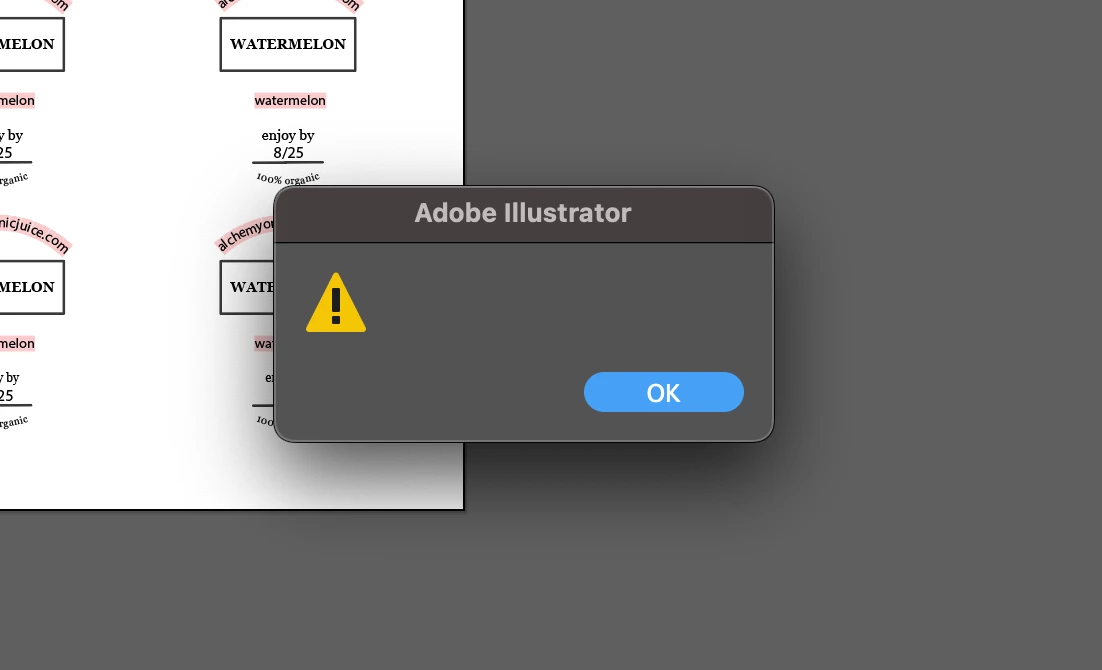
code i'm using below:
// Check if Adobe Illustrator is running
if (app.name === "Adobe Illustrator") {
var doc = app.activeDocument;
// Loop through all page items in the document
for (var i = 0; i < doc.pageItems.length; i++) {
var pageItem = doc.pageItems[i];
// Check if the page item is a text frame
if (pageItem instanceof TextFrame) {
var textRange = pageItem.textRange;
// Find and replace the text
var newText = textRange.contents.replace(/3\/31/g, "8/24");
// Update the text if replacement occurred
if (newText !== textRange.contents) {
textRange.contents = newText;
}
}
}
alert("Text replacement completed.");
} else {
alert("Please run this script in Adobe Illustrator.");
}


 AdChoices