


Participant
October 24, 2025
Question

Blank Every Ten Files

  • October 24, 2025
  • 1 reply
  • 71 views

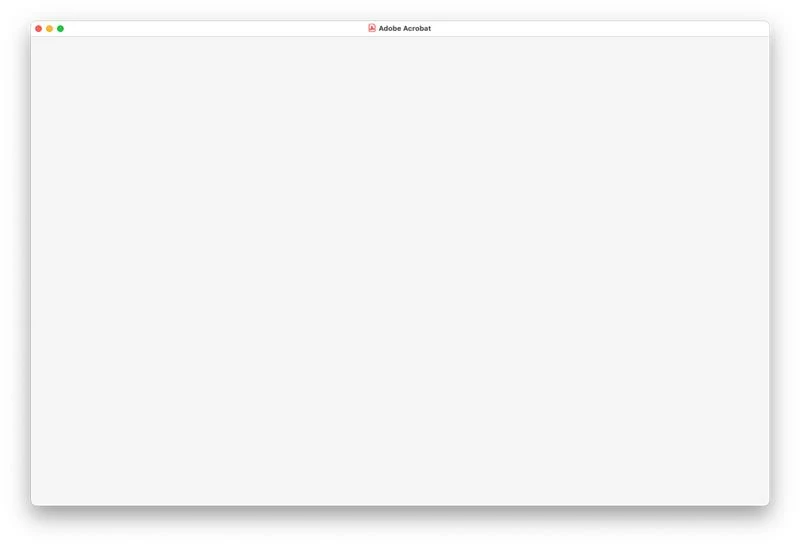
About every tenth file I open I get a blank screen. This has been going on for about a month. I've shut down, restarted, deleted preferences, and reinstalled Acrobat twice, and still having this problem. Quitting and reopening the file works, but I'm having to do this about twenty times a day. No one else in my department is having this problem. 
 

Acrobat Pro 2025.001.20813

MacBook Pro M4 Max

Sequoia 15.6.1

1 reply

Randy Hagan
Community Expert
Community Expert
October 24, 2025

Generally when something like this happens on an erratic basis, it's because Acrobat conflicts with some other application or utility on your system.


Has Acrobat always done this on your MacBook Pro? Or is it a recent development? If it is recent, did the problem come up after adding or updating some other software? If it's due to a system upgrade, you may have to rollback to a previous version of MacOS Sequoia to get past the problem. If it's another application, you may be able to sleuth it by opening your MacBook in Safe Mode. You can learn more about what safe mode does and how to activate it by following this link. Then, it becomes a matter of finding which app/utility is causing the conflict.


Hope this helps,


Randy

JP MartinAuthor
Participant
October 24, 2025

Thank you for your reply! Does the conflicting app necessarily have to be running to interfere with Acrobat? Right now the only "recent" app that I've installed is ScreenFlow. But those two aren't usually running at the same time. 

Randy Hagan
Community Expert
Community Expert
October 24, 2025

It doesn't have to be running. It only has to be there.


Opening in Safe Mode will give you insight whether you have to deal with ScreenFlow or not. I haven't used that app for a long time, but it is an excellent tool for recording onscreen content and enhancing it with audio and video. If it turns out that's the culprit, You can try other tools that might work better for you.


Good luck,


Randy