
Sporting Group IT
Participant
July 26, 2023
Question

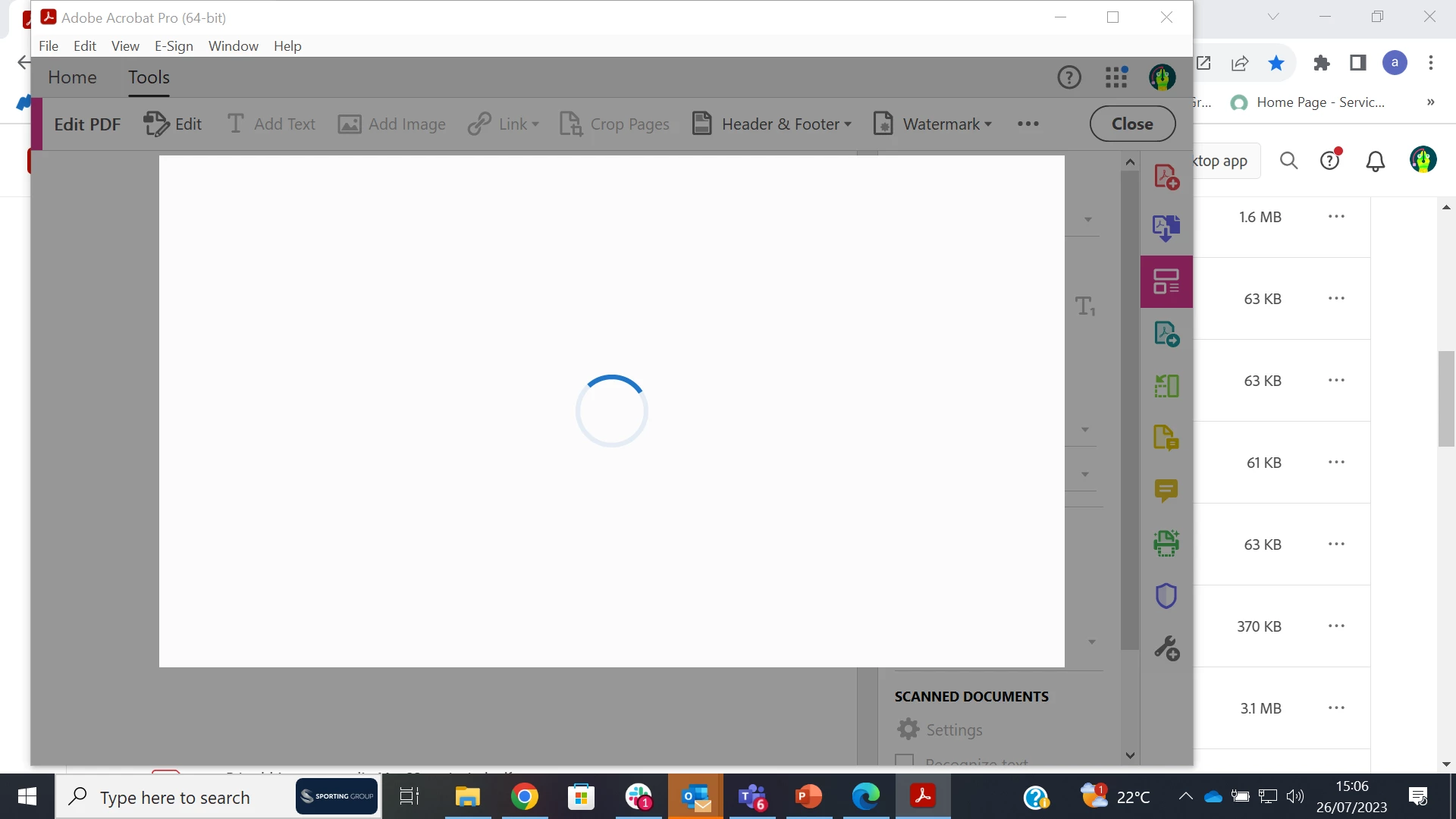
Blank Pop-up screen after launching Acrobat Pro

  • July 26, 2023
  • 2 replies
  • 698 views

Hi everyone, few users from my team have reported the same issue for the last few days. When they launch the Acrobat Pro, in a few seconds appears, a blank white window with a "loading icon". 

Actions taken:

1. Update to the latest version.

2. Reinstall the app.

3. Run as Administrator.
4.  Remove any stored credentials that have Adobe User in Windows Credential Manager. ( as it was mentioned here Solved: Re: Strange Pop-Up Window Appears When Opening Ado... - Adobe Support Community - 12417429 )


Unfortunately, non of the actions I took solved the issue.


You can see the issue on the screenshot.
This topic has been closed for replies.

2 replies

Participant
July 26, 2023

I can confirm we have the same issue, on multiple computers. What is the solution? Your software is basically useless at the moment.

mariahweyne
Inspiring
July 26, 2023

Try to change these settings. 


AkanchhaS8194121
Legend
July 26, 2023

Hi @Sporting Group IT 


Sorry to hear about the trouble caused, and we appreciate that you have shared the troubleshooting steps performed. 

Since it's still not working even after uninstalling and updating the application. Please help us with the following logs:

Please collect the Adobe CC logs https://helpx.adobe.com/creative-cloud/kb/cc-log-collector.html  

 Procmon Logs: [Windows only]

https://www.adobe.com/devnet-docs/acrobatetk/tools/Labs/acromonitor.html


Note: share the logs by uploading them to any cloud storage. 


Thanks,

Akanchha