

Answered
Blank popup windows after opening Acrobat
Hello,
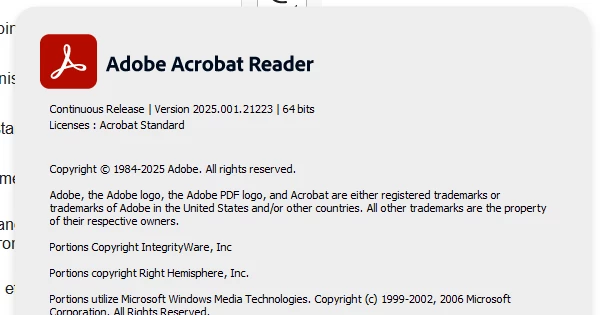
On a new Windows 11 laptop, I have installed Acrobat and when I start it, after some sec (5-10) a blank popup windows appeared and acrobat freezed. No possibility to close it, just possibility to kill it via the process manager tool. I updated it to version 2025.001.21233 64 bits without success.
Behind the blank popup you can see the Acrobat view, confirming that the Blank popup is an acrobat popup.
Of course, I tried to repair / Uninstall / Resinstall acrobat without success.
Who face similar issue and what was done to unblock the situation ?
Tks for your support.

 AdChoices