Participant
June 28, 2024
Answered

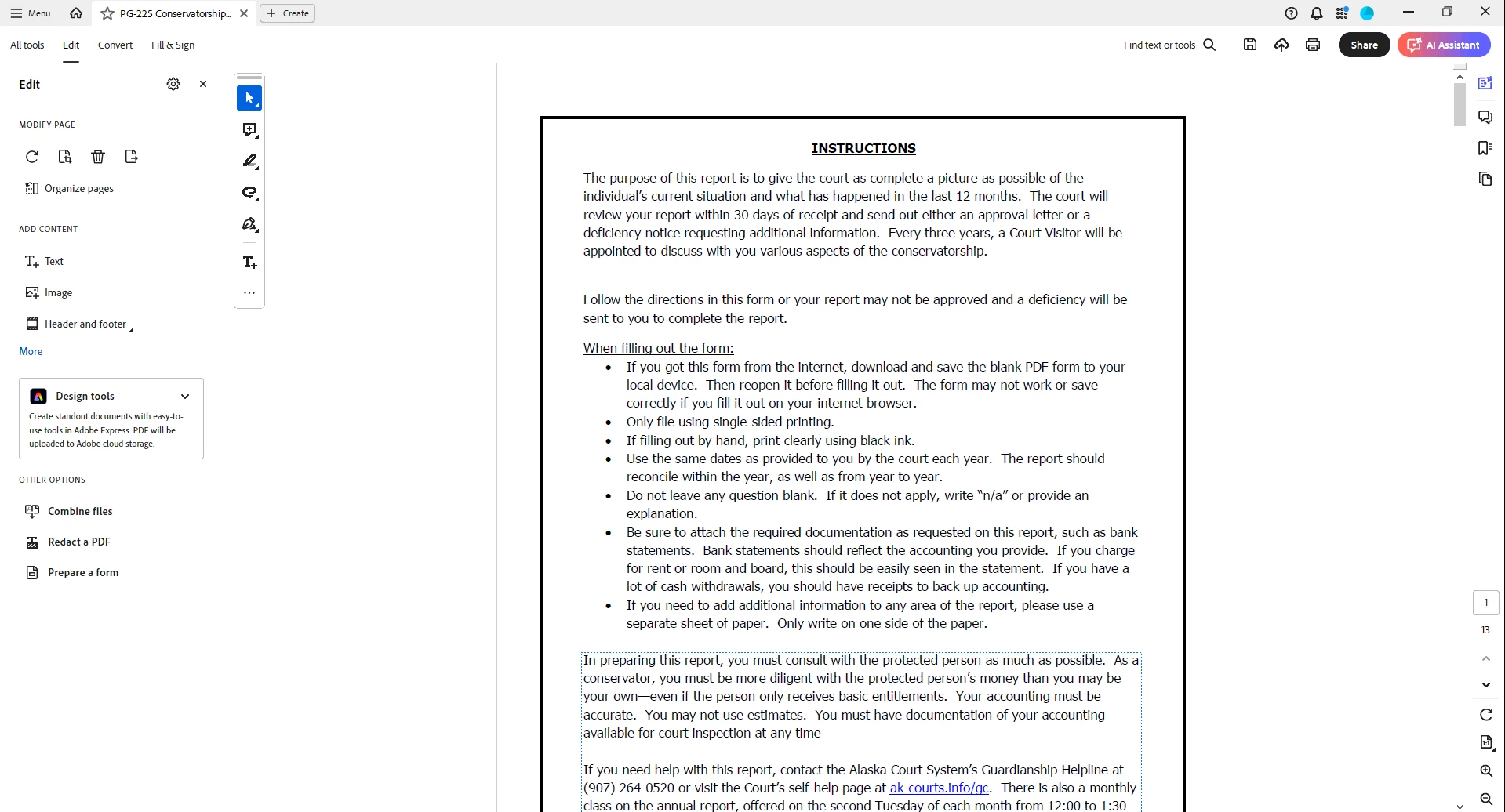
Blue dotted lines around text

  • June 28, 2024
  • 3 replies
  • 860 views

Hello.


This issue start 6/25 and even adobe support has been unable to resolve it.


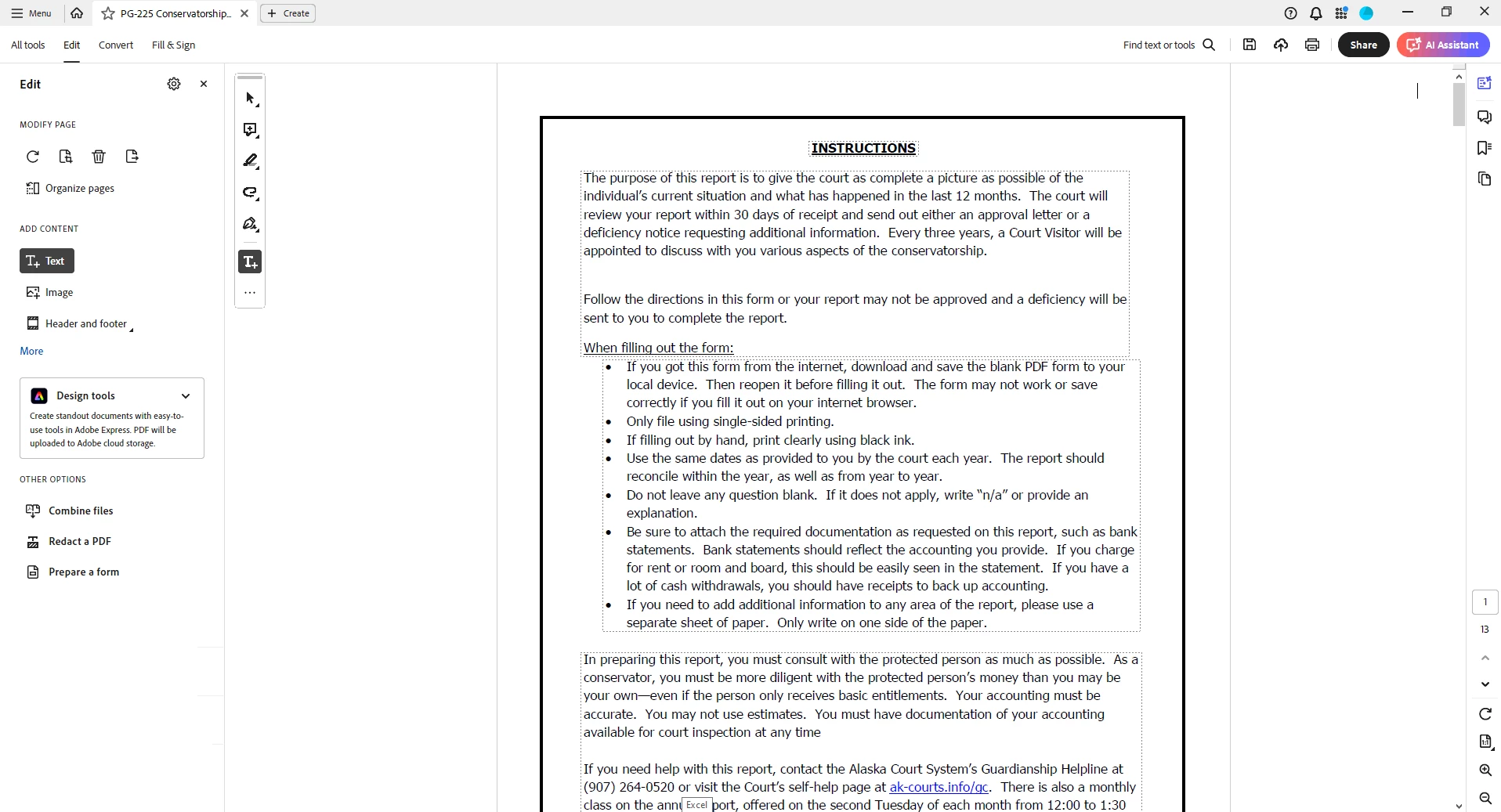
I am getting these blue dotted lines even when bounding boxes are turned off I still see them. The issue is some of the documents I work with has the lines going up and down the entire page and its impossible to work on them.


Any help to remove them for all pdfs would be amazing


EX:
 

This topic has been closed for replies.
Correct answer Tariq Dar

Hi @EthenAK 

When a user is performing an Edit operation on a file and hovering over a paragraph of text, a dotted bounded box will appear. This is the designed behavior now.  

The bounding box will disappear as you move your mouse pointer over something else. 

Feel free to reach out if you have further questions.

~Tariq

3 replies

Tariq DarCorrect answer
Legend
August 12, 2024

Hi @EthenAK 

When a user is performing an Edit operation on a file and hovering over a paragraph of text, a dotted bounded box will appear. This is the designed behavior now.  

The bounding box will disappear as you move your mouse pointer over something else. 

Feel free to reach out if you have further questions.

~Tariq

JR Boulay
Community Expert
Community Expert
July 8, 2024

Try to revert to the Classic UI: https://community.adobe.com/t5/acrobat-discussions/acrobat-2023-how-to-revert-to-classic-gui-user-interface/td-p/14052807
Consider the "new Acrobat" as a beta version, many features are still missing or half-implemented.

Acrobate du PDF, InDesigner et Photoshopographe
Amal.
Legend
July 8, 2024

Hi there,


Hope you are doing well and thanks for reaching out.


Please go through the correct answer marked in the similar discussion (https://adobe.ly/3zC108c) and see if that works.


Let us know how it goes.


~Amal